

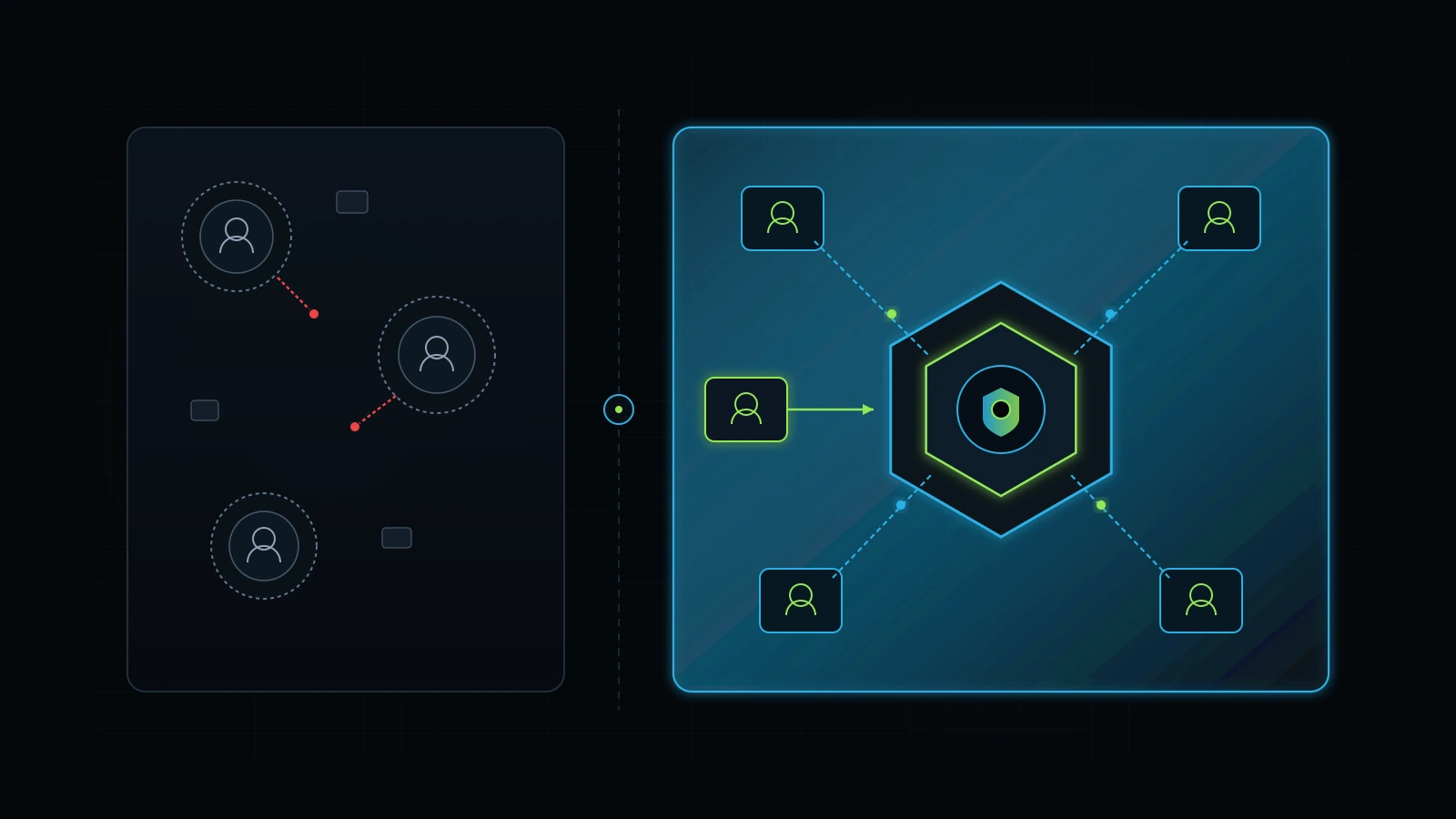
Passing personal logins around Slack is an operational and confidentiality liability.
Use these four operator checkpoints before committing company capital to Claude Team.
Yes, Claude Team is worth it for small service businesses and agencies with three or more active team members who rely on Claude for copywriting, technical documentation, complex data extraction, or code generation. Priced at $25 per user per month billed annually ($300 per seat per year) or $30 per user per month billed monthly (Anthropic Pricing Documentation, 2026), Claude Team solves four critical operational problems: personal password sharing, lack of central billing, accidental client data exposure to public training pools, and knowledge loss when employees leave.
According to Anthropic’s pricing documentation, Claude Team comes with a mandatory minimum of five seats. That sets your financial entry point at $125 per month on annual billing ($1,500 upfront per year) or $150 per month on a month-to-month plan (Anthropic, 2026). If you run a two-person agency or work as a solo consultant with occasional freelance help, paying for five seats when only two people use the platform feels wasteful. In contrast, OpenAI’s ChatGPT Team enforces a lower two-seat minimum ($50 to $60 per month).
Over a decade of practical experience helping founders exit the operator trap, I have watched business owners waste substantial budgets on software tools they never integrate into daily routines. Across my own three active businesses today, we keep our operational software stack lean and disciplined. In my firsthand experience, our core AI tool spend stays under roughly $100 per month across three businesses (a founder-reported figure covering our primary subscriptions and targeted API credits like DataForSEO, excluding team payroll, hosting, and agency labor). The secret to high operational output is not buying the most expensive software tier available. It is matching the right software tier to documented workflows, training department champions, and holding staff accountable on a shared task board.
This guide provides the exact operational numbers behind is claude team worth it, compares claude team vs pro across security and cost, explains how Claude Projects eliminate operational drift across your team, and hands you a five-step deployment roadmap to roll out Claude Team without burning capital. If you want to compare individual subscriptions first, read our review on is Claude Pro worth it for business and our breakdown on is ChatGPT Team worth it for small business.
The 60-Second Verdict: When to Upgrade to Claude Team (And When to Stay on Pro)
Upgrade to Claude Team when your business has at least three full-time knowledge workers who produce client deliverables with Claude daily and require shared project repositories. At $125 per month on annual billing for five seats, the platform pays for itself if your team recovers approximately two hours of billable administrative labor per month across the entire company.
+-------------------------------------------------------------------------------+
|                        CLAUDE TIER DECISION MATRIX                            |
+-------------------+--------------------+------------------+-------------------+
| Operating Context | Recommended Tier   | Monthly Cost     | Primary Driver    |
+-------------------+--------------------+------------------+-------------------+
| Solo Operator     | Claude Pro         | $20 / month      | Zero employees,   |
| (1 user only)     |                    | (single seat)    | individual chats  |
+-------------------+--------------------+------------------+-------------------+
| 2-Person Team     | Hybrid (2x Pro)    | $40 / month      | 5-seat minimum on |
| (Small boutique)  | or ChatGPT Team    | (2 individual)   | Team is overkill  |
+-------------------+--------------------+------------------+-------------------+
| 3 to 20 Staff /   | Claude Team        | $25 - $30 / seat | Client privacy,   |
| Agency Specialists|                    | (min 5 seats)    | shared Projects   |
+-------------------+--------------------+------------------+-------------------+
| Heavy Coder /     | Claude API +       | Pay-per-token +  | Custom tooling,   |
| Systems Builder   | Claude Pro         | $20 / month      | automated scripts |
+-------------------+--------------------+------------------+-------------------+
| Enterprise Firm   | Claude Enterprise  | Custom Contract  | Single Sign-On,   |
| (50+ seats)       |                    | ($60+ / seat)    | 500k context, BAA |
+-------------------+--------------------+------------------+-------------------+
Skip Claude Team under three specific operational circumstances:
- You operate with fewer than three active users: If only you and an assistant use Claude, buying five seats means paying for three empty seats every month. You are better off maintaining two separate $20 Claude Pro subscriptions ($40 per month total) until your team headcount reaches four or five people.
- Your team only uses AI for basic brainstorming: If your employees use artificial intelligence solely to correct email grammar or generate simple social media ideas, paying for higher rate limits and shared project repositories is unnecessary. Free accounts or entry-level tools suffice.
- You have zero documented standard operating procedures: If you do not have documented brand guidelines, tone guides, or step-by-step deliverable templates, creating a shared Claude Project will not produce consistent results. Software cannot compensate for absent business systems.
If you have three to twenty team members collaborating on client deliverables, handling sensitive business data, and needing shared context, Claude Team is the correct operational choice.
Claude Team Pricing and the 5-Seat Minimum: Breaking Down the Math
Anthropic offers two simple billing options for Claude Team: $25 per user per month billed annually ($300 upfront per seat per year) or $30 per user per month billed monthly (Anthropic Pricing Documentation, 2026). The defining factor for small business owners is the mandatory five-seat minimum, which makes the floor cost $125 per month on annual billing or $150 per month on monthly billing.
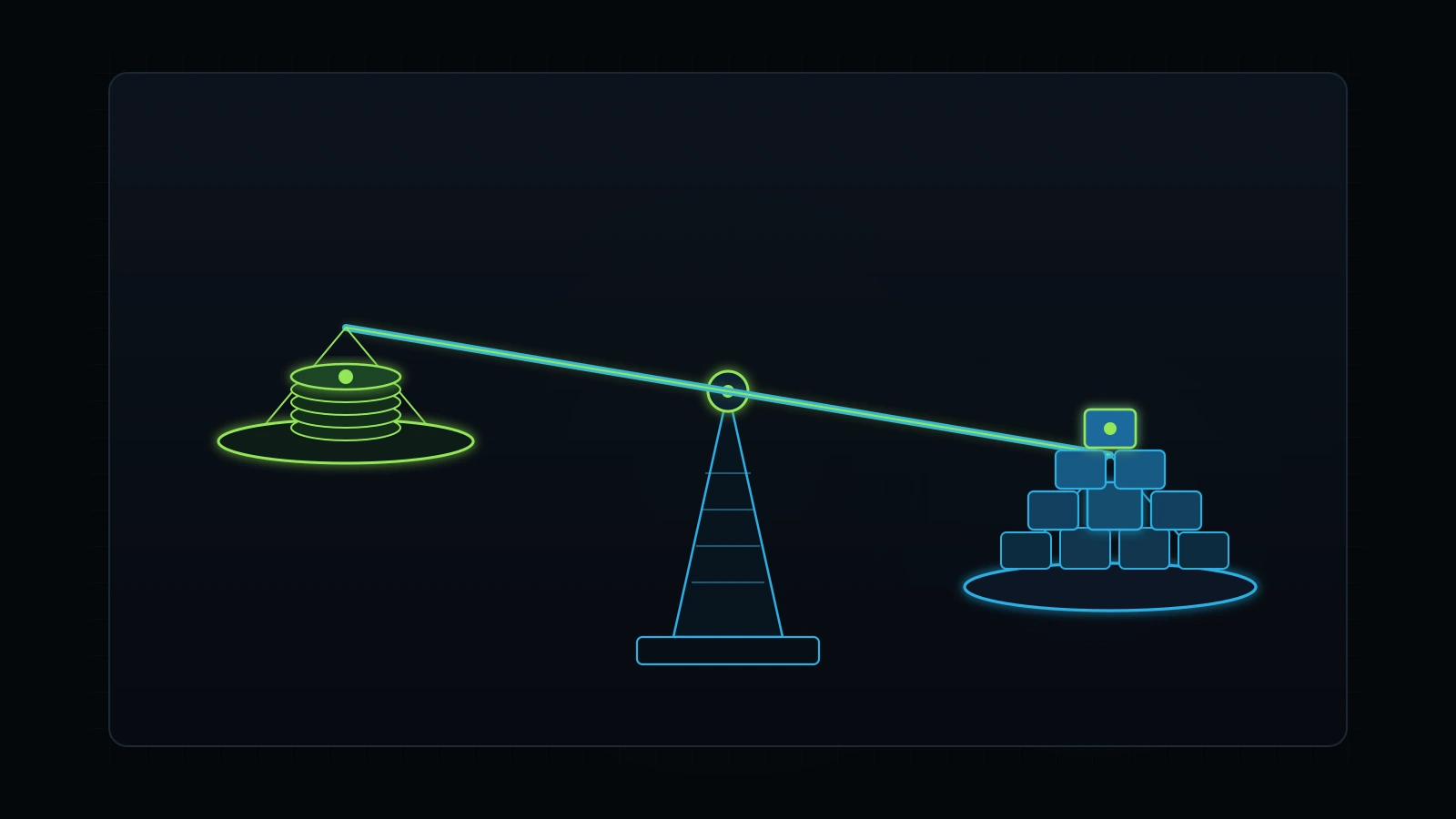
To determine if this commitment makes financial sense, compare the monthly subscription expense against internal labor rates. In a typical service firm paying a copywriter, digital marketer, or operations specialist $25 per hour, sixty minutes of employee time costs the business approximately $0.42 per minute.
Illustrative Five-Seat Break-Even Math:
Total Monthly Investment (5 Seats Annual): $125.00
Staff Hourly Rate: $25.00 / hour ($0.42 / minute)
Total Labor Time Required to Break Even: 5.0 hours per month across the company
Per-Seat Time Savings Target: 1.0 hour per month (15 minutes per week per employee)
If five team members each save just fifteen minutes per week by using shared Claude Projects rather than recreating prompts from scratch, the entire workspace breaks even. Any efficiency beyond that point represents pure recovered capacity for client work or strategic growth.
| Team Size | Monthly Billing ($30/seat) | Annual Billing ($25/seat) | Total Annual Cost | Break-Even Labor Saved (at $25/hr) |
|---|---|---|---|---|
| 5 Seats (Minimum Floor) | $150 / month | $125 / month | $1,500 / year | 5.0 hours / month total |
| 6 Seats | $180 / month | $150 / month | $1,800 / year | 6.0 hours / month total |
| 8 Seats (Core Team) | $240 / month | $200 / month | $2,400 / year | 8.0 hours / month total |
| 10 Seats | $300 / month | $250 / month | $3,000 / year | 10.0 hours / month total |
| 15 Seats | $450 / month | $375 / month | $4,500 / year | 15.0 hours / month total |
The economic problem arises when you only have two or three people on staff. If you have three users and buy five seats at $125 per month, your effective cost per active user is $41.67 per month. That still represents reasonable value if those three workers generate significant client deliverables, but it is twice what you would pay on individual Pro accounts ($60 per month total). Weigh that cost premium against the security and administrative benefits detailed below.
Claude Team vs Claude Pro: Core Differences and Feature Comparison
The primary operational difference between Claude Pro and Claude Team is administrative governance and shared team context. A single Claude Pro account costs $20 per month and belongs entirely to the individual user who purchased it, with private chats, private personal projects, and zero oversight for company leadership. Claude Team provides an overarching organizational workspace with centralized billing, user management, higher rate limits, and shared team Project folders.
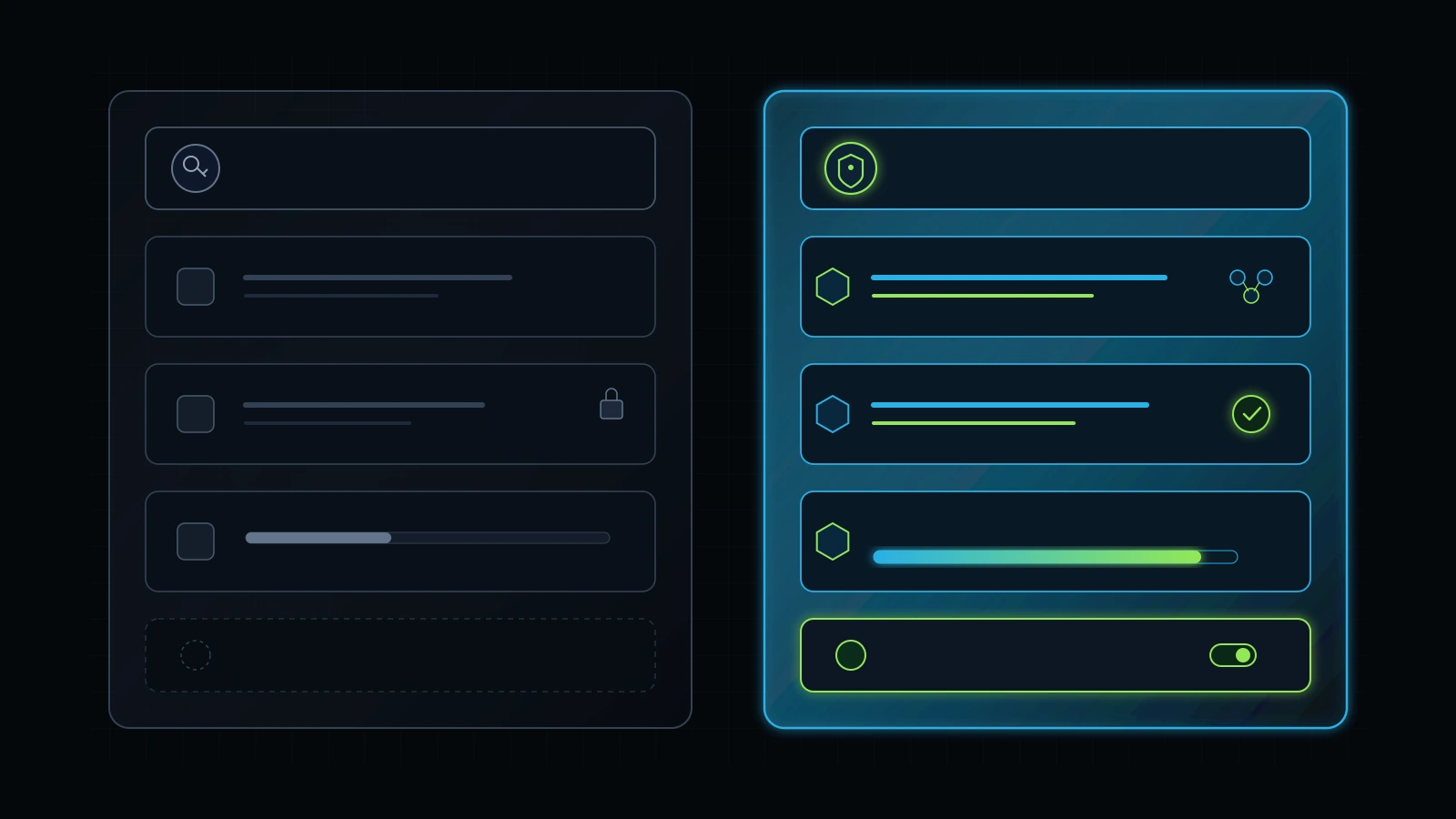
Here is how the two tiers compare across core operational metrics:
| Feature / Capability | Claude Pro ($20/mo) | Claude Team ($25 - $30/seat) | Operational Business Impact |
|---|---|---|---|
| Minimum Seats | 1 seat | 5 seats | Pro works for solo operators; Team requires a 5-seat commitment |
| Monthly Entry Floor | $20 / month | $125 / month (annual) or $150 (monthly) | Minimum cash outlay difference of $105 to $130 per month |
| Model Access | Sonnet, Haiku, Opus | Sonnet, Haiku, Opus | Both plans access flagship models with high intelligence |
| Context Window | 200,000 tokens | 200,000 tokens | Identical prompt and document context capacity |
| Usage Limits | Standard Pro limit (~45 msgs / 5 hrs) | Significantly higher usage limits | Team seats experience fewer rate-limit lockouts during peak work |
| Rate Limit Pooling | No (isolated per user) | High individual limits | Heavy users hit walls less frequently during intensive drafting sprints |
| Shared Projects | No (personal projects only) | Yes (company-wide or private within team) | Entire team accesses identical SOPs, guidelines, and context docs |
| Interactive Artifacts | Yes (personal) | Yes (shared and remixable) | Team members inspect, iterate, and export shared code and vector assets |
| Admin Console | None | Centralized user management | One-click seat provisioning, role assignment, and access revocation |
| Corporate Billing | Single credit card | Unified single invoice | Eliminates messy expense reimbursement reports across staff |
| Data Training Policy | User inputs used unless opted out | Never trained on user data by default | Commercial confidentiality guaranteed by contract |
| Offboarding Security | None (user keeps account) | Instant revocation | Immediate removal prevents intellectual property retention |
The rate limit difference between Pro and Team represents a substantial practical upgrade during busy workdays. On Claude Pro, a team member conducting extensive research or generating multiple long-form drafts can hit the 5-hour messaging threshold in two hours of focused work, halting progress. Claude Team provides significantly increased usage capacity per seat, allowing operators to run extensive prompt sequences without workflow interruptions.
Data Privacy, Security, and Client Confidentiality: Does Anthropic Train on Team Data?
Anthropic explicitly does not train its generative foundation models on customer prompts, uploaded documents, or generated outputs submitted inside Claude Team workspaces by default (Anthropic Commercial Terms of Service, 2026). This contractual data protection applies automatically to every seat in your organization without requiring individual employees to adjust privacy settings.
In contrast, personal free accounts and default consumer accounts often operate under standard terms where user interactions may be reviewed or utilized to improve model performance unless the user opens account settings and manually opts out. For a service business handling confidential client information, relying on employees to manage their own privacy checkboxes is an unacceptable operational risk.
+-------------------------------------------------------------------------------+
|                       DATA PRIVACY RISK COMPARISON                            |
+-------------------+----------------------------+------------------------------+
| Account Type      | Model Training Policy      | Legal / NDA Compliance       |
+-------------------+----------------------------+------------------------------+
| Consumer Free     | Included in training data  | High NDA liability; risk of  |
|                   | by default                 | exposing customer records    |
+-------------------+----------------------------+------------------------------+
| Claude Pro        | Opt-out available, but     | Moderate risk; requires each |
| (Individual)      | relies on user compliance  | employee to toggle settings  |
+-------------------+----------------------------+------------------------------+
| Claude Team       | ZERO training on customer  | Full commercial compliance;  |
| (Workspace)       | data by default            | enterprise data protection   |
+-------------------+----------------------------+------------------------------+
Consider the legal liabilities of modern service operations:
- Client Non-Disclosure Agreements (NDAs): If your client contracts state that customer marketing strategies, revenue numbers, or customer lists remain confidential, pasting that data into an unmanaged consumer AI tool breaches those agreements.
- Financial and Operational Records: Uploading client profit and loss statements, ad account exports, or CRM spreadsheets into Claude to identify leaks requires absolute commercial data isolation.
- Immediate Employee Deprovisioning: When a remote contractor or full-time employee leaves your agency, what happens to their access? If they were using a personal Claude Pro account that you reimbursed, they retain every chat, prompt template, and uploaded client document on their personal laptop. With Claude Team, an administrator clicks “Remove Member” in the dashboard, and the departing worker immediately loses access to all company workspaces, internal projects, and client conversations.
Securing client confidentiality and preventing intellectual property theft is often worth the $125 monthly floor on its own.
Claude Projects for Teams: How Shared Knowledge Bases Eliminate Operational Drift
The most powerful feature inside Claude Team is shared Claude Projects. A Project is a dedicated workspace within Claude that combines a 200,000-token context window with custom system instructions and uploaded reference files (Anthropic, 2026), creating a persistent knowledge base for specific tasks.
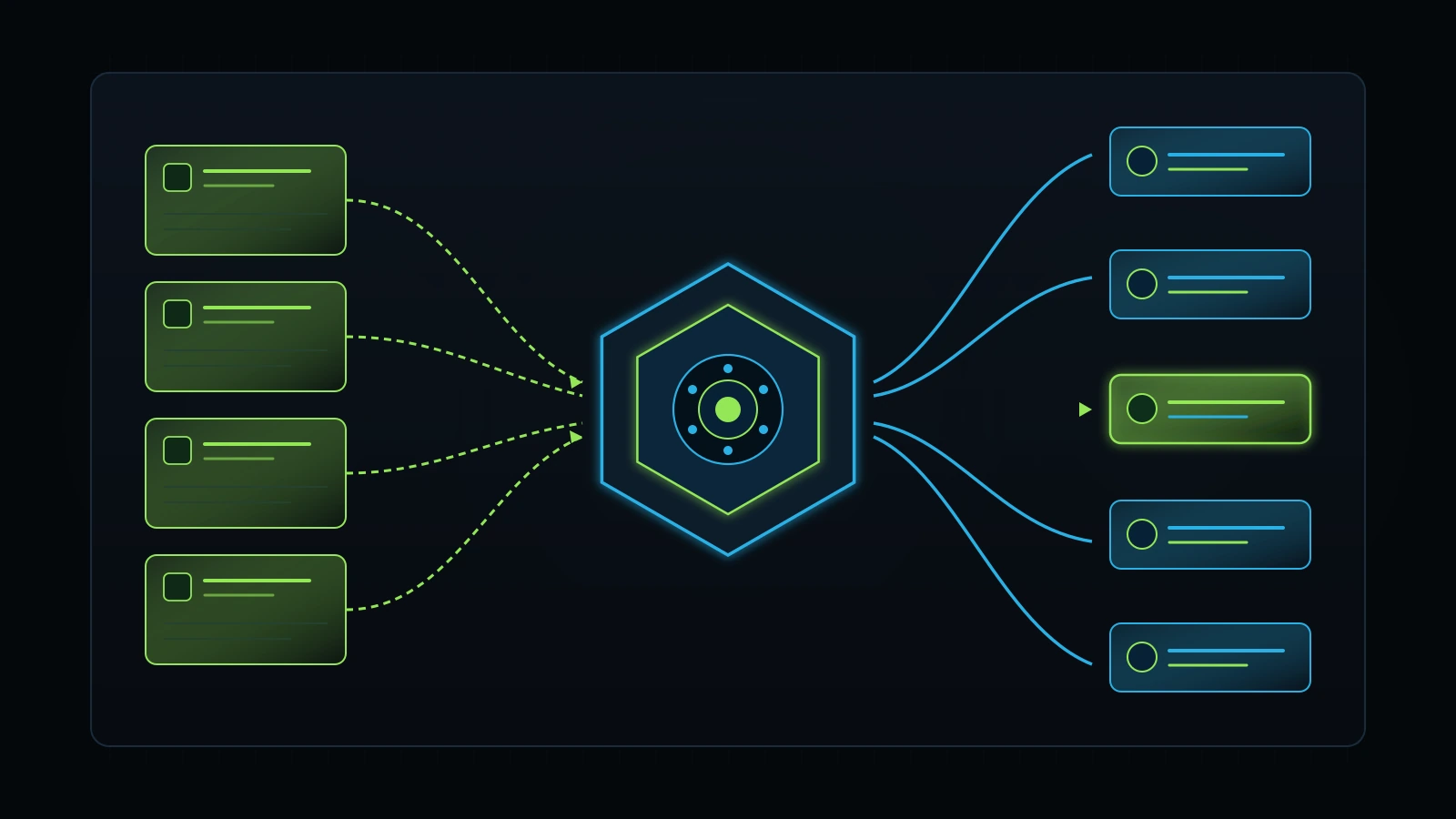
On an individual Claude Pro subscription, Projects remain locked to that single user account. If one copywriter builds an exceptional project containing client brand guidelines, tone examples, and negative constraints, nobody else on the team can access it. Other team members must manually copy and paste instructions, inevitably altering wording and introducing operational drift.
Claude Team changes this dynamic completely by enabling shared workspace projects:
- Centralized Brand and Style Vaults: You can upload your agency’s complete editorial style guide, target audience personas, banned word lists, and past winning deliverables directly into a shared Project. When any writer opens that Project, Claude automatically applies those constraints to every prompt.
- Standard Operating Procedure (SOP) Ingestion: Rather than having standard procedures sit unread inside Google Drive, upload your SOPs into a shared Project. When an operator asks Claude to draft an outreach sequence or analyze a client audit, Claude evaluates the task against your established standard operating procedures.
- Client-Specific Workspaces: Create individual Projects for high-value retainer clients. Store their historical campaign reports, brand messaging pillars, product catalogs, and service matrices in the project files. Any team member assigned to that account can immediately produce accurate, brand-aligned work without spending days reviewing background documentation.
By standardizing context across all users, shared Projects eliminate the inconsistency that plagues unmanaged AI adoption in growing agencies.
Artifacts and Code Collaboration: Accelerating Technical and Creative Delivery
Claude Artifacts provide an interactive side-by-side workspace window that renders code snippets, markdown documents, vector graphics (SVGs), and interactive web components in real time. Inside Claude Team, Artifacts become a shared collaboration canvas for cross-functional teams.
When a team member prompts Claude to build an operational calculator, a landing page prototype, or an internal dashboard widget, Artifacts display the live rendered result alongside the chat conversation:
- Live Frontend and HTML Prototypes: Designers and marketers can inspect interactive web elements, test responsive behaviors, and review copy formatting before handing code to engineering.
- Interactive SVG Visuals: Marketing teams can create clean vector diagrams, workflow flowcharts, and comparison matrices directly within Claude, preview the rendered visuals instantly, and export crisp code for production assets.
- Collaborative Code Iteration: Technical operators can prompt Claude to write complex automation scripts, API payload parsers, or database queries. Other team members can view the artifact, fork the code, request adjustments, and verify syntax without opening an external development environment.
This unified rendering canvas bridges the communication divide between technical specialists and frontline service delivery staff, speeding up project cycles.
The Hidden Trap: Software Cannot Fix Broken Systems
Buying software subscriptions before establishing operational workflows is the fastest way to burn capital. A common mistake among agency founders is believing that purchasing Claude Team seats will automatically make their team more productive.
In reality, giving five employees access to a powerful reasoning model without clear standard operating procedures simply produces chaotic outputs five times faster. Over a decade of practical experience, I have learned that clarity of system must always precede software adoption.
During our own agency transformation, as detailed in @TRC Insights Checkpoint 5, I transitioned from running three agency entities out of a three-floor office with twenty to twenty-five employees down to an agile eight-person core team. In the larger office, I was constantly trapped as an operational bottleneck, managing staffing conflicts, manual client communications, and chaotic delivery pipelines.
Moving to an agile team required building documented systems first:
- Train Department Champions (Checkpoint 6): Rather than trying to train every employee simultaneously, select one capable department lead (such as Talha leading GoHighLevel CRM pipelines and paid ad workflows) and train that champion deeply on workflow design and AI integration. That champion then cascades standards to frontline staff and reviews output quality.
- Operational Task Accountability (Checkpoint 24): Software tools must connect to an accountable task board. In our operations, we rely on iT-Kanban with structured task briefs, defined scope, deadlines, and multi-tier escalation pipelines. Claude produces drafts, but human specialists review deliverables against strict criteria before client delivery.
- Calm, High-Quality Execution (Checkpoint 29): We operate under a simple operational philosophy: “Kam kaam karo, achha kaam karo, sukoon ka kaam karo” (Do less work, do quality work, do calm work). We do not chase every new software launch. We master core tools, turn successful outcomes into repeatable systems (Checkpoint 31), and maintain client trust through proven results.
If you have not defined how your team should use artificial intelligence, buying five Claude Team seats will not help you. Document your workflows first, establish prompt libraries, and then deploy team seats to accelerate an already functional engine.
Claude Team vs ChatGPT Team vs Claude Enterprise: Which Stack Should You Choose?
When deciding on collaborative AI infrastructure, service business founders generally evaluate three options: Anthropic’s Claude Team, OpenAI’s ChatGPT Team, and high-end enterprise contracts. Each platform brings distinct operational trade-offs:
+-------------------------------------------------------------------------------+
|                      WORKSPACE PLATFORM COMPARISON                            |
+-------------------+--------------------+------------------+-------------------+
| Metric            | Claude Team        | ChatGPT Team     | Claude Enterprise |
+-------------------+--------------------+------------------+-------------------+
| Monthly Cost      | $25 - $30 / seat   | $25 - $30 / seat | Custom ($60+/seat)|
| Minimum Seats     | 5 seats ($125/mo)  | 2 seats ($50/mo) | 50+ seats ($3,000)|
| Context Window    | 200,000 tokens     | 128,000 tokens   | 500,000 tokens    |
| Prose Cadence     | Natural, nuanced   | Direct, dense    | Natural, nuanced  |
| Coding/Artifacts  | Superior Artifacts | Canvas feature   | Artifacts + GitHub|
| Custom Agents     | Shared Projects    | Shared GPTs      | Enterprise Projects
| Web Browsing      | Limited/indirect   | Integrated live  | Enterprise search |
| Data Privacy      | Zero training      | Zero training    | Zero training+SSO |
+-------------------+--------------------+------------------+-------------------+
When Claude Team Beats ChatGPT Team
Claude Team is significantly superior for businesses whose primary work involves writing, editing, complex document analysis, and coding. Claude 3.5 Sonnet delivers a natural, human cadence that avoids typical robotic AI phrasing, requiring far less human editing. In practical benchmark research, Claude’s 200,000-token context window allows teams to load massive standard operating procedures, multi-chapter manuscripts, or complete codebase files into a single prompt without running into memory loss (Anthropic, 2026).
When ChatGPT Team Beats Claude Team
ChatGPT Team holds two major advantages: a lower entry floor and multimodal tool versatility. Because ChatGPT Team enforces a minimum of only two seats ($50 to $60 per month), it is much more accessible for micro-agencies and two-person partnerships. In contrast, ChatGPT Team includes integrated web browsing, automated Python data analysis, DALL-E image generation, and custom GPT actions that connect directly to external APIs via webhooks.
When to Consider Claude Enterprise
According to Anthropic enterprise documentation, Claude Enterprise is built for large organizations with fifty or more users requiring Single Sign-On (SAML/Okta), role-based audit logs for compliance, automated GitHub repository integrations, and an expanded 500,000-token context window (Anthropic, 2026). For small service businesses and agencies with fewer than fifty staff, paying thousands of dollars for Enterprise contracts represents pure overhead. Claude Team delivers all necessary commercial privacy and collaboration features at a fraction of the cost.
The 5-Step Rollout Framework: How to Deploy Claude Team Without Wasting Seats
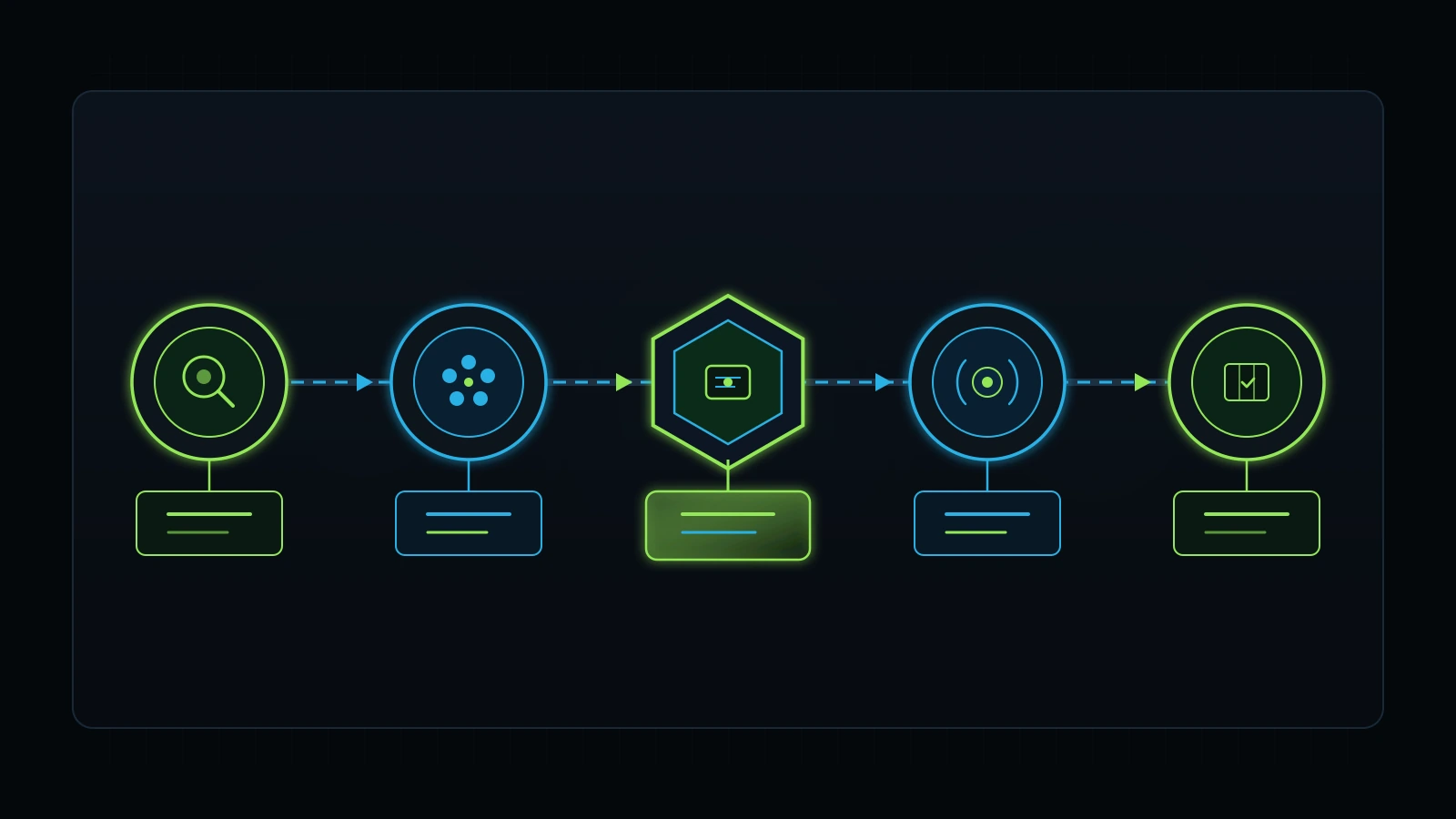
To ensure your investment delivers positive returns from day one, follow this structured five-step deployment framework:
Step 1: Conduct a 7-Day Team Task and Software Audit
Before purchasing seats, track how your team currently spends their working hours. Identify repetitive knowledge tasks that consume significant administrative labor: client email drafting, meeting transcript summarization, proposal writing, ad copy generation, or code debugging. If these tasks occupy at least ten hours of combined team time per week, you have verified positive unit economics for a five-seat workspace. Read our guide on how to perform a tech stack audit for step-by-step instructions.
Step 2: Provision the 5 Mandatory Seats to Active Production Roles
Do not assign Claude Team seats to employees who rarely create deliverables. Provision your five initial seats to high-output roles: your lead copywriter, technical developer, marketing strategist, client operations manager, and senior editor. Ensure every seat is actively utilized to avoid paying for dormant accounts.
Step 3: Construct Three Core Company Claude Projects
Before allowing team members to prompt freely, establish three foundational shared Projects in the workspace:
- Company Brand and Editorial Vault: Contains your tone guidelines, audience profiles, negative phrase constraints, and formatting rules.
- Client Delivery SOP Vault: Contains standard operating procedures for client onboarding, monthly reporting, and deliverable reviews. Learn how to structure these with our guide on business process documentation for small business.
- Technical Script and Code Repository: Houses reusable code snippets, webhook payloads, and API documentation for automation workflows.
Step 4: Run a Department Champion Training Workshop
Appoint an internal champion to lead a ninety-minute practical training session. Teach staff how to prompt within existing Projects, how to use Artifacts for code and graphic generation, and how to verify AI outputs against facts. Establish a strict company rule: zero unedited AI copy goes out to clients. Human specialists remain entirely accountable for final quality. For a structured curriculum, explore our insights on AI training for employees.
Step 5: Establish Output Accountability on an Operational Task Board
Connect your team’s Claude outputs directly to an operational task board like iT-Kanban. Every task generated with AI assistance must carry clear instructions, assigned reviewers, and explicit deadlines. Track time savings over the first thirty days to confirm that your $125 monthly subscription recovers measurable hours of productive labor.
Frequently Asked Questions About Claude Team
Is Claude Team worth it for a small business?
Yes, Claude Team is worth the investment for small businesses and agencies with three or more active employees producing client deliverables. At $25 per user per month billed annually ($125 per month for the mandatory five seats), it eliminates password sharing, guarantees that proprietary client data is excluded from public model training, provides shared Project knowledge bases, and allows one-click employee access revocation.
Can I buy fewer than five seats on Claude Team?
According to Anthropic’s published terms, the company enforces a strict minimum of five seats for Claude Team (Anthropic, 2026). On annual billing, your minimum cost is $125 per month ($1,500 billed upfront per year). On monthly billing, your minimum cost is $150 per month. If your team only has one or two active users, maintaining individual Claude Pro subscriptions ($20 per seat per month) is more cost-effective until your headcount expands.
Does Anthropic train its models on Claude Team data?
No, Anthropic contractually excludes customer prompts, uploaded documents, and generated outputs submitted inside Claude Team workspaces from model training by default. Your proprietary business data, financial records, and client files remain private to your organization. In contrast, personal consumer accounts may use user inputs for model training unless users manually opt out.
What is the difference between Claude Team and Claude Pro?
Claude Pro is an individual personal subscription costing $20 per month for one user, featuring personal chats and isolated projects without administrative oversight or shared billing. Claude Team costs $25 to $30 per seat per month (minimum five seats) and includes a centralized administrative console, unified company billing, significantly higher rate limits, contractual data privacy guarantees, and shared Project folders accessible across the organization.
How does Claude Team compare to ChatGPT Team?
According to product documentation, Claude Team excels in long-form writing nuance, complex reasoning, large document analysis through its 200,000-token context window, and live code previewing with Artifacts, but requires a five-seat minimum ($125/mo floor) (Anthropic, 2026). ChatGPT Team features a lower two-seat minimum ($50/mo floor) and provides integrated live web browsing, automated Python data analysis, and custom GPT actions.
Can team members see each other’s private chats in Claude Team?
By default, team members cannot view each other’s private conversation histories inside Claude Team. Individual chats remain private to the user who created them unless that user chooses to share a specific conversation link or collaborates within a shared Project workspace. Administrators can manage user seats and security controls, but cannot view private user conversations.
How do I remove an employee from Claude Team when they leave?
Removing a departing employee takes seconds. A workspace administrator logs into the admin console, opens the team member list, and clicks “Remove Member.” The former employee’s access to all company projects, internal documents, and workspace chats is revoked immediately, eliminating security risks and preventing intellectual property loss without requiring password changes across remaining staff.
Internal Links
- Advisory Services and Founder Strategy
- Is Claude Pro Worth It for Business? An Operator’s Cost Analysis
- Is ChatGPT Team Worth It for Small Business?
- Is ChatGPT Pro Worth It for Business Owners?
- Is ChatGPT Plus Worth It for Business?
- Small Business AI Consultant: How to Hire and What to Expect
- AI Training for Employees: A Practical Framework for Small Teams
- Practical AI Tools for Service Businesses
- Tech Stack Audit: How to Eliminate SaaS Bloat and Cut Overhead
- Business Process Documentation for Small Business: The Complete SOP Guide
- Client Onboarding Checklist: The Complete Agency Operations Framework
- How to Hold Employees Accountable Without Micromanaging
- Fractional Integrator: Hiring, Operations & Scaling Guide
- RevOps Consultant: Revenue Operations Guide for Service Businesses
References
- Anthropic PBC. (2026). Claude Pricing, Plans, and Team Workspace Documentation. Anthropic Documentation. https://www.anthropic.com/pricing
- Anthropic PBC. (2026). Commercial Terms of Service and Customer Data Privacy Policy. Anthropic Legal. https://www.anthropic.com/legal/commercial-terms
- Google Search Central. (2026). Google Search Status Dashboard: Core Search Systems History. Google Inc. https://status.search.google.com/
- U.S. Bureau of Labor Statistics. (2026). Occupational Employment and Wage Statistics: Management Analysts and Operations Specialists. U.S. Department of Labor. https://www.bls.gov/oes/
- DataForSEO. (2026). Live Organic SERP and Backlink Bulk Analysis API. DataForSEO Labs. https://dataforseo.com/
