


Paying $100 to $200 a month for raw AI compute will never fix a missing $20 workflow.
Use these four operator checkpoints before entering your credit card for ChatGPT Pro.
No, ChatGPT Pro is not worth it for the vast majority of small business owners. Priced at $100 to $200 per month for its main tiers (and up to $500 per month for its top Ultrafast tier in 2026 according to OpenAI Help Center documentation), ChatGPT Pro is an individual heavy-compute subscription built for full-time software engineers, quantitative researchers, and solo builders who repeatedly slam into five-hour rate caps on ChatGPT Plus. If you run a clinic, agency, contractor firm, legal practice, or consultancy and you are not hitting hard usage lockouts multiple times a week on a structured $20 Plus plan, upgrading to Pro buys idle server capacity rather than better business results.
That answer surprises some founders because software marketing trains us to assume the highest pricing column holds the “real” business version. With OpenAI, it does not. Jumping from $20 to $200 does not magically teach ChatGPT your pricing margins, your service area, your tone of voice, or your quality standards. If an unguided prompt produces generic fluff on ChatGPT Plus, paying ten times as much for ChatGPT Pro simply produces generic fluff with deeper reasoning tokens behind it.
Over 10 years of practical experience running digital agency operations and advising service founders, I have watched owners buy expensive software tiers out of fear that they are falling behind. Across my own three active businesses today, I personally run three roughly $20 per month AI subscriptions plus a modest pool of usage-based API credits and data tools (including DataForSEO), keeping my total personal AI software spend under about $100 per month (a founder-reported figure that excludes staff payroll, web hosting, and agency labor). Notice what that means right away: our multi-brand production workflows cost less per month in personal AI subscriptions than one single $200 ChatGPT Pro seat.
This guide gives you the exact operational math behind is chatgpt pro worth it, breaks down how OpenAI split Pro into $100, $200, and $500 tiers in 2026, compares chatgpt plus vs pro against multi-seat ChatGPT Team workspaces, and hands you a seven-day rate-limit test so you never pay for compute you do not touch. If you are still deciding whether to leave the free tier in the first place, start with Part 1 of this series on is ChatGPT Plus worth it for business owners.
The 60-Second Verdict: Who Actually Needs ChatGPT Pro (And Who Should Keep Their $200)
Buy ChatGPT Pro only if one specific person in your company already generates measurable revenue or code inside ChatGPT Plus every day and loses productive hours each week waiting for five-hour reasoning, Deep Research, or Codex rate limits to reset. Skip ChatGPT Pro if you want better writing tone, shared staff access, client data governance, or a magical cure for undocumented business processes.
Most reviews ranking on Google for chatgpt pro review miss this distinction because they test AI like camera reviewers inspecting pixel sharpness. A reviewer runs two tricky logic riddles side by side, declares one answer slightly cleaner, and leaves you wondering whether your roofing company or accounting firm needs a $2,400 annual single-user license (calculated at $200 per month according to OpenAI billing terms). Business owners do not get paid for solving riddles. You get paid when leads receive fast replies, audits uncover real margin leaks, SOPs get followed, and deliverables ship cleanly without landing back on your desk at 10 PM.
Four questions that settle the upgrade in two minutes
Before you look at model names or benchmark charts, check four operational facts about the last thirty days in your company:
- Did ChatGPT Plus actually lock you out during real billable or revenue-producing work at least three times last week? If you have never seen a hard rate-limit banner stop an active task on the $20 Plus plan, you have zero capacity bottleneck to solve.
- Are your standing company rules, templates, and examples already stored inside ChatGPT Projects? Owners who paste huge raw transcripts and repeat background instructions inside one endless chat thread burn their Plus allowance through sloppy context hygiene, not genuine compute demand.
- Do two or more people in your company need AI access for client or internal work? ChatGPT Pro is a single-person login. Spending $100 to $200 on one personal seat while three employees use personal free accounts creates a data-privacy leak and an operational bottleneck that a $25-per-seat Team plan solves for half the cost.
- Does the person requesting Pro write production code, run dozens of multi-source Deep Research reports a week, or maintain automated agent pipelines? Those three workloads consume massive reasoning compute. Writing client proposals, summarizing meeting notes, auditing ad campaigns, and drafting SOPs rarely come close to exhausting a well-organized Plus seat.
If you answered yes to questions one, two, and four (and no to question three, or your team already has its own governed workspace), ChatGPT Pro can pay for itself fast. For almost everyone else, keeping $20 ChatGPT Plus or allocating $50 to $100 across two to four Team seats is the smarter financial play.
Why my three businesses still run on sub-$100 monthly AI spend
Founders sometimes ask me whether keeping my personal AI tool spend under roughly $100 a month across three businesses is an ideological stance against big software bills. It is not. If a $200 or $500 monthly seat removed an extra ten hours of senior specialist labor every week, I would buy it before lunch.
We have not needed a $200 personal ChatGPT Pro seat for daily business operations because the bottleneck in a service business is almost never raw token ceilings inside one person’s browser window. Our real breakthroughs came from splitting work properly: pairing a $20 ChatGPT subscription with a $20 Claude Pro subscription for business, connecting targeted pay-as-you-go APIs where live external data is required, storing explicit operating frameworks in structured project folders, and routing human sign-off through our task board. When each $20 seat does a tightly defined job instead of running erratic marathon threads, standard paid limits stretch remarkably far.
What ChatGPT Pro Actually Costs and Includes in 2026 (Pro 100, Pro 200, and Pro 500)
In late 2026, ChatGPT Pro is no longer a single $200 plan; OpenAI structures Pro into three monthly heavy-compute tiers priced at $100 per month (Pro 100), $200 per month (Pro 200), and $500 per month (Pro 500), sitting above Free ($0), Go (roughly $8), and Plus ($20), and parallel to multi-seat Team / Business plans ($20 to $25 per seat) according to OpenAI Help Center documentation and Layer3Labs pricing trackers. All three Pro tiers are individual monthly subscriptions with no annual billing discount, excluding applicable local taxes.
Understanding that lineup immediately clears up why US searches for chatgpt pro price jumped to 3,600 searches per month alongside 480 monthly searches for what is chatgpt pro (DataForSEO, 2026). Older blog posts and forum threads still talk as if $200 is the only number on the board, while newer reviews compare $100 against $500 without explaining how either relates to a small business team.
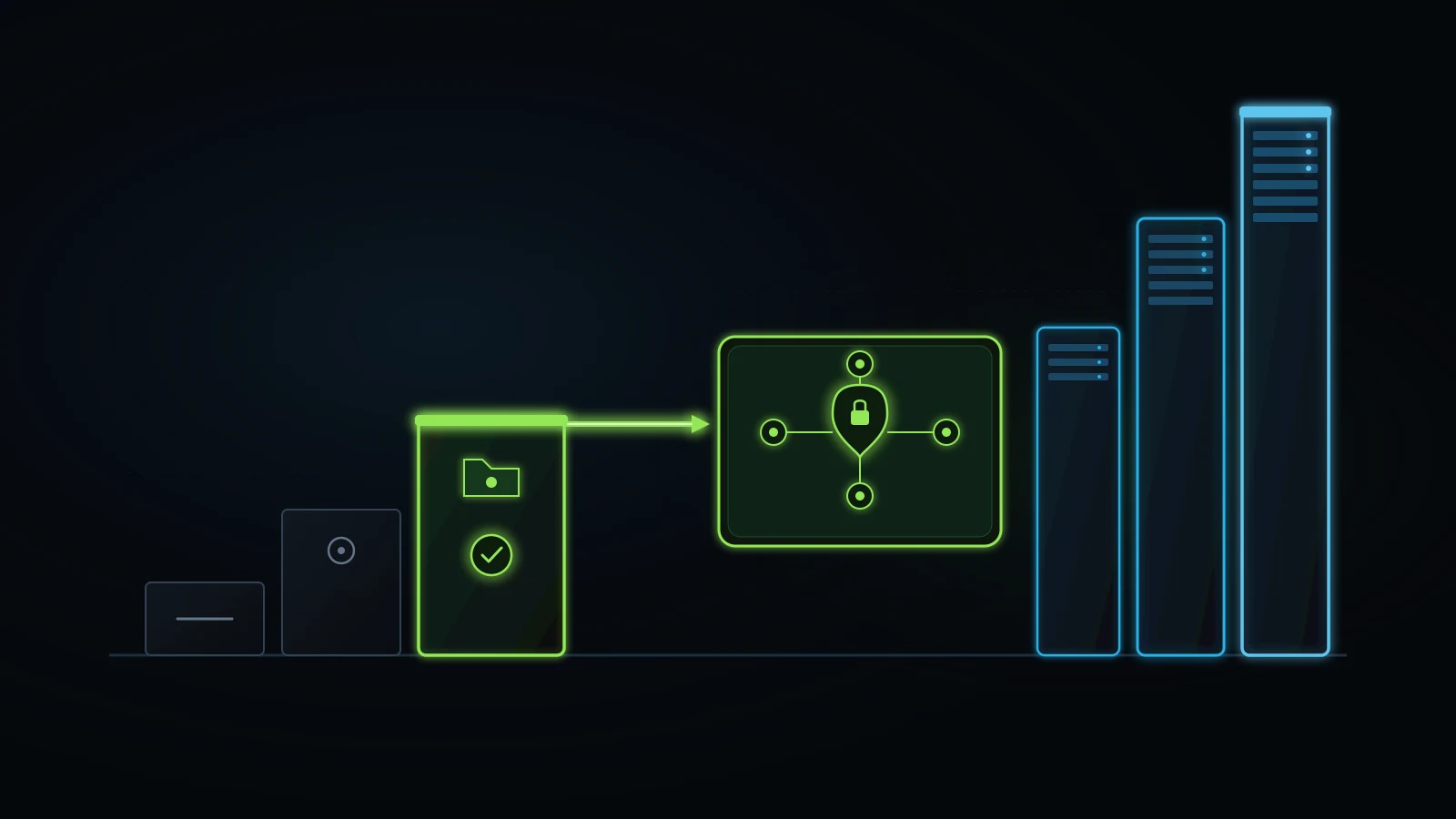
Use the verified snapshot below to see how OpenAI’s plans divide individual compute power from multi-person business governance as of November 2026. Always confirm current regional pricing and included model names directly on OpenAI’s pricing page on the day you buy.
| OpenAI Plan (Late 2026 Snapshot) | Typical US Monthly Price | Seat Structure | Core Operational Purpose | Practical Verdict for Small Service Businesses |
|---|---|---|---|---|
| ChatGPT Free | $0/month | 1 individual | Casual testing, light daily prompts, basic uploads | Good for building a first daily habit; chats train models by default unless opted out |
| ChatGPT Go | ~$8/month (where offered) | 1 individual | Higher everyday message limits than Free at budget cost | Consumer convenience tier; lacks full reasoning depth and may display regional ads |
| ChatGPT Plus | $20/month | 1 individual | Full operator toolkit: reasoning models, Projects, Deep Research, GPTs, Codex | Best solo owner baseline. Covers 95% of solo founder writing, analysis, and planning |
| ChatGPT Pro 100 | $100/month (monthly only) | 1 individual | Entry heavy-compute tier (~5x Plus allowances on reasoning, Deep Research, Codex) | Useful only if one solo technical builder or analyst hits Plus 5-hour caps multiple times weekly |
| ChatGPT Pro 200 | $200/month (monthly only) | 1 individual | Mid heavy-compute tier (~20x Plus allowances on intensive reasoning and coding) | The classic “$200 Pro” tier; justified for full-time software engineers or heavy daily researchers |
| ChatGPT Pro 500 | $500/month (monthly only) | 1 individual | Maximum single-seat compute (up to 25x Plus) plus Ultrafast reasoning modes | Pure production compute plan for continuous coding pipelines; massive overkill for service owners |
| ChatGPT Team / Business | $25/seat/mo ($20/seat annual, 2+ seats) | 2+ company seats | Shared workspace, central billing, admin controls, zero default training on company data | Best multi-staff upgrade. Four governed staff seats cost the same $100/mo as one solo Pro 100 login |
Why “Is ChatGPT Pro $200 a month?” now has a three-part answer
When OpenAI first introduced ChatGPT Pro, it launched as a flat $200 monthly subscription aimed at researchers and engineers who wanted near-unrestricted access to top reasoning models. Over time, two things became obvious in real usage. First, plenty of coders and analysts hit the $20 Plus ceiling a few afternoons a week yet never came close to burning $200 worth of heavy compute. Second, a tiny fraction of intensive automated coding users consumed extraordinary amounts of server time and wanted even faster inference speeds.
Splitting Pro into Pro 100 ($100/month), Pro 200 ($200/month), and Pro 500 ($500/month) turns ChatGPT Pro into a metered compute ladder rather than a feature club. That distinction matters enormously to a business owner. On many software platforms, the “Pro” tier holds basic business necessities like shared folders, team permissions, or invoice exports behind a paywall. OpenAI did not put team collaboration inside Pro. Pro is strictly bigger fuel tanks (and at $500, faster Ultrafast engines) strapped onto a single-seat cockpit.
What the API credits perk actually means for a non-technical owner
One detail highlighted in OpenAI Help Center documentation in 2026 is an eligible monthly API credits benefit tied to qualifying Pro and Business subscriptions, allowing subscribers to apply included credits toward building external applications and automated API workflows. On paper, someone pitching you a $200 Pro 200 plan might argue that if you get matching API credits, the subscription is practically free.
Test that argument like an operator, not a bargain hunter. An API credit only saves you money if your company already runs live external API integrations on OpenAI’s developer platform that currently bill your credit card $100 to $200 every month, and if those exact workloads qualify under OpenAI’s current billing rules and expiration windows. If your business does not have an active developer account running automated webhook or agent calls, unused monthly API credits expire worth zero dollars to your bottom line. Never buy a $200 monthly subscription for a rebate coupon you have no pipeline to redeem.
ChatGPT Plus vs Pro: Why More Compute Cannot Fix a Missing Workflow
When comparing chatgpt plus vs pro (searched 2,400 times a month in the US, plus another 1,600 searches for chatgpt pro vs plus according to DataForSEO, 2026), the decisive difference for a business owner is throughput under heavy load, not everyday intelligence. On 90 percent of daily management tasks (proposals, SOP drafting, email replies, spreadsheet cleanup, ad copy audits), Plus and Pro deliver practically indistinguishable results when given the exact same business instructions.
Independent reviews summarize tests the same way: jumping from Plus to Pro yields minor incremental differences on everyday tasks relative to a fivefold or tenfold price jump, and Pro pays off only when real work repeatedly halts against Plus limits. Let us look deeper at why business owners mistake a missing workflow for an underpowered model.
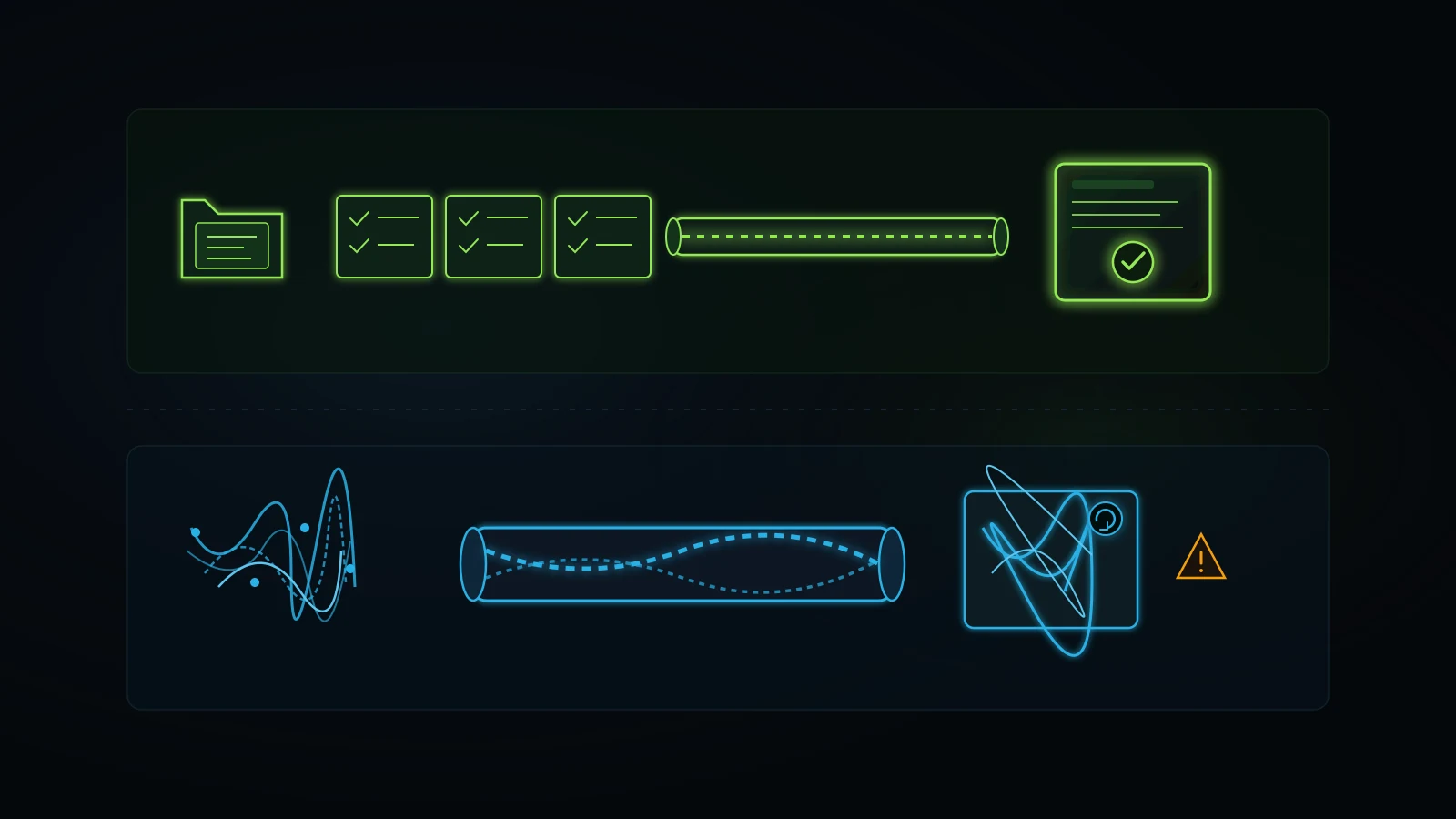
Capacity bottleneck versus context bottleneck
Every disappointing AI session inside a small business comes from one of two completely different bottlenecks:
- A true capacity bottleneck looks like this: you have a tested, documented workflow that already works accurately on ChatGPT Plus. Your developer or operations analyst runs that workflow cleanly for three hours, produces verified work, and suddenly hits a five-hour message cap on Codex or Deep Research at 1:30 PM with four client deliverables still queued. Here, the workflow is healthy and the pipe is too narrow. Paying $100 or $200 to widen the pipe makes immediate financial sense.
- A context bottleneck looks like this: you open a blank chat window, type two sentences asking ChatGPT to “write a marketing plan for our med spa” or “fix this client onboarding email,” hate the robotic corporate clichés that come back, argue with the chatbot for twelve messages, and think maybe the $200 Pro model is smarter and finally gets what you mean.
No model tier on earth can read secrets you left inside your own head. Without your pricing floors, your buyer disqualifiers, your real delivery timeline, and examples of how you speak to customers, a $500/month Ultrafast model has to guess just like a $20/month Plus model. It simply arrives at its educated guess with deeper internal chain-of-thought math.
What letting AI improvise taught me the expensive way
I learned this lesson through painful real-world trial and error, not from reading prompt guides. Early in our agency’s transition toward AI-supported operations, my core team spent roughly six months reinvesting heavily in workflow design and testing, a stretch where we earned very little and even lost business while figuring out how to get dependable production quality.
Whenever a team member handed a vague objective to an advanced reasoning model and trusted it to invent the steps, we lost time and credibility. The output always looked thorough at a glance. Headings lined up neatly. Sentences sounded confident. Yet underneath the polish sat fabricated assumptions, skipped technical checks, and generic advice that never survived contact with a live client account. A senior specialist had to spend an hour untangling a draft that took thirty seconds to generate.
Everything turned around when we stopped asking AI to act as the strategist and encoded my decade of practical experience, alongside our department leads’ hands-on methods, into explicit operating frameworks. Before an AI model writes or audits anything in our ecosystem today, it reads written hard gates, live data pulls, negative constraints, and exact verification scripts. Once we built those rails, $20 subscriptions suddenly produced clean, reliable first passes that our human leads could verify calmly. Today I am largely removed from day-to-day fulfillment; I mostly send instructions from my phone and step in for occasional client strategy calls or escalations while my team oversees execution. That operational freedom came from process documentation, never from upgrading a personal chat login from $20 to $200. If your company’s rules still live entirely in your head, pause your subscription shopping and read my guide on business process documentation for small business first.
Where Plus and Pro produce nearly identical business output
To make the chatgpt plus vs pro comparison concrete, look at how common small-business tasks behave across both plans when your company context is properly loaded into a ChatGPT Project:
| Common Small Business Task | ChatGPT Plus ($20/mo) With Project Rules | ChatGPT Pro 100 / 200 ($100 to $200/mo) | Does Pro Justify 5x to 10x Cost Here? |
|---|---|---|---|
| Drafting client proposals and SOWs from call notes | Fast, accurate structure in 2 to 3 minutes; human checks pricing and scope | Virtually identical prose quality; extra compute adds zero business clarity | No. Template quality decides the outcome, not Pro compute |
| Turning a 30-minute Loom transcript into a staff SOP | Handles full transcript cleanly inside a fresh Project thread | Handles the exact same transcript with higher daily repetition ceiling | No, unless one person converts 15+ long transcripts every single day |
| First-pass review of a monthly CSV expense or ad search-term export | Python data analysis runs cleanly on standard small-business CSV sizes | Useful only if uploading massive multi-file datasets all afternoon without pause | Rarely for firms under 50 staff; Plus handles weekly and monthly audits easily |
| Brainstorming hiring scorecards, difficult emails, or meeting agendas | Instant responses on desktop or mobile voice mode | Zero meaningful advantage for short-to-medium operational writing | No. Pure overspend |
| Multi-hour repository refactoring via Codex or 20+ Deep Research runs/week | Hits 5-hour rolling caps during sustained all-day sprints | Built specifically to remove those 5-hour ceilings and run extended reasoning | Yes, for dedicated builders and full-time analysts |
The Break-Even Math: When $100 or $200 a Month Pays Off (Illustrative Model)
Evaluating chatgpt pro for business (where B2B advertisers bid an average of $67.32 per click and up to $112.71 at the top of Google’s page according to DataForSEO, 2026) requires comparing the marginal cost jump above Plus against marginal net hours saved, never against zero. Because ChatGPT Plus already costs $20 per month, Pro 100 costs an extra $80 per month and Pro 200 costs an extra $180 per month.
Reviewers love writing lazy math claiming that at $200 a month, ChatGPT Pro costs $6.67 a day, so if it saves you ten minutes a day, you should buy it. That calculation contains a classic accounting sleight of hand. It attributes 100 percent of your AI time savings to the $200 plan according to common promotional logic, ignoring the fact that the $20 Plus plan already delivered 95 percent of those exact same time savings for one-tenth the price according to daily operating reality!
Let us run honest marginal math using an illustrative, hypothetical scenario for a service business owner or senior technical lead whose productive time is valued at $80 per hour. Every number in the table below is a simplified hypothetical model for illustration, not client data or a guaranteed result; plug in your own hourly payroll cost during your test week.
| Metric (Illustrative Hypothetical Model) | Manual Baseline (No AI) | ChatGPT Plus ($20/mo, Unguided Prompts) | ChatGPT Plus ($20/mo, Encoded Project) | ChatGPT Pro 100 ($100/mo) for Normal Owner | ChatGPT Pro 200 ($200/mo) for Heavy Technical Builder |
|---|---|---|---|---|---|
| Monthly subscription cost | $0 | $20 | $20 | $100 ($80 extra over Plus) | $200 ($180 extra over Plus) |
| Weekly deep work tasks routed through AI | 0 tasks | 4 tasks (ad-hoc) | 8 tasks (structured) | 8 tasks (never hit Plus cap) | 30+ heavy coding / research runs (hit Plus cap 4x/wk) |
| Net hours saved per month after human review | 0 hours | 1.5 hours (heavy editing) | 6.0 hours (clean SOPs/drafts) | 6.2 hours (same 8 tasks, tiny edge) | 12.5 hours (6.5 extra hours unlocked past Plus caps) |
| Hypothetical monthly value at $80/hr | $0 | $120 | $480 | $496 | $1,000 |
| Marginal gain specifically from upgrading past Plus | n/a | n/a | Baseline winner (+$460 net) | +$16 extra value for +$80 extra cost (Net loss: -$64/mo) | +$520 extra value for +$180 extra cost (Net win: +$340/mo) |
Look closely at the last two columns of that illustrative model.
For the normal service business owner running eight structured tasks a week (auditing a campaign, drafting two client proposals, extracting two SOPs, reviewing a vendor contract, prepping two client calls), moving from an encoded $20 Plus setup to $100 Pro 100 adds almost zero extra output because the $20 plan was never choking their throughput. Spending an extra $80 a month to save twelve hypothetical minutes is a negative-return upgrade ($960 a year leaked on vanity capacity, or $2,160 a year leaked at the $200 Pro 200 tier, according to standard annual cumulative math).
Now look at the final column. When a full-time developer or technical operations architect hits Plus rate caps four afternoons every week and unlocks 6.5 additional productive hours a month by removing lockouts and running deeper multi-file reasoning passes, the extra $180 monthly spend produces $520 in illustrative labor value. Same software tier, completely opposite financial outcome, decided entirely by whether Plus rate limits were blocking real production.
Measuring net time saved after human cleanup
Whenever you run your own numbers, apply one non-negotiable rule: count human verification and editing time against the AI’s clock.
If Deep Research on ChatGPT Pro compiles a twenty-page market report in eight minutes, and you then spend seventy minutes checking whether its cited sources exist, stripping out irrelevant enterprise statistics, and translating academic paragraphs into plain action items for your sales lead, your real time spent was seventy-eight minutes. Bigger models occasionally tempt business owners into asking for giant, sprawling outputs nobody on their staff has time to read or verify. Keep deliverables compact, testable, and tied to a named owner.
The hidden opportunity cost of idle “just in case” capacity
A $180 monthly overspend on one AI seat will not bankrupt a profitable service firm on its own. The danger is cultural. When a founder buys a $200 ChatGPT Pro seat “just in case,” they almost always carry four or five other “just in case” subscriptions alongside it: an unused SEO dashboard, two overlapping video generators, a forgotten outreach tool, and extra CRM add-ons.
When my agency audits client stacks, we routinely find small companies bleeding $600 to $1,500 every month across hyped AI and SaaS tools nobody opened in the last thirty days, according to our internal agency audit records. We test what actually moves work forward, help clients cancel the idle subscriptions, and redirect those recovered dollars into working Google Ads budgets, technical SEO fixes, or trained human execution. Every unnecessary $200 personal subscription you refuse to carry funds real customer acquisition instead. If you have not checked your recurring card charges lately, pair this article with our step-by-step tech stack audit.
Four Real Workloads Where ChatGPT Pro Actually Earns Its Keep
To keep this breakdown fair, ChatGPT Pro is an extraordinary bargain for the narrow group of professionals whose daily work genuinely demands heavy sustained compute. Independent benchmarks show that power users who systematically run tasks up to Pro’s monthly allowances consume far more than $200 worth of equivalent raw pay-per-token API compute.
In a small or mid-sized business, four concrete operational profiles actually cross that threshold.
1. Full-day software engineering and multi-repo Codex execution
If you employ an in-house software engineer (or you are a technical founder) spending four to six hours a day inside Codex and terminal coding workflows refactoring multi-file repositories, writing automated test suites, debugging deployment scripts, and inspecting pull requests, the five-hour rolling limits on ChatGPT Plus become a real tax. Waiting two hours for a coding session window to reset breaks concentration and stalls releases. Upgrading that specific builder to Pro 100 ($100/month) or Pro 200 ($200/month) pays back its cost in the first couple of saved engineering afternoons.
2. High-volume Deep Research across dozens of primary sources daily
ChatGPT’s Deep Research tool browses, cross-references, and synthesizes dozens of live web pages, filings, and technical papers over multi-minute reasoning passes. On the $20 Plus plan, monthly Deep Research allocations are generous enough for a normal business owner running two or three competitive checks a week, yet tight enough to stop an analyst who compiles five exhaustive regulatory, legal, medical-literature, or commercial due-diligence dossiers every single workday. Boutique M&A advisories, specialized compliance consultancies, and technical research practices routinely earn back a Pro seat on Deep Research volume alone.
3. Heavy spreadsheet, log, and operational data auditing under tight deadlines
Suppose one operations analyst inside a multi-location service group spends every week cleaning large exported call logs, multi-account ad search-term files, technician dispatch sheets, and inventory tables, iterating twenty times in a row on complex Python data scripts and edge-case anomaly checks. When one specialist lives inside heavy reasoning and code-interpreter loops all day long, removing mid-afternoon throttling keeps critical diagnostic work moving smoothly.
4. Technical founders building internal automation pipelines without a dev team
Occasionally I meet a solo founder or agency operator who sets aside thirty days to build an internal quoting engine, a custom static website architecture, or a suite of automated validation scripts from scratch before handing maintenance over to an assistant. Notice the smart way to buy ChatGPT Pro for that scenario: ChatGPT Pro is billed monthly with no annual lock-in (OpenAI Help Center, 2026). You can upgrade from $20 Plus to $100 Pro 100 (or $200 Pro 200) for one intensive build month while you sprint seven hours a day, ship the finished internal system, and downgrade right back to $20 Plus on day thirty. Treat Pro like renting heavy construction equipment for the week you pour concrete, not leasing a bulldozer to drive to the grocery store all year.
ChatGPT Pro vs ChatGPT Team (Business): How to Spend $100 to $200 Across Your Staff
For 90 percent of small businesses employing between three and twenty-five people, ChatGPT Team (also marketed under OpenAI’s Business workspace tier at $25 per seat per month billed monthly, or $20 per seat billed annually with a two-seat minimum according to OpenAI pricing documentation, 2026) beats a single ChatGPT Pro subscription hands down. Four governed Team seats cost $100 per month on monthly billing ($80 per month billed annually), giving four real employees shared Projects, custom internal GPTs, admin seat revocation, and default exclusion from model training for the exact price of one solo Pro 100 login.
Search volume for chatgpt team vs pro and is chatgpt team worth it looks modest in keyword tools (10 recorded searches per month each, yet carrying advertiser bids up to $110.98 per click according to DataForSEO, 2026), because most founders do not even realize they are comparing the wrong columns! They stare at Plus ($20) versus Pro ($100 to $200) on the Personal tab without clicking over to the Business/Team tab.
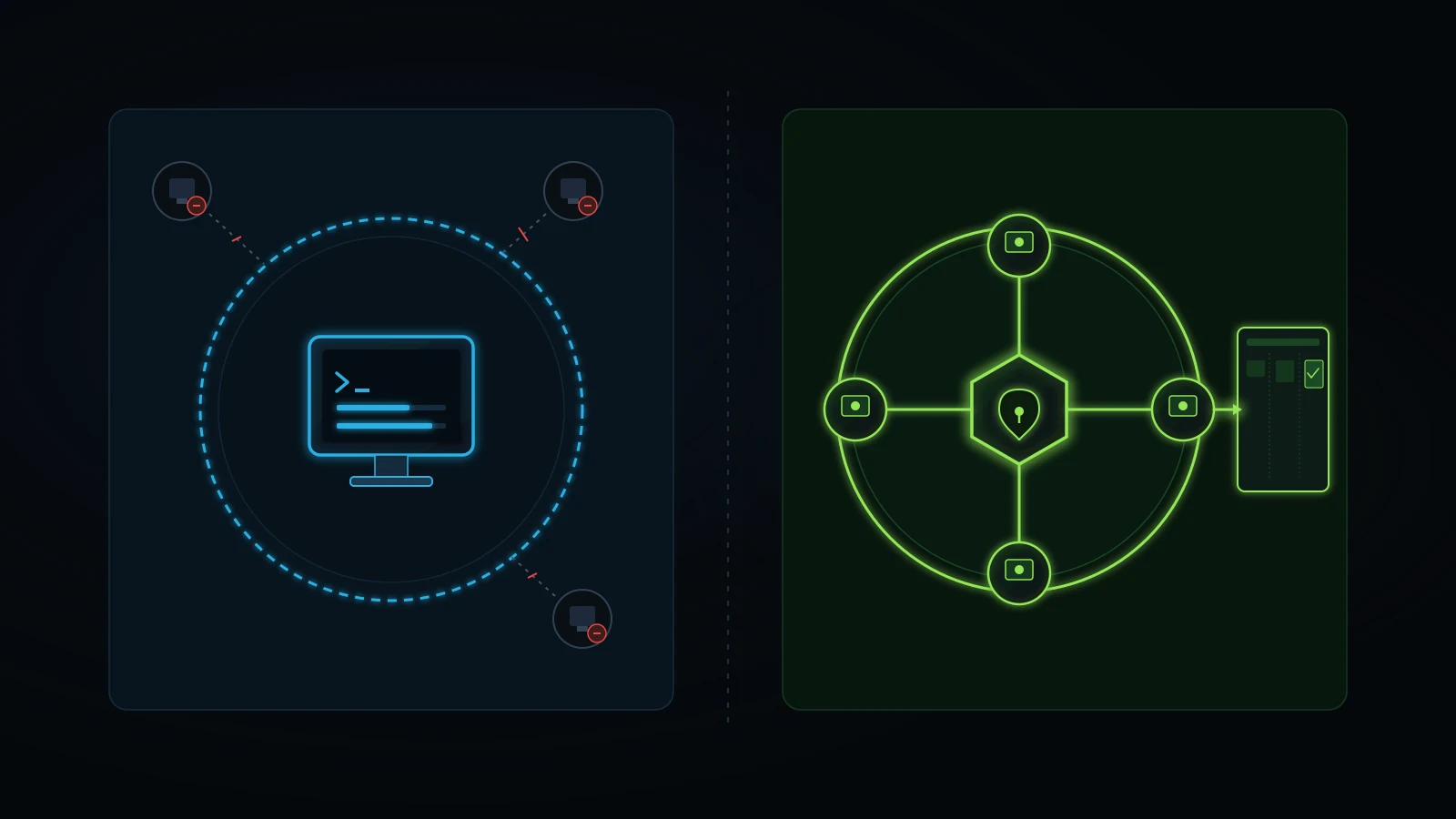
Compare what happens inside your daily operations under three ways of spending roughly $80 to $200 per month:
| Operational Dimension | Option A: One Solo ChatGPT Pro 200 Seat ($200/mo) | Option B: Four ChatGPT Team / Business Seats ($100/mo monthly, $80/mo annual) | Option C: Lean Multi-Model Champion Stack (<$100/mo founder-reported pattern) |
|---|---|---|---|
| Who can work legally and cleanly at once | 1 individual user | 4 named staff members in simultaneous sessions | Owner or lead running 2 to 3 distinct ~$20 tools (e.g., ChatGPT Plus + Claude Pro) + targeted APIs |
| Client and company data training default | Personal tier rules; requires manual privacy opt-out check | Excluded from OpenAI model training by default across the workspace | Managed per tool (Team plans or strict anonymization + API zero-retention rules) |
| What happens when an employee quits | Messy if staff shared one login or used personal emails | Admin revokes 1 seat in 10 seconds; shared Projects and GPTs stay with the company | Standing SOPs and frameworks live in your own repository / Drive and task board, never trapped in one chat login |
| Shared company SOPs and prompt templates | Trapped inside one person’s individual account | Published once as workspace Projects or internal GPTs for all 4 seats | Stored as portable markdown frameworks in your repo/vault and fed into whichever model fits best |
| Best fit | Solo full-time engineer or heavy solo researcher | Service business with an owner + 2 to 6 coordinators, marketers, or account leads | Lean system-driven founder or specialist lead who routes different tasks to the strongest $20 engine |
The shared-password trap on an individual Pro account
Here is a mistake I see small business owners make constantly when they buy an expensive individual software plan. The founder pays $200 a month for one ChatGPT Pro account, feels guilty that it sits idle half the day, and drops the username and password into a company WhatsApp group so the office manager, the bookkeeper, and the marketing assistant can get their money’s worth out of it.
Stop doing that immediately. Aside from violating individual-seat terms of service and triggering two-factor login lockouts when two people log in from different cities, sharing one personal AI login creates three operational disasters:
- Zero confidentiality boundaries: Your junior marketing coordinator opens the sidebar and reads the private thread where you pasted payroll numbers, a partnership dispute, or an employee performance warning yesterday afternoon.
- Context contamination: Custom memory and instructions turn into a soup of contradictory preferences as four roles pull the assistant in four directions.
- Zero offboarding security: When one person leaves on bad terms, you have to reset passwords, kill active sessions, and untangle personal two-factor codes during the middle of a workday.
If three people on your team use ChatGPT, three $25 monthly Team seats cost $75 total ($60/month on annual billing). You save $125 a month compared to a $200 Pro login while giving every person clean audit boundaries and keeping your company’s intellectual property inside a workspace you actually own.
Data privacy, staff turnover, and the department champion model
Buying four or six Team seats still fails if you hand out logins without training or ownership. When I restructured my own agency years ago from a twenty to twenty-five person three-floor office down to an eight-person core supported by specialist leads, I stopped trying to train twenty people at once on every new tool.
Instead, I used what I call the department champion cascade. Pick one sharp, reliable person per operational area (for instance, our lead who bridges paid media campaigns and GoHighLevel CRM workflows). Sit with that champion, build the exact Project instructions and verification checklists together on one seat, test it on real client deliverables until errors drop, and then make that champion responsible for training the two or three frontline staff beneath them and checking their task cards. If you want the exact rollout playbook for upskilling your staff without chaos, read our guide on AI training for employees.
Why Pairing Two $20 Subscriptions Often Beats One $200 Subscription
If you are a solo founder, consultant, or operations director with up to $100 a month budgeted for AI, buying one $20 ChatGPT Plus seat alongside one $20 Claude Pro seat (plus $20 to $40 in targeted pay-as-you-go API or search-data credits) gives you far broader operational capability, redundancy, and cross-checking accuracy than locking $100 or $200 into ChatGPT Pro alone.
Think about why two distinct $20 engines beat one oversized $200 engine for real business operations:
- Genuine second-opinion verification: Every AI model family has blind spots. When you draft a high-stakes contract summary, a technical SEO audit, or a pricing model inside one model and ask a different vendor’s $20 model to attack the logic and check for missing edge cases, you catch errors that asking the same model family twice often misses.
- Zero outage downtime: Cloud AI platforms suffer degraded latency and temporary outages several times a quarter. When your whole team depends on one single provider and it stalls on a Tuesday morning before a client deadline, production halts. Having both $20 workspaces pre-loaded with your portable markdown instructions means you switch tabs in thirty seconds and keep shipping.
- Task-matched strengths for $40 combined: In my own daily experience (and treat this as an operator’s working observation rather than a permanent market law, since both vendors ship updates constantly), ChatGPT wins on everyday usability, mobile voice brainstorming, built-in raster image concepting, and quick multimodal tasks, while Claude follows long negative-constraint checklists, multi-document audits, and plain-language voice rules with remarkable discipline. Paying $40 total per month gives you both strengths while leaving $160 in your bank account compared to one $200 Pro plan.
Inside our “mirror-brain” and dual-model routing setup
Across The Retired Consultant, Integral Technologists, and OmniFlow, we organize AI around a mirror-brain architecture rather than model worship. Instead of typing clever one-off prompts into an expensive tier, we maintain portable markdown files containing:
- Authentic lived operational checkpoints and real decision rules from a decade of running service businesses.
- Explicit factual guardrails (never invent client metrics, label illustrative models honestly, verify live pricing and search data before writing).
- Deterministic Python verification scripts that scan outputs mechanically for broken JSON, missing fields, and banned corporate filler words.
Because the intelligence lives in our portable files and validation scripts rather than inside a single vendor’s $200 tier, standard ~$20 subscriptions plus targeted live data APIs handle heavy weekly production effortlessly. My personal hypothesis is that encoding your real expertise, point of view, and verification rules is what earns reader trust and search visibility over time, whereas buying a pricier model tier to churn out generic industry summaries adds zero lasting equity to your brand.
Why a task board matters more than a higher model tier
Even a brilliant dual-model workflow collapses if outputs stay trapped inside individual chat histories. Early on, we noticed that two AI tools and a human team needed an explicit handoff layer so work never vanished between steps.
We solved that by making our internal task system (iT-Kanban) the single source of operational truth. An AI session prepares an audit, a technical fix spec, or a long-form draft inside strict repository rules, and the workflow creates or updates a tracked task card assigned to a named human specialist (such as routing technical verification and Search Console checks to Kabir, or routing off-page editorial outreach to our backlink specialist) complete with clear acceptance criteria, a due date, and an overdue escalation path to leadership.
You do not need custom software to copy that discipline. Trello, ClickUp, Asana, or Linear will do the job tomorrow morning. Just enforce one rule across your company: chat windows draft work, while task cards own human accountability. If tasks routinely slip once you delegate them, pair your AI stack with our guide on how to hold employees accountable.
Five Warning Signs You Are Buying AI Hype Instead of Business Systems
Before you enter a card number for a $100, $200, or $500 AI plan, step back and run a blunt gut check. Over the past year, a loud corner of social media has turned AI subscriptions into status symbols, pushing business owners to chase every shiny tier before mastering basic workflows. Watch out for five specific warning signs that hype, rather than operational need, is driving your upgrade urge:
- You were inspired by a viral demo that showed zero customer transactions: Every week on social media, creators rack up views showing autonomous AI agents walking around virtual pixel offices, talking to each other in simulated boardrooms, or building software businesses in one prompt. Experimentation is great fun and teaches people how tools behave. Just never confuse entertainment with operations. Ask one cold question of every demo: Which real customer lead did this follow up with, which overdue invoice did it collect, or which recurring Tuesday afternoon task did it permanently remove from a staff member’s plate?
- You still do repetitive daily follow-up by hand: If prospective customers fill out your website contact form or call your office during lunch and wait four hours for a human callback, upgrading your personal ChatGPT account from $20 to $200 fixes the wrong end of your company. Fix your lead follow up system and your CRM pipeline first; one rescued high-ticket client lead pays for a decade of $20 software tools.
- You have never opened the Projects folder on your current $20 plan: Buying ChatGPT Pro while leaving ChatGPT Projects empty is like buying a commercial walk-in freezer because groceries keep spoiling on your kitchen counter while your regular refrigerator sits unplugged. Plug in the $20 tool you already rent.
- You hope a pricier model will remove the need for human review: No subscription tier eliminates your legal, financial, and reputational responsibility for what goes out under your company’s name. Even inside our most automated internal pipelines, deterministic scripts check structure and named human leads verify live deployments and client-facing facts.
- You cannot name the exact bottleneck task you will run on Day 1: Never upgrade an AI plan to explore what Pro can do. Define the recurring bottleneck task on paper first, hit the wall on Plus while executing that task cleanly, and only buy extra compute when the wall physically blocks profitable output. For a broader look at picking tools that actually earn revenue, read practical AI tools for service businesses.
The 7-Day Rate-Limit Audit Before You Spend $100 or $200 on ChatGPT Pro
Do not guess whether is chatgpt pro worth it for your specific workload. Run a seven-day rate-limit audit on your existing $20 ChatGPT Plus plan first (or upgrade to Pro 100 for exactly one 30-day billing cycle only after logging three confirmed Plus lockouts in a single week). Seven days of honest logging settles the question with your own operational numbers instead of internet opinions.
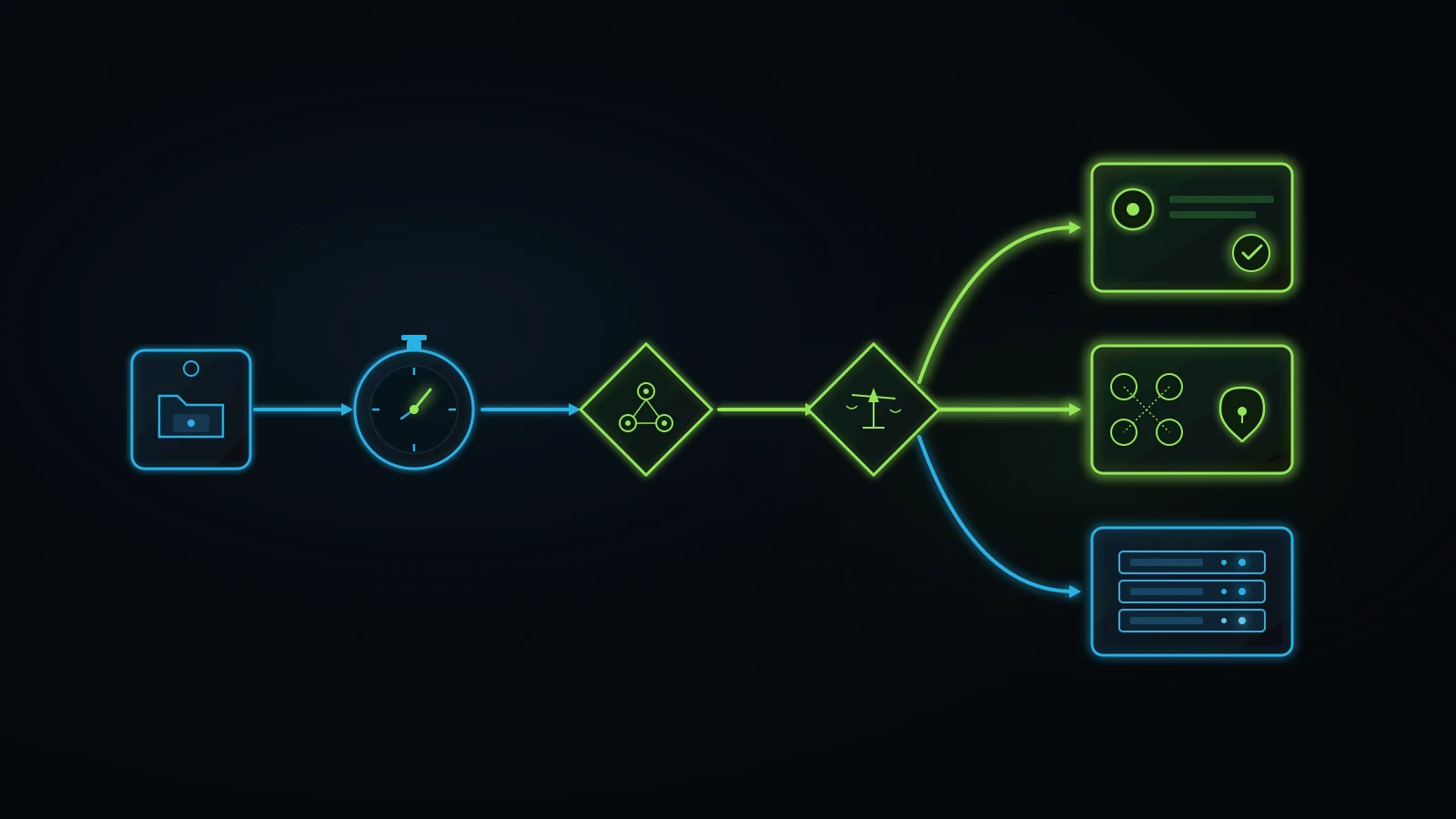
Follow these five steps in exact order across one normal workweek.
Days 1 and 2: Clean up context hygiene inside ChatGPT Projects
Take the two heaviest recurring tasks you use ChatGPT for (for example, auditing client ad accounts, drafting proposals, writing technical specs, or summarizing discovery transcripts). Move all standing instructions, voice rules, pricing boundaries, and reference examples out of messy old chat threads and into two dedicated ChatGPT Projects.
For the rest of the week, enforce strict thread hygiene: one discrete deliverable equals one fresh chat inside that Project. Stop appending Wednesday’s new job onto Monday’s 50-message thread. Half the founders who think they need Pro discover on Day 2 that clean Project threads immediately stop them from tripping five-hour token limits on Plus.
Days 3 through 5: Log every true rate-limit stop and net rework minute
Keep a four-column scratchpad on your desk for three full workdays:
- Task name and business purpose (must be a real operational or client task, not casual browsing).
- Manual baseline time (how long this job took before AI).
- Draft + human verification/cleanup time (your true AI cost in minutes).
- Did a hard Plus rate limit block completion? (Yes or No, plus how many minutes work stalled).
Be ruthless about honesty here. If you ran six productive tasks across three days, saved four net hours after human editing, and saw zero rate-limit lockouts, ChatGPT Plus just delivered massive ROI for $20 and proved you have zero financial reason to spend $100 or $200 on Pro.
Day 6: Check the multi-person governance gate
Ask one simple staffing question on Day 6: Did anyone else on my team ask me to run a prompt for them this week, or paste company data into their own free personal AI account?
If yes, your next dollar does not belong in ChatGPT Pro. It belongs in a two-to-four-seat ChatGPT Team / Business workspace ($25/seat monthly or $20/seat annual) paired with one trained department champion who moves the Project templates you built on Days 1 and 2 into a shared, company-owned workspace where client data is excluded from model training by default.
Day 7: Apply the final operator decision rule
At the end of Day 7, read your scratchpad and pick one clean outcome:
- Zero to one Plus rate-limit lockouts all week, solo user: Stay on $20/month ChatGPT Plus. If you want extra capability, spend your next $20 on a second distinct engine like Claude Pro rather than $80 to $180 extra on idle single-vendor compute.
- Zero to one lockouts, two or more staff using AI on company work: Switch to ChatGPT Team / Business ($20 to $25 per seat), revoke shared personal passwords, and assign task-board checkpoints.
- Three or more hard Plus lockouts blocking real coding, Deep Research, or heavy data analysis after fixing Project hygiene: Upgrade that specific power user to ChatGPT Pro 100 ($100/month) first. Only step up to Pro 200 ($200/month) if Pro 100 also caps out during active billable production, and put a 30-day calendar reminder to downgrade back to Plus the moment an intensive build sprint ends.
There is an Urdu operating rule I try to live by across every company I run: “kam kaam karo, achha kaam karo, sukoon ka kaam karo” (do less work, do good work, and do work that brings peace of mind). Buying bloated software tiers out of FOMO never brings peace of mind. Running two or three affordable $20 tools inside clear written systems, where your team knows who owns each step and nothing breaks while you step away from your desk, is what actually buys back your time.
If you are staring at a tangle of AI subscriptions, manual bottlenecks, and disconnected CRM tools and want an experienced operator to help you map out a lean, practical architecture, start with our guide to hiring a small business AI consultant or book a free initial discovery conversation on my advisory page. We look at your real workflows and your real budget first. If all you need is two $20 seats organized properly around a task board without hiring an agency, I will tell you that plainly on the call.
Next Steps and Related Operational Guides
- Advisory Services: Book a free initial discovery call with Faiz Ahmed to audit your AI subscriptions, team workflows, and operational bottlenecks around your real budget.
- Is ChatGPT Plus Worth It for Business Owners?: Read Part 1 of our AI subscription trilogy covering when the $20/month ChatGPT Plus baseline pays off over the free plan.
- Is Claude Pro Worth It for Business Owners?: Read Part 2 of the trilogy showing how we pair a $20 Claude Pro seat with ChatGPT Plus for long-document audits and mirror-brain writing.
- Practical AI Tools for Service Businesses: See which operational workflows actually remove recurring labor in a service company versus novelty AI demos.
- Small Business AI Consultant: Learn when to fix AI workflows internally on $20 tools and when hiring an operational AI advisor makes financial sense.
- Tech Stack Audit: Run a structured quarterly audit to cut idle, overlapping SaaS and AI subscriptions across your business.
- Business Process Documentation for Small Business: Turn your lived expertise into clear SOPs and checklists so $20 AI models stop guessing.
- AI Training for Employees: Roll out our department champion cascade so staff use shared Team workspaces safely and consistently.
- How to Hold Employees Accountable: Pair AI drafting with task-board ownership and escalation gates so deliverables never stall in browser tabs.
- Lead Follow Up System: Fix five-minute inbound lead response and CRM escalation before spending extra money on top-tier personal AI plans.
- Services Overview: Explore done-for-you SEO, websites, paid acquisition, and GoHighLevel CRM implementation through our operating teams.
- Contact Faiz Ahmed: Send a direct question about your team’s AI setup, CRM bottlenecks, or advisory options.
References
- Google Search Status Dashboard. “History for Ranking.” Accessed 2026-11-02. https://status.search.google.com/products/rGHU1u87FJnkP6W2GwMi/history
- OpenAI Help Center. “About ChatGPT Pro tiers.” Accessed 2026-11-02. https://help.openai.com/en/articles/9793128-about-chatgpt-pro-tiers
- OpenAI Help Center. “API credits benefit for eligible ChatGPT subscriptions.” Accessed 2026-11-02. https://help.openai.com/en/articles/11019623-api-credits-benefit-for-eligible-chatgpt-subscriptions
- Zapier. “What is ChatGPT Pro and is it worth it in 2026?” March 11, 2026. Accessed 2026-11-02. https://zapier.com/blog/chatgpt-pro/
- Layer3Labs. “Is ChatGPT Pro Worth It? The Break-Even vs Plus.” 2026. Accessed 2026-11-02. https://www.layer3labs.io/guides/is-chatgpt-pro-worth-it
- Techpresso Academy. “Is ChatGPT Pro Worth It in 2026? The $200 Answer.” 2026. Accessed 2026-11-02. https://academy.techpresso.co/reviews/is-chatgpt-pro-worth-it
- RadReads Newsletter. “Is ChatGPT Pro worth $200 a month?” Accessed 2026-11-02. https://newsletter.radreads.co/posts/is-chatgpt-pro-worth-200-a-month
Disclaimer: This article reflects the author’s personal opinions and a decade of practical experience building and operating digital agency workflows, AI-assisted operations, and CRM systems for service businesses. Firsthand operational examples (including running three sub-$20 monthly AI subscriptions plus API credits under $100 total across three businesses, maintaining portable markdown project vaults, and enforcing task-board handoffs) describe the author’s own operating company setup, and illustrative budget or break-even tables are simplified hypothetical models rather than guaranteed financial outcomes. The author advises service founders through The Retired Consultant and operates Integral Technologists and OmniFlow, as disclosed under the byline.
