

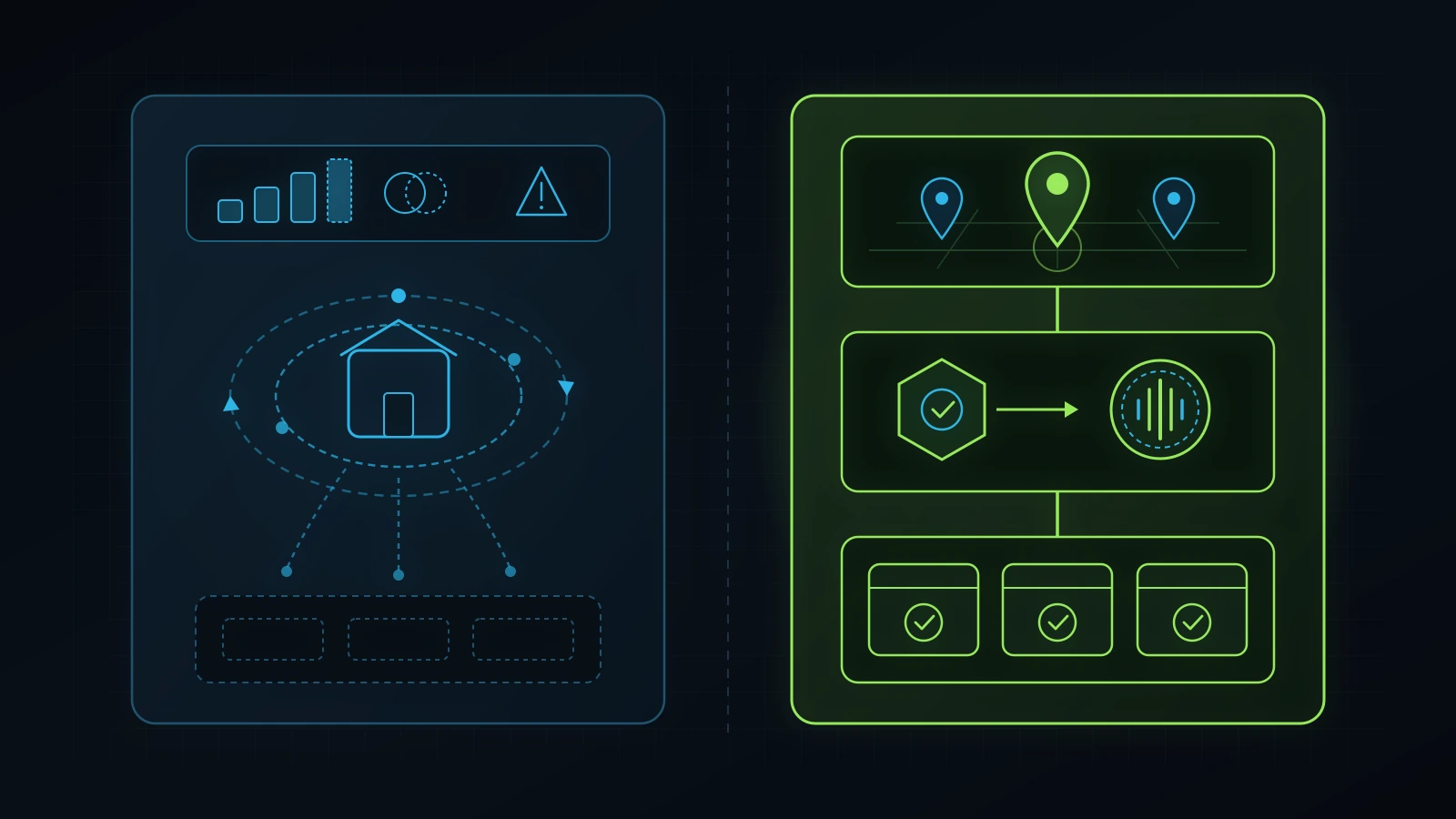
Most local Map Pack invisibility comes from wrong primary categories, untracked branded search reports, unlinked website service pages, and missed front-desk phone calls.
Inspect these four operational checkpoints in 30 minutes before you pay another monthly local SEO agency invoice.
A complete google business profile audit inspects seven operational checkpoints across your local search presence and phone pipeline: primary owner custody and suspension risk, primary and secondary category alignment against top Map Pack competitors, service-area and landing-page entity matching, UTM-isolated non-branded search attribution, complete service menus and authentic media, keyword-rich review velocity that feeds AI search engines, and sub-60-second CRM missed-call recovery (Google, 2026). When a local clinic, home-service company, automotive shop, or professional practice asks me why their business is invisible in the Google 3-Pack for high-intent “near me” searches, the issue is rarely a mysterious algorithm penalty. Over a decade of practical experience building and auditing digital systems for local and regional service businesses, I have found that 70% to 85% of underperforming Google Business Profiles suffer from three basic operational failures: wrong primary categories diluted by unrelated tags, zero structural connection between the GBP listing and dedicated website service pages, and unmonitored front-desk phone lines that miss 25% to 40% of inbound Map Pack calls during peak hours (Illustrative Model, 2026).
Worse, if you are currently paying a marketing vendor $1,000 to $2,500 per month for a “local SEO and Google Business Profile management service,” there is a high probability you are paying for traffic you already owned before hiring them (Illustrative Model, 2026). Every month, thousands of small-business owners receive automated agency PDF reports celebrating “1,850 Google Business Profile impressions and 140 website clicks” without realizing that 80% of those interactions came from existing, loyal customers typing the company’s exact brand name into Google Maps just to check closing hours or tap the phone number (Illustrative Model, 2026).
You do not need expensive enterprise software to uncover whether your profile is actually generating new customers or merely coasting on your existing brand name. This 30-minute, 7-step gbp audit gives you the exact diagnostic checklist we run inside our own iT-SEO and GoHighLevel (OmniFlow) client deployments to move local service businesses from Page 2 invisibility into top-3 Map Pack and AI Search recommendations.
Why Your Agency’s “Google Business Profile Report” Shows Rising Views While Your Phone Stays Quiet
Your agency’s monthly local SEO report looks impressive while your new-customer revenue stays flat because native Google Business Profile Performance metrics combine branded navigational searches with non-branded discovery searches by default (Google, 2026). Before I stepped back from day-to-day agency firefighting to launch The Retired Consultant, I spent four years (2021 to 2025) progressing from WordPress Developer to Pakistan Operations Lead for Dr. J Anti-Aging Clinic (drjantiagingclinic.com) in Orlando, working closely with my mentor Dr. Junaid Syed. Before that period, I knew how to build websites, run Facebook and Google Ads, manage Google Business Profiles (which I first deployed in 2020 as Technology Lead at Anwaar Ul Uloom), and configure phone systems as separate skills. Working inside a real operating clinic taught me how all of those pieces lock together as one business-development engine.
When I started advising small-business owners independently, I kept seeing the exact same painful pattern across the United States:
- Owners Buy Paid Ads Before Fixing Local Foundations: A medspa, contractor, or wellness clinic spends $3,000 to $5,000 per month on Facebook Ads, Yelp Ads, or Google Ads while their Google Business Profile has the wrong primary category, an unverified landing page, outdated hours, and nobody answering the phone at 1:15 PM during lunch (Illustrative Model, 2026). When a prospect sees your ad on Instagram or Google, the very first thing they do before calling is check your Google Business Profile, read your latest reviews, and compare your rating against the two competitors beside you on the map.
- Agencies Pass Off Branded Visibility as “Local SEO Growth”: In my advisory consultations, one of the first things I teach founders is how to spot the branded-impression illusion. If you run an established clinic or service business with 500 past customers, and 300 of those repeat clients type your exact business name into Google on their iPhone to get driving directions or call your front desk, Google Business Profile logs 300 search impressions and 300 interactions (Google, 2026). An unscrupulous agency takes a screenshot of that graph and bills you $1,500 a month for “managing your SEO,” even though your business ranks on Page 3 whenever a stranger in your city searches
"deep tissue massage near me"or"emergency HVAC repair [city]"(Illustrative Model, 2026). - Google Business Profile Cannot Rank in Isolation From Your Website: Many vendors sell standalone “GBP optimization” where they post three AI-generated stock-photo updates a week inside your profile and never touch your website. That approach fails on competitive local queries because Google’s local algorithm cross-checks your profile categories and services against the H1 headings, internal links, and
LocalBusinessschema on your website (Google, 2026).
We proved the power of unifying your Google Business Profile, website architecture, and review reputation in two documented engagements at Integral Technologists:
- Verified Multi-Month Local SEO & AI Search Growth (
healinghandshc.com, Cedar Hill, Texas): When Lewis Bell at Healing Hands (healinghandshc.com) partnered with us, his practice sat at an average Google Search Console position of 19.7 (Page 2) in July 2026, generating 34 total monthly clicks and only 4 non-branded clicks from strangers who did not already know his business name (Google Search Console, 2026; Integral Technologists Report, 2026). By rebuilding and migrating his web foundation, aligning his service pages with exact local search intent, and running ouriT-SEOframework (with 10 new and upgraded service and educational pages deployed in October), his full-month organic clicks climbed from 34 in July to 221 in October (a 6.5x increase), impressions tripled from 3,006 to 9,094, and average position improved from 19.7 to 9.9 (Page 1) (Google Search Console, 2026). More importantly, non-branded pure discovery clicks jumped 17x from 4 in July to 69 in October, locking in Page 1 rankings across nine high-intent local terms includingmassage therapy cedar hill(#1),cupping therapy near me(#2),#2),post op lymphatic drainage massage near me(myofascial massage near me(#2), and#4) (Google Search Console, 2026). When we ran a live US ChatGPT search test on November 3, 2026 via DataForSEO for “best massage therapist in Cedar Hill TX”, ChatGPT named his practice #1 (“My top recommendation” and “My top pick”) ahead of national franchises Massage Envy and Hand & Stone, explicitly citing his 5.0 rating and 184 reviews alongside his service pages (DataForSEO, 2026).deep tissue massage near me( - Public 90-Day MedSpa Consolidation (
A Younger You Wellness & MedSpa): As documented in our public case study (integraltechnologists.com/blog/a-younger-you-medspa-90-day-case-study.html), pairing structured local SEO with tool consolidation grew ranking search queries to 82 queries (roughly 20 at position #1) and improved average Search Console position from 19.1 to 13.7, while consolidating over $1,200/month in fragmented software into a $99/month OmniFlow (GoHighLevel) CRM backbone that automates review follow-up and lead capture (Integral Technologists Report, 2026).
Across the US market, business owners are actively searching for a transparent way to inspect their local presence without getting pitched another bloated retainer. Live DataForSEO keyword data on 2026-11-06 shows advertisers paying $20.53 per click on google business profile audit, $25.22 per click on why is my business not showing up on google maps, $45.85 per click on google business profile management service, and $48.57 per click on google my business optimization service (DataForSEO, 2026). Yet on the organic SERP for google business profile audit, 5 of the 9 Page 1 results have 0 referring domains, including outdated 2023 blog posts and thin email-capture widgets (DataForSEO, 2026).
Use the 7-step forensic checklist below to audit your own Google Business Profile in 30 minutes.
The 7-Step Google Business Profile Audit Scorecard (30-Minute Owner Overview)
You can evaluate your entire local Map Pack and call-conversion engine in 30 minutes by grading seven checkpoints across your Google Business Profile manager (business.google.com), Google Search Console, and CRM phone logs against binary pass-or-fail criteria (Google, 2026). Before editing a single description field, score your current setup using the table below.
| Audit Step | Exact Location to Inspect | Healthy Operator Benchmark (PASS) | Red-Flag Local SEO Leak (FAIL) | Typical Impact on Local Leads (Illustrative Model, 2026) |
|---|---|---|---|---|
| Step 1: Ownership, Custody & Suspension Hygiene | business.google.com/locations > Business Profile Settings > People and access |
Business owner’s corporate Google Workspace email is Primary Owner; agency is Manager; exact legal/DBA signage name with zero keyword stuffing; zero duplicate listings. | Former agency or ex-employee holds Primary Owner; business name stuffed with city/keywords risking instant suspension; unverified duplicate profiles at old addresses. | 100% loss of Map Pack phone calls for 2 to 6 weeks during a profile suspension appeal. |
| Step 2: Primary & Secondary Category Precision | Edit Profile > Business Category vs. Top 3 Map Pack Competitors |
Primary Category matches the exact highest-volume revenue service of the #1 Map Pack winner; 3 to 5 tightly related Secondary Categories mapped to dedicated website H1 pages. | Broad generic Primary Category (e.g., Medical Clinic instead of Medical Spa, or Contractor instead of Roofing Contractor); 9 unrelated secondary categories. |
40% to 65% suppression in non-branded “near me” Map Pack impressions. |
| Step 3: Proximity, Service Areas & Website Entity Match | Edit Profile > Location and areas + Website HTML & LocalBusiness JSON-LD |
Physical storefront shows verified staffed address (or legitimate SAB hides address with <= 30-minute realistic service cities); linked page has matching NAP, embedded Map, and GeoCoordinates schema. |
Service-Area Business (SAB) lists 20 cities spanning 3 states; GBP website link points to a slow homepage that never mentions the primary city or service categories. | Excluded from local 3-Pack outside immediate 0.5-mile building radius. |
| Step 4: Branded vs. Non-Branded Attribution & UTMs | GBP Performance > Searches + Google Search Console (?utm_campaign=gbp_listing) |
Website, Appointment, and Product links carry clean UTM tags (utm_source=google&utm_medium=organic&utm_campaign=gbp_listing); GSC filters branded vs. non-branded clicks separately. |
Raw naked URL in GBP website field; agency reports combined branded + non-branded views as “SEO growth”; zero visibility into which GBP clicks book appointments. | Paying $1,500 to $3,000/mo in agency fees for repeat customers who already knew your name. |
| Step 5: Services Catalog, Authentic Media & Q&A | Edit Profile > Services / Products / Photos + Public Questions & answers |
Every Primary & Secondary Category contains 5 to 10 custom services with plain-English descriptions and pricing context; 25+ real team/facility photos; 5+ owner-seeded Q&As. | Empty Services tab or auto-generated checkboxes with zero descriptions; stock Canva graphics with text overlays; unanswered public customer questions. | 20% to 35% lower tap-to-call conversion rate compared to complete competitor profiles. |
| Step 6: Review Velocity, Response Depth & AI Search Readiness | Read reviews + Live ChatGPT / Google AI Overview Prompt Test |
Steady monthly review velocity via automated post-visit SMS/email; 100% owner response rate within 48h mentioning service context; cited in ChatGPT/Gemini local prompts. | 14 reviews total with last review 8 months ago (or sudden fake 40-review burst in one weekend); copy-paste “Thanks for your review!” replies; invisible in AI search. | Bypassed by both human Map Pack comparison shoppers and AI search assistants. |
| Step 7: GBP Call-to-CRM Handoff & Missed-Call Text-Back | GoHighLevel CRM > Phone Numbers & Workflows + GBP Call History |
Local call-tracking forwarding number preserves NAP (with main number as Additional Phone); missed calls trigger instant (< 30s) SMS text-back + AI/human backup triage. | Direct personal cell or single landline with no call recording, no missed-call SMS recovery, and 30%+ unanswered calls during lunch, treatments, or after hours. | 30% to 50% of hard-won Google Maps callers hang up and book with the next competitor on the list. |
Step 1: Audit Profile Ownership, Primary Admin Custody, and Suspension Trigger Risks
Your company must hold Primary Owner custody of its Google Business Profile under a domain-owned Google account before any employee, freelancer, or marketing agency is granted management permissions (Google, 2026). Just as we verify asset custody first during a Google Ads audit, a Facebook Ads audit, or a full digital marketing agency audit, checking who legally controls your Google Business Profile prevents a vendor dispute from holding your local phone volume hostage.
How to Check Primary Owner Access in 2 Minutes
- Sign into Google with your company owner email and search “my business” on Google Search, or go directly to
business.google.com/locations(Google, 2026). - Click the three-dot menu icon in the top-right corner of your Business Profile control panel and select Business Profile settings > People and access (Google, 2026).
- Click each user listed and verify who holds the Primary owner badge (Google, 2026).
- Confirm that Primary owner is assigned to an email address you personally control (ideally on your company domain, plus a backup owner recovery email), and that your agency or internal specialist is listed as Manager (Google, 2026).
- Note Google’s mandatory 7-day waiting period rule: when a new Primary Owner or Owner is added to a Google Business Profile, Google enforces a strict 7-day security hold before that new user can remove or demote existing owners (Google, 2026). Audit this before you terminate an underperforming agency, not on the afternoon you fire them.
Inspecting the 4 Top Triggers for google business profile suspended Disasters
Live keyword data shows 320 US business owners per month searching google business profile suspended at an average advertiser CPC of $22.06 because Google’s automated trust-and-safety crawlers aggressively suspend listings that violate naming or address guidelines (DataForSEO, 2026; Google, 2026). During Step 1 of your google my business audit, check your profile against these four suspension triggers:
- Trigger 1: Keyword Stuffing in the Business Name Field: If your legal business name on your state registration, utility bill, and building signage is “Apex Plumbing LLC”, your Google Business Profile name must be “Apex Plumbing”. If an agency renamed your profile “Apex Plumbing: 24/7 Emergency Plumber & Water Heater Repair Dallas”, a single competitor submitting a public “Suggest an edit” form or a Google automated sweep can trigger a hard suspension that removes your listing from Google Maps for weeks while you submit video verification appeals (Google, 2026).
- Trigger 2: Virtual Offices, P.O. Boxes, and Co-Working Spaces Without Permanent Signage: Google strictly prohibits listing a UPS Store mailbox, P.O. Box, or unstaffed Regus co-working desk as a physical storefront address (Google, 2026). If you run a home-service or mobile business from your house or a shared space without permanent exterior signage and dedicated full-time staff during stated business hours, you must toggle “Show business address to customers” to OFF so your profile operates legitimately as a Service-Area Business (SAB) (Google, 2026).
- Trigger 3: Duplicate Profiles or Old Practitioners at the Same Address or Phone Number: For medical clinics, dental practices, wellness centers, and law firms, search your exact street address and phone number on Google Maps (Google, 2026). If an old practitioner profile or a legacy unverified listing from five years ago shares your phone number or suite number, Google’s local filter can suppress both listings from appearing in the 3-Pack (Google, 2026).
- Trigger 4: Simultaneous Core Edits Across Name, Category, Address, and Phone: Never change your Business Name, Primary Category, Street Address, and Phone Number all in the same afternoon. Making multiple core identity edits at once routinely triggers Google’s automated re-verification lock, requiring a continuous, unedited smartphone video walkthrough of your street sign, unlocked front door, payment terminal, and utility documents before your profile edits go live (Google, 2026).
Step 2: Audit Primary and Secondary Categories Against the Top 3 Map Pack Winners
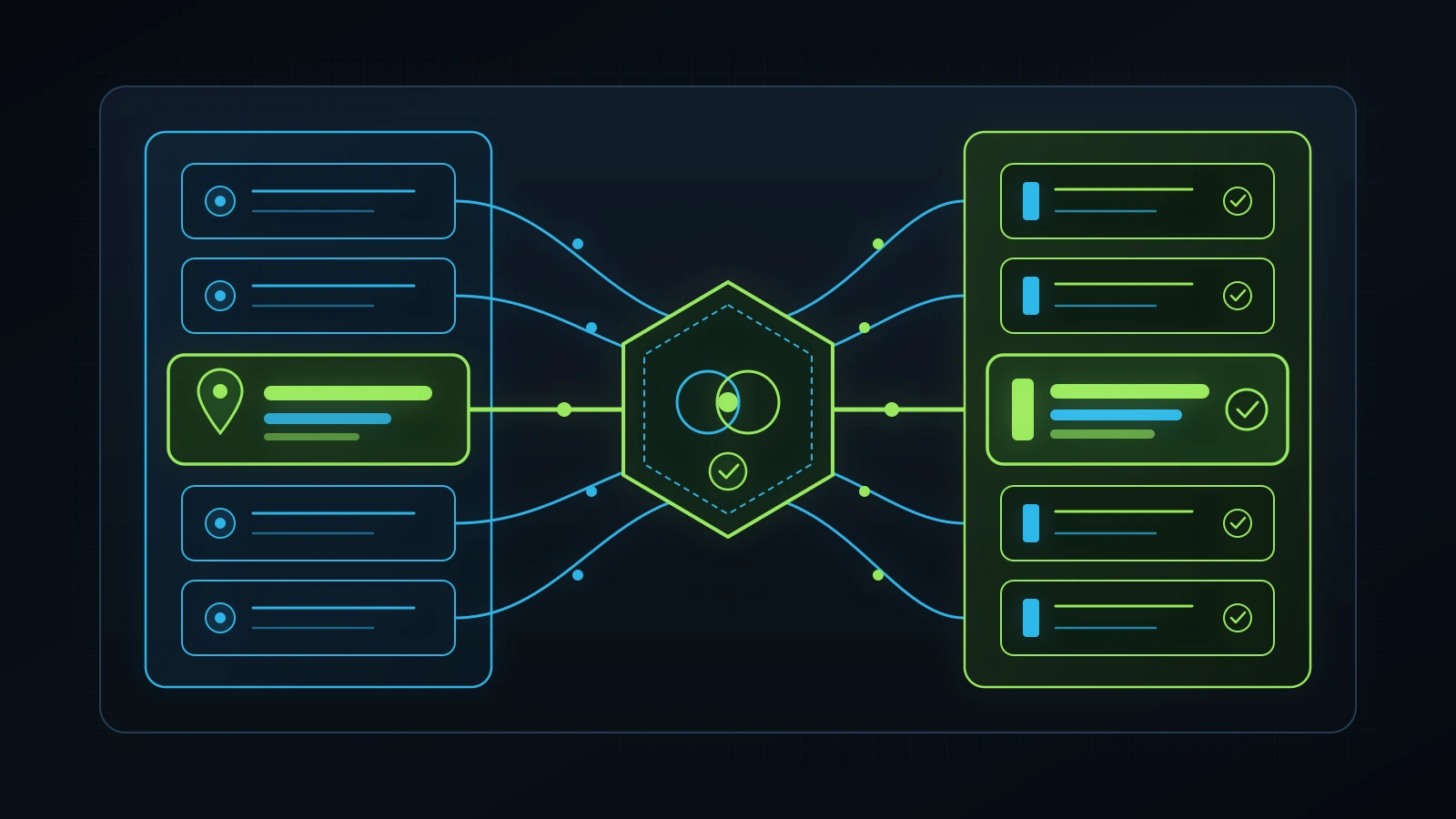
Your Primary Category is the single strongest on-profile relevance signal controlling which local search queries trigger your Google Business Profile in the Map Pack (BrightLocal Survey, 2026; Google, 2026). You can choose one Primary Category and up to nine Secondary Categories inside your profile, yet in more than half of the small-business accounts we inspect, the owner or a junior agency coordinator picked a vague umbrella category during initial setup and never audited what the top three local competitors are using (Illustrative Model, 2026).
Why the Wrong Primary Category Makes You Invisible on High-Ticket Searches
Google maintains roughly 4,000 specific preset business categories, and its local ranking system matches specific buyer queries to specific category IDs (gcid) (Google, 2026). Look at three real-world examples of how a slight mismatch kills Map Pack visibility:
- Medical Aesthetics & Wellness Example: If a clinic selects
Medical ClinicorDay Spaas its Primary Category when patients in its city are searching"medspa near me"or"botox [city]", competitors whose Primary Category is set toMedical Spa(withSkin Care Clinic,Laser Hair Removal Service, andWeight Loss Serviceas Secondary Categories) will outrank them in the 3-Pack even with fewer reviews (Illustrative Model, 2026). - Therapeutic Massage & Clinical Bodywork Example: When we executed our October
iT-SEOarchitecture upgrade for Healing Hands (healinghandshc.com) in Cedar Hill, Texas, we ensured the website’s core commercial pages mapped cleanly across the exact service taxonomy buyers search:Massage Therapist,Sports Massage Therapist,Thai Massage Therapist,Lymph Drainage Therapist, and dedicated pages for deep tissue, Swedish, reflexology, cupping, and trigger-point therapy (Integral Technologists Report, 2026). That 1-to-1 alignment between GBP categories/services and dedicated website URLs is why the clinic ranks #1 formassage therapy cedar hilland #2 to #5 across eight distinct"near me"specialty queries (Google Search Console, 2026). - Home Services & Trades Example: A company that generates 70% of its profit from emergency AC replacement but leaves its Primary Category set to
General ContractororPlumberinstead ofHVAC ContractorandAir Conditioning Repair Servicehandicaps its visibility during peak summer demand (Illustrative Model, 2026).
How to Run a 5-Minute Competitor Category Audit
- Open an Incognito browser window and search your #1 money keyword plus your city name on Google Maps (for example,
"medical spa orlando"or"roofing contractor plano tx") (Google, 2026). - Look at the top 3 organic Map Pack results (ignoring the paid “Sponsored” pin at the top) and write down the exact Primary Category displayed directly beneath their star rating (Google, 2026).
- Use a free browser extension (such as GMB Everywhere or PlePer) or inspect the page source of those top 3 competitors on Google Maps by searching the page source (
Ctrl+F/Cmd+F) for their primary category string to reveal all Secondary Categories they have attached to their listing (Illustrative Model, 2026). - Compare their category stack against yours under Edit Profile > Business category.
- Enforce the 1-to-1 Website Silo Rule: Only add a Secondary Category if your business genuinely performs that service and you have (or build) a dedicated, indexable H1 service page on your website covering that exact service (Google, 2026). Do not dump nine random categories onto your profile if your website is a single-page brochure that never mentions them.
Step 3: Audit Why Your Business Is Not Showing Up on Google Maps (Proximity, Service Areas, and Landing Page Signals)
When business owners search why is my business not showing up on google maps (a query searched 140 times per month in the US at a $25.22 CPC), the root cause almost always traces back to one of four structural blocks: proximity centroid mismatch, Service-Area Business (SAB) radius overreach, Google’s street-level building filter, or a broken connection between the GBP landing page and LocalBusiness schema (DataForSEO, 2026; Google, 2026).
Diagnostic Matrix: Why Your Listing Disappears on Google Maps and How to Fix It
| Symptom Observed by Owner | True Technical Root Cause | Exact Forensic Check to Run | Permanent Operator Fix |
|---|---|---|---|
Listing appears when searching exact business name, but vanishes on "service near me" 2 miles away |
Weak category/website relevance or missing local prominence outside your immediate city block. | Compare your Primary Category, review count, and linked website H1/title tag against the top 3 Map Pack competitors. | Align Primary Category; include [Primary Service] in [City, State] in the linked page’s <title>, <h1>, and opening paragraph; build local review velocity. |
| Listing does not appear at all, even when typing exact business name + city | Unverified profile, pending re-verification lock, or soft/hard suspension. | Log into business.google.com/locations and check the status badge (Verified, Processing, Verification required, or Suspended). |
Complete video verification or submit a consolidated reinstatement appeal with state business registration, DBA, and utility bill matching exact profile NAP. |
| Service-Area Business (SAB) ranks terribly across all 20 listed cities | Misunderstanding how Google treats the Service areas field + overextending beyond Google’s 2-hour drive rule. |
Open Edit Profile > Location and areas > Service areas and inspect how many cities/counties are listed. |
Understand that adding cities to Service areas does not shift your ranking proximity pin (which stays anchored to your verified physical address); trim to 5 to 10 realistic core cities/ZIPs within a 30-to-60-minute drive and build dedicated city landing pages on your website for surrounding suburbs. |
| Listing disappears when zooming into your office building or medical plaza | Google’s “Possum” same-building / same-category proximity filter suppressing two businesses with identical primary categories in the same suite/building. | Search your primary category on Google Maps and zoom tightly onto your building rooftop to see which suite neighbor appears. | Ensure your Suite number, phone number, and website domain are 100% distinct; differentiate your Primary Category if a sub-specialty fits; build higher entity prominence and review authority than the neighboring listing. |
| Map pin drops in the middle of an alley, highway, or wrong block | Auto-geocoded pin drift after an address edit. | Open Edit Profile > Location and areas > Business location and inspect the satellite map pin placement. |
Manually drag the map pin slightly ONLY if it is physically placed on the wrong building (never touch a correctly placed pin, as moving the pin unnecessarily can trigger video re-verification). |
Auditing the Website URL Linked Inside Your Google Business Profile
Your Google Business Profile does not live on an island; Google’s local algorithm heavily weights the organic authority and on-page signals of the exact URL you paste into the Website field of your profile (Google, 2026). During Step 3 of your google business profile audit, open the URL linked on your profile and verify these five technical requirements:
- Exact NAP Parity: Your Business Name, Street Address, and Local Phone Number in the footer or contact block of the linked page must match your Google Business Profile character for character (Google, 2026).
- Primary Category + City in the Title Tag and H1: If your homepage
<title>tag just says “Home | Smith Company”, you are wasting your strongest local relevance signal. The linked page should carry your primary service and city clearly in the<title>(under 60 characters),<h1>, and first 100 words of body copy. - Internal Links From the Linked Page to Every Secondary Category Service Page: When Googlebot crawls the URL linked on your Google Business Profile, it should immediately find clean internal links to dedicated pages for each of your Secondary Categories and core services.
- Validated
LocalBusiness(or Industry Subtype) JSON-LD Schema: View the page source of your linked URL and confirm it outputs validLocalBusiness(orMedicalBusiness,HealthAndBeautyBusiness,HomeAndConstructionBusiness,ProfessionalService,AutoRepair) JSON-LD containing your exactname,telephone,address,geo(GeoCoordinateslatitude and longitude),openingHoursSpecification,hasMap, andsameAslinks (Google, 2026). - Mobile Core Web Vitals (< 2.5s LCP, Zero Horizontal Overflow): Over 75% of Google Maps searches happen on smartphones (BrightLocal Survey, 2026). If a prospect taps “Website” on your Google Business Profile and waits 6 seconds for a bloated desktop slider to load, they bounce right back to the Map Pack and call your competitor.
Step 4: Audit Branded vs. Non-Branded GBP Performance and Add UTM Tracking to Every Link
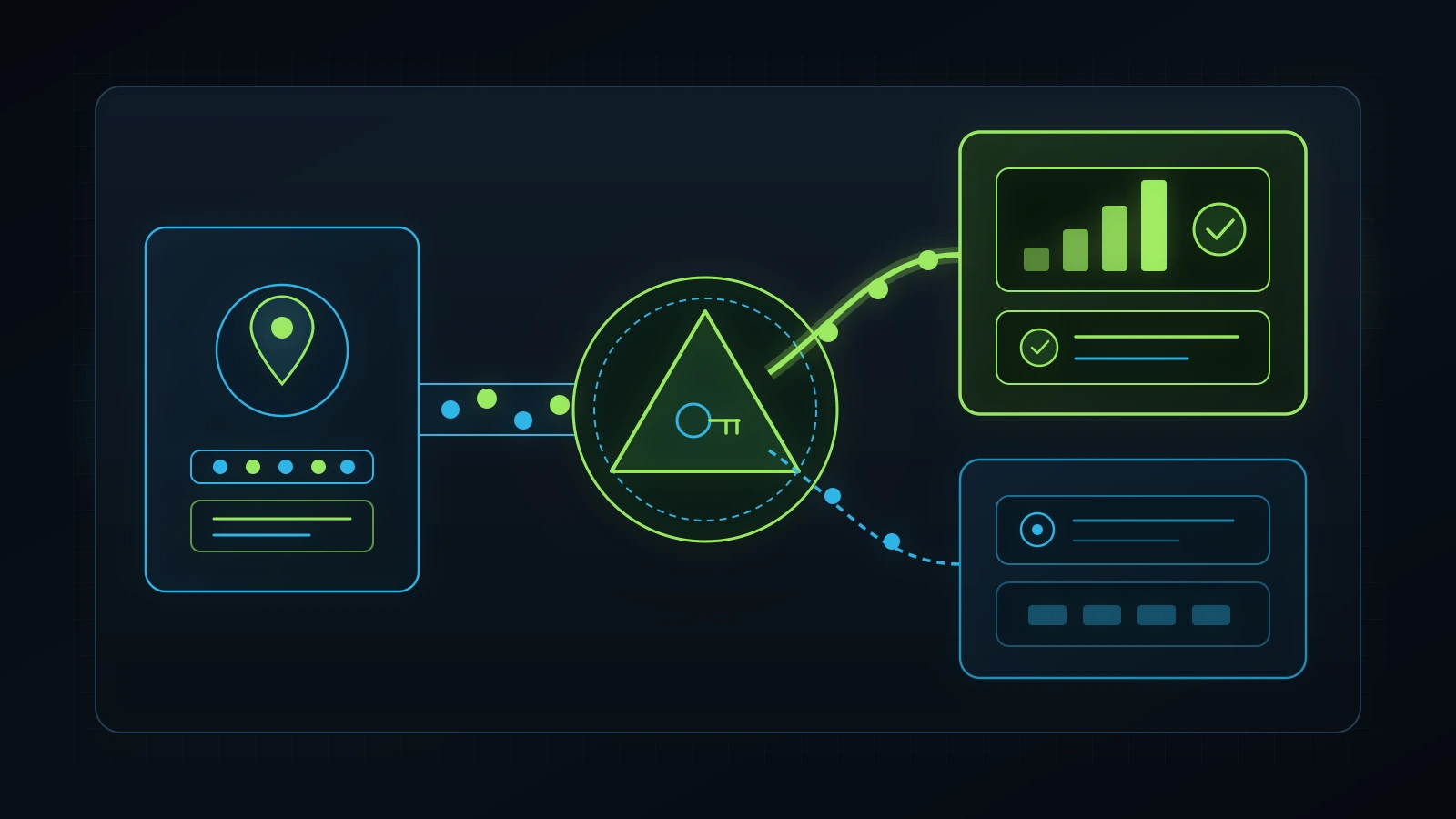
If your Google Business Profile links to a raw URL like https://yourbusiness.com/ without UTM tracking parameters, both Google Search Console and your CRM are blending your Google Maps clicks into generic organic or direct traffic, making it impossible to audit what your profile actually produces (Google, 2026). Worse, without separating branded queries from non-branded discovery queries, you cannot tell whether your local SEO efforts are attracting strangers or simply serving repeat clients who already know your name.
How to Expose the Branded-Search Agency Illusion in 3 Minutes
Remember the core principle from our in-house marketing vs. agency breakdown: an owner must understand enough about their digital channels to audit a vendor’s numbers in five minutes. Here is how to check whether your Google Business Profile is generating genuine new discovery:
- Open your Google Business Profile panel on Google Search and click the Performance icon (Google, 2026).
- Scroll down to Searches (Searches breakdown), which shows the exact search terms that caused your Business Profile to appear over the last month to six months (Google, 2026).
- Look at the top 10 queries listed:
- If queries #1 through #8 are variations of your own business name, doctor’s name, or street address: Your profile is acting purely as a digital phonebook for people who already know you via word-of-mouth, signage, or referrals (Illustrative Model, 2026). Any agency claiming credit for those branded impressions is taking you for a ride.
- If your Searches breakdown shows rising impressions on non-branded service queries (such as
"cupping therapy near me","lymphatic drainage massage near me","medspa [city]", or"commercial hvac repair near me"): Your local SEO and category/website architecture are actively capturing new-to-brand buyers in your market (Google Search Console, 2026).
In our verified reporting for Healing Hands (healinghandshc.com), we never hide behind total combined clicks alone. We isolate non-branded Search Console performance (explicitly filtering out any query containing the clinic’s brand words "healing" or "hands"), which is how we proved that pure non-branded discovery clicks grew 17x from 4 clicks in July to 69 clicks in October (while non-branded impressions rose from 758 to 2,336) alongside total clicks growing 6.5x from 34 to 221 (Google Search Console, 2026; Integral Technologists Report, 2026).
The Exact UTM Tagging Standard for Your Google Business Profile Links
Do not leave naked URLs inside your Google Business Profile. Append clean, lowercase UTM parameters to every link field inside your profile so that Google Search Console (Page filter containing utm_campaign=gbp) and your GoHighLevel CRM record the exact touchpoint that drove the lead:
| GBP Profile Link Field | Raw Untracked URL (FAIL) | Audited UTM-Tracked URL Structure (PASS) | What This Isolates in Search Console & CRM |
|---|---|---|---|
| Primary Website Link | https://yourdomain.com/ |
https://yourdomain.com/?utm_source=google&utm_medium=organic&utm_campaign=gbp_listing |
Separates Map Pack / Knowledge Panel website clicks from standard blue-link organic rankings in Google Search Console. |
| Booking / Appointment Link | https://yourdomain.com/book/ |
https://yourdomain.com/book/?utm_source=google&utm_medium=organic&utm_campaign=gbp_appointment |
Tracks prospects who clicked straight to your self-booking calendar from Google Maps. |
| Products / Featured Services Links | https://yourdomain.com/services/deep-tissue/ |
https://yourdomain.com/services/deep-tissue/?utm_source=google&utm_medium=organic&utm_campaign=gbp_services |
Shows which specific service card inside your GBP profile drives high-intent clicks. |
| GBP Update / Offer Posts | https://yourdomain.com/contact/ |
https://yourdomain.com/contact/?utm_source=google&utm_medium=organic&utm_campaign=gbp_post |
Measures whether weekly GBP Posts actually produce clicks or are wasted busywork. |
Important Canonical Rule When Using UTMs on GBP: Make sure your website’s <link rel="canonical" ...> tag on the target page points cleanly to the self-referential base URL without the ?utm_... query string (for example, https://yourdomain.com/), so Google Search Console tracks the UTM URL in your Search Analytics performance table without indexing duplicate parameterized URLs (Google, 2026).
Step 5: Audit Services Catalogs, Products, Real Photo Velocity, and Pre-Emptive Q&A
An incomplete Google Business Profile with empty Service descriptions, stock Canva flyers, and zero answered Questions & Answers loses 20% to 35% of comparison shoppers to a neighbouring competitor whose listing looks active, transparent, and trustworthy (Illustrative Model, 2026). In addition, Google’s local search interface regularly pulls “Provides: [service keyword]” and “Mentioned on website / in Services” justification snippets directly into the 3-Pack results based on the text inside your Services catalog (Google, 2026).
1. Audit the Services and Products Tabs
Open Edit Profile > Services inside your Google Business Profile manager (Google, 2026).
- The Checkbox Mistake: Whenever you update your profile or when Google crawls your site, Google suggests one-click service tags (like “Deep Tissue” or “Leak Detection”). Most owners click the checkmark and leave the Service description and Price fields completely blank.
- The Operator Fix: Under every Primary and Secondary Category on your profile, verify that your core 5 to 10 revenue services are listed, and write a clear 150-to-250-character plain-English description for each service explaining who it helps, what is included, and transparent starting price context where applicable (Google, 2026). If your profile category unlocks the visual Products carousel (available to most non-medical local businesses), showcase your 4 to 6 signature service packages or offers with a clean visual, starting price range, plain-language summary, and a UTM-tagged link straight to that service page (Google, 2026).
2. Audit Visual Media (Real Operations Photos vs. Agency Canva Slop)
Open Photos on your public Google Business Profile and look at what a prospective customer sees first:
- Delete Text-Heavy Canva Flyers and Stock Photos: Google’s image quality guidelines explicitly discourage heavy promotional text overlays and stock photography in Business Profile photo galleries (Google, 2026). More importantly, human buyers can spot a fake stock photo of a smiling model in a headset in half a second.
- Upload the 5 Essential Categories of Real Local Proof: Ensure your gallery contains at least 20 to 30 real, high-resolution smartphone or camera photos across five categories: (1) Exterior street view from two directions (so first-time visitors recognize your building and parking immediately), (2) Interior reception and treatment/service rooms, (3) Real team members and founder at work, (4) Equipment, vehicles, or clinical technology in use, and (5) Consented before-and-after or completed project results (Google, 2026). Add 2 to 4 genuine new photos from real weekly operations every month rather than dumping 50 stock graphics once a year.
3. Audit and Seed the Public Questions & Answers Section
Anyone with a Google account, including a local competitor or a confused user, can post a question and answer on your public Google Business Profile Q&A section (Google, 2026). Google explicitly permits business owners to post and answer their own most frequently asked customer questions on their profile (Google, 2026). During your gbp audit, check your public Q&A module. If it has 0 questions, seed the top 5 buyer questions your front desk hears every week (parking/access, insurance or pricing structure, same-week appointment availability, service area coverage, and what to expect on a first visit) and answer them directly from your verified Owner account using clear, answer-first sentences.
Step 6: Audit Review Velocity, Service-Specific Review Prompts, and AI Search Readiness (ChatGPT & Gemini Maps)
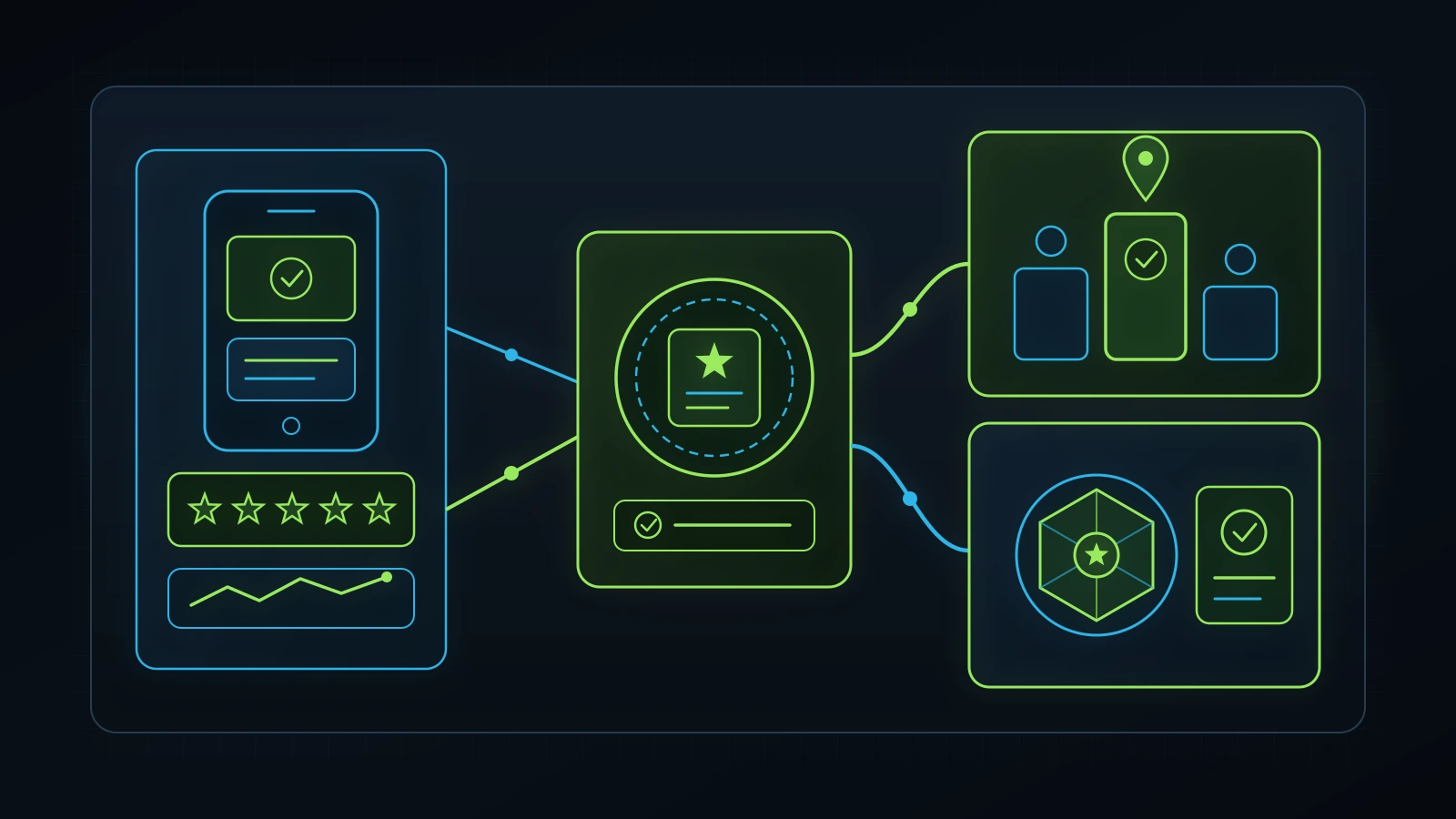
In 2026, your Google Business Profile reviews do double duty: they drive classic Google Map Pack rankings and click-through rates and serve as a primary trust signal when AI search assistants like ChatGPT, Google AI Mode, and Perplexity recommend local businesses by name (OpenAI, 2026; Google, 2026).
Proof from the Field: How GBP Reviews + Local SEO Earned the #1 ChatGPT Pick in Cedar Hill
Consider what happened when we tested AI search visibility for our client Lewis Bell at Healing Hands (healinghandshc.com) on November 3, 2026 via DataForSEO’s live US ChatGPT search endpoint (with web search enabled) (DataForSEO, 2026; Integral Technologists Report, 2026):
- The Prompt: “best massage therapist in Cedar Hill TX”
- ChatGPT’s Live Response: ChatGPT opened with “My top recommendation is Healing Hands…”, ranked the practice #1 (“My top pick”) above national franchises Massage Envy and Hand & Stone, explicitly cited its 5.0 rating and 184 reviews, praised Lewis by name, and referenced its service offerings and pricing (DataForSEO, 2026).
- Broader AI Citation Footprint: Live DataForSEO LLM mention tracking on
2026-11-03showedhealinghandshc.comcited in 44 ChatGPT answers (representing roughly 5,899 monthly AI search volume), with ChatGPT readinghealinghandshc.com38 times, more than any other domain in those answer sets (DataForSEO, 2026). Better still, Lewis reported that new clients walking through his door were telling him directly: “ChatGPT recommended your business to me” (Integral Technologists Report, 2026).
Why did ChatGPT trust a local independent clinic over multi-million-dollar national chains? Not because of a gimmick or an “AI wrapper” subscription. It happened because three real-world signals reinforced each other: 184 authentic 5.0-star customer reviews, 10 deeply structured, answer-first service pages on healinghandshc.com, and Page 1 Google rankings across 9 local “near me” queries (Integral Technologists Report, 2026).
Auditing Your Review Generation & Response System
When inspecting the Reviews section of your Google Business Profile, grade your current operation against these four rules:
- Review Velocity Beats Old One-Time Review Bursts: A profile with 65 reviews where 18 arrived steadily over the last 90 days will frequently out-convert and outrank a stagnant profile with 110 reviews whose most recent review was posted 11 months ago (BrightLocal Survey, 2026). Never buy fake reviews or run a “review gating” filter (where software asks for 1-to-5 stars privately and only sends 5-star respondents to Google, which violates both Google policy and FTC endorsement rules) (Google, 2026).
- Automate the Ask Inside Your CRM 2 Hours After Service Completion: The #1 reason satisfied customers do not leave a Google review is that nobody sent them a direct, one-tap review link while their positive experience was still fresh. Inside our GoHighLevel CRM (OmniFlow) deployments, moving an appointment status to
CompletedorChecked Outautomatically sends a warm, personal SMS and email 2 hours later containing your direct Google Business Profile short review link (g.page/r/.../review) (Illustrative Model, 2026). - Prompt Customers to Mention the Service They Received (Naturally): When a customer writes “Great service, 5 stars!”, you get a star rating. When a customer writes “Sarah did an incredible post-op lymphatic drainage massage at their Cedar Hill clinic and my swelling dropped immediately”, Google bolds those words as a “Review justification” directly inside the Map Pack whenever future prospects search that treatment (Google, 2026). In your post-visit SMS, simply ask: “If you have 30 seconds, would you mind sharing which service or treatment you came in for today and how our team took care of you?”
- Respond to 100% of Reviews Within 48 Hours With Helpful Context: Never leave reviews unanswered, and stop pasting the robotic template “Thank you for your review!” forty times in a row. Write a genuine 2-to-3-sentence human reply thanking the client by first name and naturally referencing the service team or outcome (while strictly obeying HIPAA and patient privacy in healthcare and medical aesthetics: never disclose medical conditions or protected health information in a public review reply even if the patient mentioned it first) (Google, 2026).
Step 7: Audit the GBP Call-to-CRM Handoff (Stopping Missed Google Maps Calls in Under 60 Seconds)
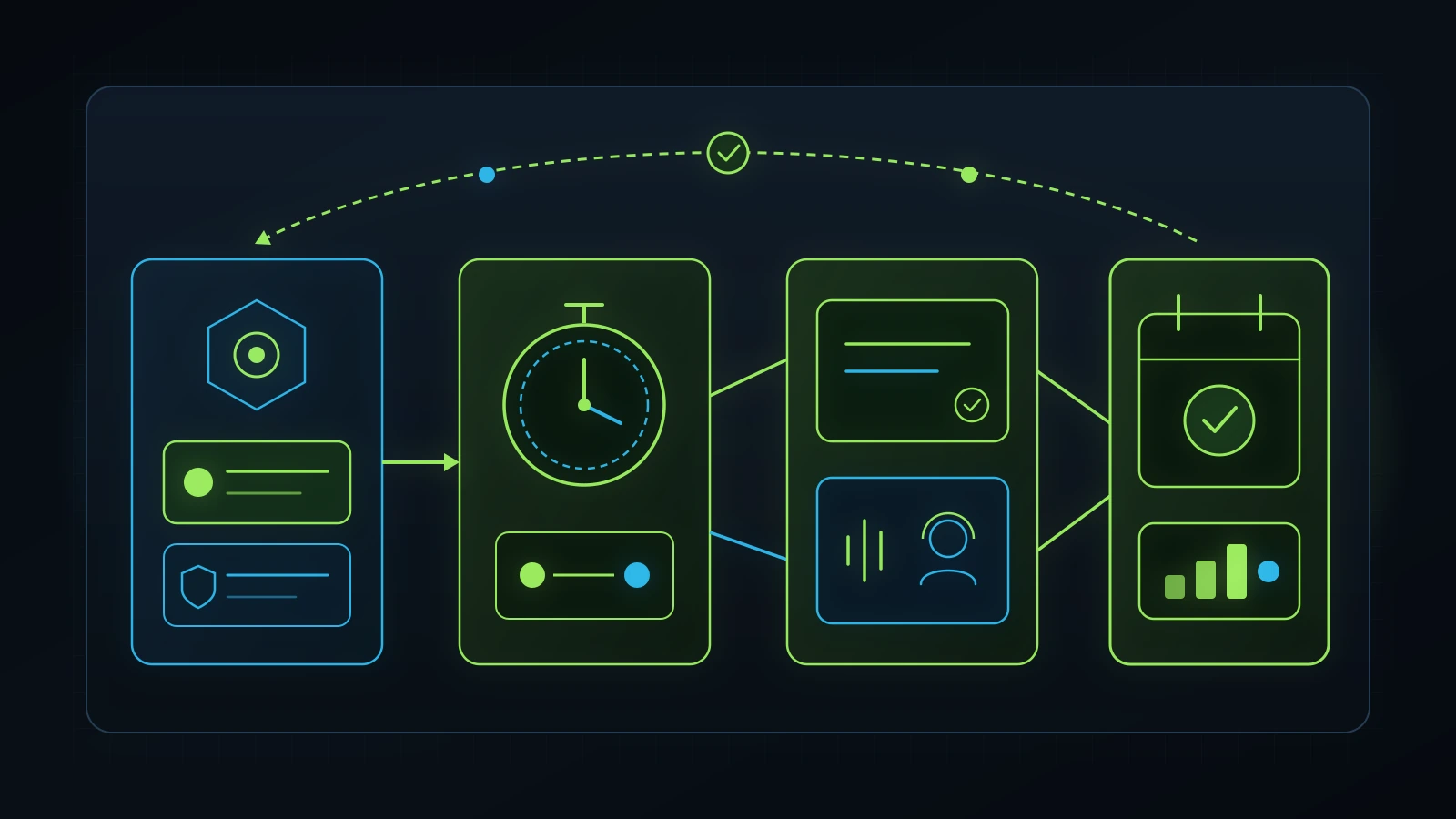
You can score 100% on Steps 1 through 6 of this google business profile audit, rank #1 in the Google Map Pack across your entire city, and still lose thousands of dollars every week if your phone rings four times and goes to voicemail (Illustrative Model, 2026). As I emphasize across all of my operational advisory work and in our lead follow-up system guide, traffic without operational reliability is just an expensive leak.
Why Front-Desk Unreliability Destroys Local SEO ROI
Across a decade of practical experience managing and auditing service businesses, some of the most painful client losses I ever witnessed had nothing to do with rankings or ad performance. Your SEO and ads can work brilliantly, generating 15 inbound phone calls a day from Google Maps. Then one morning, the frontline team member responsible for answering the phone is unexpectedly absent without notifying management in advance, or leaves the phone unattended for two hours while handling an in-office task. Because nobody arranged backup coverage, eight high-intent local callers hit voicemail, hang up within five seconds, tap the #2 competitor in the Google Map Pack, and book their appointment across the street.
Note also an important platform change that caught many agencies sleeping: Google officially retired native Google Business Profile Chat and Call History inside the GBP dashboard in July 2024 (Google, 2026). If you are still relying on Google’s built-in dashboard to track missed calls or message leads, you have zero call logs and zero automated recovery.
How to Wire Your Google Business Profile Into GoHighLevel Without Hurting NAP Consistency
Many local business owners are afraid to put a call-tracking phone number on their Google Business Profile because an old blog post from 2016 told them it would ruin their “NAP consistency.” Here is the exact, white-hat standard local SEO specialists use to get 100% call attribution and missed-call automation inside GoHighLevel while preserving 100% NAP consistency across the web (BrightLocal Survey, 2026; Google, 2026):
- Put Your Dedicated Local GoHighLevel Tracking Number in the
Primary phoneSlot on GBP: Provision a local area-code phone number inside your GoHighLevel CRM dedicated exclusively to your Google Business Profile and set it to forward directly to your main reception line (Illustrative Model, 2026). Put this tracking number in the Primary phone field of your Google Business Profile so every single tap-to-call from Google Maps runs through your CRM pipeline. - Put Your Historical Main Business Landline in the
Additional phoneSlot on GBP: Directly below the Primary phone field inEdit Profile > Contact, Google provides an Additional phone field (up to two additional numbers) (Google, 2026). Place your canonical, historical business phone number (the exact number printed on your website footer, Yelp, Apple Business Connect, and directory citations) in the Additional phone slot. Google’s entity graph reads the Additional phone field to verify your NAP consistency across the web while displaying your trackable Primary number to callers on Google Maps (BrightLocal Survey, 2026; Google, 2026). - Activate Sub-30-Second Missed-Call Text-Back + AI Receptionist Backup: Inside GoHighLevel, configure our resilient AI-first, human-backup inbound call architecture (detailed in our AI receptionist for small business guide):
- When a Google Maps caller dials your GBP number, your front desk rings first (with simultaneous ring across designated backup staff so one absent employee never drops a call).
- If the front desk is on another line or it is 7:30 PM after hours, an AI voice receptionist answers on the third ring, greets the caller warmly, answers standard service/location/pricing questions, or escalates urgent cases to a live human backup operator (Illustrative Model, 2026).
- If any caller hangs up before booking, GoHighLevel fires an automated Missed-Call Text-Back SMS within 15 seconds: “Hi there, this is [Business Name]. Sorry we just missed your call from Google! Were you looking to check availability or pricing for a specific service this week? You can reply right here or grab a time on our live calendar: [Link]” (Illustrative Model, 2026).
- Enforce Task Accountability in
iT-Kanban/ CRM Pipelines: Every Google Business Profile call, voicemail transcript, and SMS thread automatically creates an Opportunity card in your CRM pipeline with an assigned owner and response SLA, ensuring delegation never turns into dropped employee accountability.
DIY GBP Audit vs. $2,000/Month Local SEO Retainer vs. Budget-Proportional Advisory & Automation
Once you complete this 7-step google business profile audit, you have three options for fixing the gaps and maintaining your local search momentum. Look closely at how the economics compare across a 12-month operating window:
| Evaluation Criterion | DIY Owner Execution (Using This 7-Step Checklist) | Traditional Local SEO Agency Retainer ($1,500 to $3,000/mo) | The Retired Consultant Model ($499/mo Advisory + Budget-Proportional Execution) |
|---|---|---|---|
| Upfront Diagnostic | Free (30-minute self-audit using this guide). | “Free audit” sales call designed to pitch a 6-to-12-month retainer. | Free 30-minute discovery call with Faiz Ahmed inspecting your live GBP, GSC, and CRM together. |
| Monthly Cash Outlay | $0 (2 to 4 hours of owner/champion time per month). | $1,500 to $3,000/month ($18,000 to $36,000/year) regardless of how much actual work is shipped. | $499/month Executive Advisory; if execution is needed, sustainable automated + human-reviewed SEO workflows start around $200 to $300/month (or tailored remote specialists at $300 to $500/month) (Illustrative Model, 2026). |
| Reporting Honesty | You read your own raw GBP Performance and Google Search Console tables. | Often pads monthly PDFs with branded search views and meaningless automated GBP posts. | Explicitly separates non-branded discovery clicks from branded searches using UTM tags and live Search Console verification. |
| Website & Service Page Integration | Limited unless you or a developer write and publish localized service pages. | Frequently siloed (agency edits GBP checkboxes while charging extra to touch your website). | Unified iT-SEO system: pairs GBP category optimization with 3,000+ word educational guides and 800+ word localized service pages reviewed by human specialists. |
| Post-Click Call & Review Automation | Manual unless you already run an integrated CRM. | Stops at the Google Maps impression; blames your front desk when calls go unanswered. | Connects GBP directly to GoHighLevel (OmniFlow) for missed-call text-back, AI/human call backup, and automated 2-hour post-visit review requests. |
Why Budget-Proportional Local SEO Beats Flat $2,500 Agency Retainers
Late one night about three months ago, a service-business owner called me around 2:00 AM while I was getting ready to sleep. He told me he had been paying an SEO agency $3,000 per month for six straight months ($18,000 total) and had received zero new phone calls from his website (Illustrative Model, 2026). He asked me a simple, logical question: “With modern AI and automation, why does local SEO still cost $3,000 a month when half the agency team is just copying data between spreadsheets?”
He was right. That conversation is one of the reasons my team and I spent months working alongside an experienced SEO analytics specialist to encode real, white-hat local and national SEO frameworks into our iT-SEO system (combining Claude, ChatGPT, live Google Search Console MCP data, DataForSEO keyword/SERP intelligence, iT-Kanban task routing, and mandatory human specialist review and backlink outreach). Instead of charging a small local business a bloated $2,500 flat fee to write two generic blog posts and post three Canva graphics on their Google Business Profile, we practice budget-proportional system design (Illustrative Model, 2026):
- If a business has a $2,000 monthly growth budget, we never burn all $2,000 on a management fee. We keep advisory oversight lean ($499/month) and allocate the remaining budget across real production levers: automated + human-reviewed
iT-SEOcontent and page builds, dedicated offshore backlink outreach, GoHighLevel call/review automation, and working ad spend where the foundation is ready (Illustrative Model, 2026). - Even a smaller local business with only $200 to $300 per month for ongoing SEO can run a sustainable, systematic workflow that audits their Google Business Profile and Search Console weekly, publishes localized pages that pass strict mechanical quality gates, and builds real non-branded visibility over time (Illustrative Model, 2026).
Next Steps and Related Operational Guides
- Executive Tech & Operations Advisory: Explore the $499/month independent advisory model with Faiz Ahmed, starting with a free 30-minute discovery call.
- Operations, AI & CRM Implementation Services: Review our hands-on local SEO, website architecture, and GoHighLevel CRM implementation scope.
- Book a Free 30-Minute Discovery Call: Open your Google Business Profile, Search Console, and CRM phone flow live together with Faiz Ahmed.
- How to Audit Your Digital Marketing Agency: Inspect vendor contracts, branded reporting tricks, and retainer-to-spend ratios.
- Google Ads Audit: The 7-Step Checklist to Stop Wasting Ad Spend: Pair your local Map Pack audit with our forensic paid-search inspection checklist.
- Facebook Ads Audit: The 7-Step Meta Ad Account Checklist: Expose low-intent Instant Forms, duplicate Pixel signals, and slow CRM follow-up.
- Tech Stack Audit: How to Cut Bloated Software and Vendor Retainers: Consolidate overlapping local marketing tools into a single CRM backbone.
- In-House Marketing vs. Agency: The True Cost Breakdown for Small Business: Compare the unit economics of hiring in-house, paying agency retainers, or running a lean hybrid pod.
- GoHighLevel Consultant: How to Audit, Build, and Fix Your CRM: Connect your Google Business Profile calls and reviews to an owner-controlled GoHighLevel pipeline.
- AI Receptionist for Small Business: How to Capture Every Inbound Call: Protect your Google Maps phone calls with AI voice triage backed by live staff.
- Lead Follow-Up System: The 60-Second Architecture That Stops Leaks: Install the sub-60-second SMS and voice follow-up cadence that converts local callers.
- Service Business Revenue Leaks: How to Find and Plug Hidden Operational Losses: Identify and repair front-desk and pipeline leaks across your service business.
References
- Google Business Profile Help Center (2026). Guidelines for representing your business on Google (Name, Address, Service-Area Businesses, and Categories). https://support.google.com/business/answer/3038177
- Google Business Profile Help Center (2026). How to improve your local ranking on Google (Relevance, Distance, and Prominence). https://support.google.com/business/answer/7091
- Google Business Profile Help Center (2026). Manage owners and managers of your Business Profile (7-day Primary Owner waiting period). https://support.google.com/business/answer/3403100
- Google Search Status Dashboard (2026). Google Search Ranking Releases History (September 2026 Spam Update Completion Verified November 6, 2026). https://status.search.google.com/products/rGHU1u87FJnkP6W2GwMi/history
- DataForSEO (2026). Live US Keyword Overview, Google Organic SERP, Bulk Referring Domains, and Live ChatGPT LLM Mention Intelligence for
google business profile audit,why is my business not showing up on google maps, andhealinghandshc.com(Retrieved November 3 to November 6, 2026). https://dataforseo.com/ - Integral Technologists (2026). A Younger You Wellness & MedSpa 90-Day Case Study & Healing Hands October 2026 Verified Search Console Report. https://www.integraltechnologists.com/blog/a-younger-you-medspa-90-day-case-study.html
- BrightLocal (2026). Local Consumer Review Survey & Local Search Ranking Factors (Primary Category, Review Velocity, and Dual-Number Call Tracking Standards). https://www.brightlocal.com/research/
Disclaimer: This article reflects the author’s personal opinion and a decade of practical experience building and auditing websites, local SEO systems, paid acquisition, and CRM operations across healthcare, wellness, automotive, retail, F&B, and service businesses. Firsthand operational examples (including tenure at Dr. J Anti-Aging Clinic with mentor Dr. Junaid Syed, Anwaar Ul Uloom, and verified client engagements at Integral Technologists such as Healing Hands and A Younger You Wellness & MedSpa) describe real operating work, while diagnostic cost tables and agency retainer scenarios are simplified illustrative models (Illustrative Model, 2026) rather than guaranteed outcomes. The author has a commercial interest in advisory, SEO, and CRM implementation through The Retired Consultant, Integral Technologists, and OmniFlow, as disclosed under the byline.
