
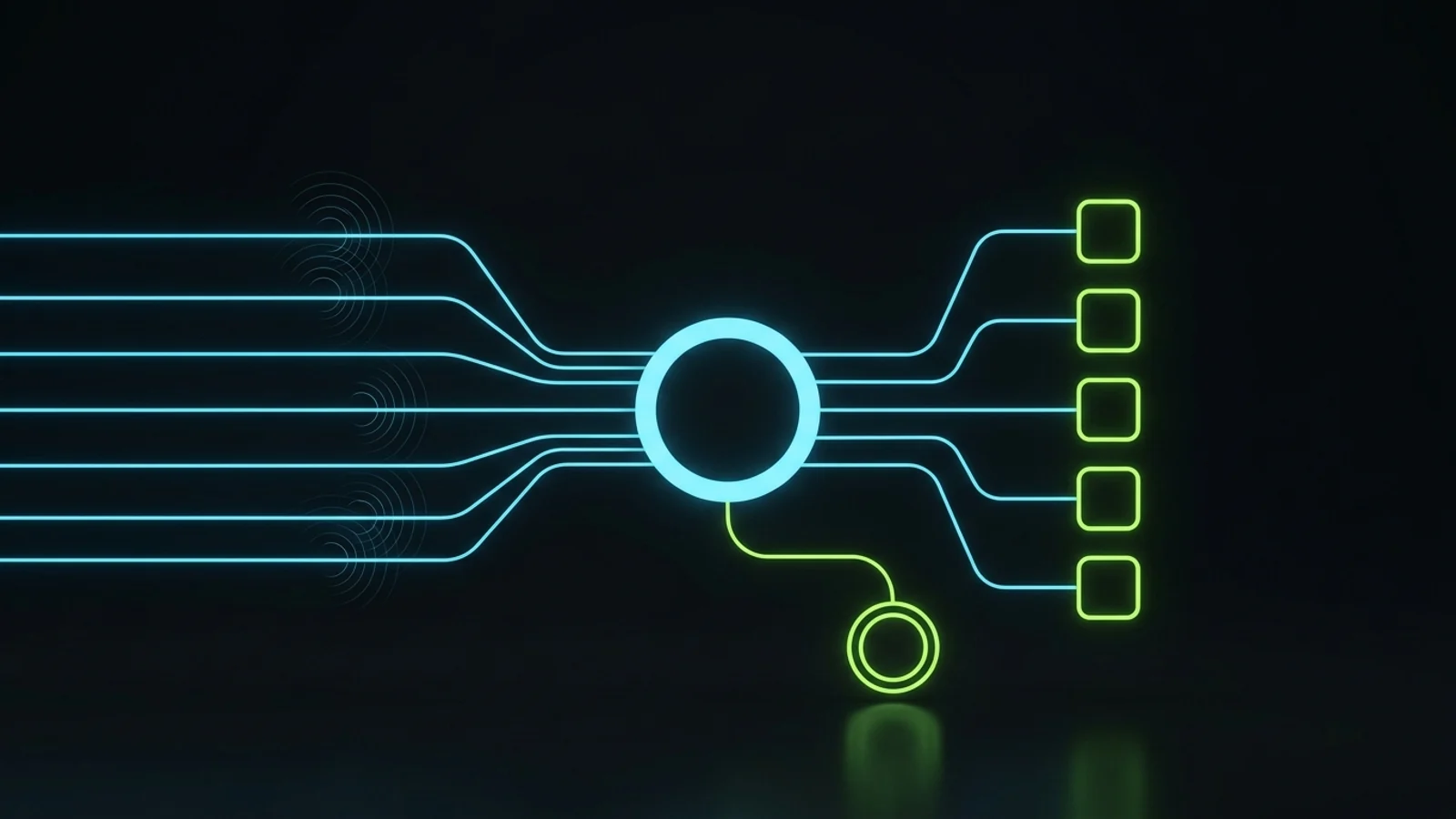
AI should answer first. A trained human should catch what it cannot.
Use these four checkpoints before you buy or deploy an AI receptionist for your service business.
An AI receptionist for small business is software that answers your phone with a natural voice, handles routine questions, books appointments into your calendar or CRM, and passes complex or sensitive calls to a person. It works best as the first layer of call handling, with a trained human behind it, not as a full replacement for people.
That is the whole argument of this article. The tools are good now. Some are very good. But a phone line is where your business makes promises in real time, and no tool should be left alone with your promises.
I have run inbound call handling for my own agency’s clients through the old way (people at desks), the hybrid way (people plus automation in a CRM), and the current way (AI first, humans as backup). This guide is what I would tell a friend who owns a clinic or a service company and just got their fifth AI receptionist sales email this week.
What Is an AI Receptionist for Small Business?
An AI receptionist is a voice agent connected to your phone number. When a call comes in, it greets the caller, understands what they want, answers from a knowledge base you give it, and takes an action: booking, rescheduling, taking a message, sending a text with a link, or transferring the call to a person.
Older phone trees made callers press 1 or 2. Modern AI phone answering services understand normal speech, so a caller can say “I need to move my Thursday appointment to next week” and the system can actually do it, if it has access to your calendar and rules.
What It Does Well
An AI receptionist is excellent at the calls that repeat. Opening hours, location, parking, price ranges you are happy to publish, booking a standard appointment, confirming or moving a booking, and capturing a new lead’s name, number and reason for calling. These calls are a large share of the phone volume in most clinics, salons, home service companies and local firms I have worked with.
It also never gets tired, never takes a long lunch, and answers the call that comes in at 9:40 at night when your front desk has gone home. For businesses running paid ads, that matters, because ad driven calls do not keep office hours.
What It Should Not Do
It should not give medical, legal or financial advice. It should not negotiate price, promise outcomes, handle an angry client who has a genuine complaint, or make judgement calls about emergencies. It should not be the only thing standing between a frightened caller and your business.
When we set up call handling for a clinic or med spa, the rule is simple: the AI books and informs, and it never diagnoses or consults. Anything clinical goes to a qualified human. That line is not a technical limit. It is a responsibility limit, and you set it.
Why Everyone Is Suddenly Selling AI Receptionists
Search interest in this category has exploded. US monthly searches for “ai receptionist” went from 5,400 in October 2025 to 450,000 in August 2026, according to DataForSEO Google Ads data pulled on 2026-10-24. Searches for “ai receptionist for small business” grew from 880 to 12,100 a month over the same period (DataForSEO, 2026).
Three things drove this. Voice models became fast and natural enough that many callers cannot easily tell they are speaking to software. Prices dropped, with some vendors advertising entry plans in the tens of dollars per month (Dialzara, 2025). And every CRM and phone platform started bolting voice agents onto their products, so owners now get pitched from every direction.
Peak hype is exactly when owners overbuy. I watched it happen with our own clients. Many of them signed up for several AI products at once because each one promised to fix something, and part of our job became testing those tools and helping clients cancel the ones that were not earning their keep, so the money could go back into ads or SEO that actually produced work.
So before we get into setup, hold on to one question: what specific call problem am I paying to fix? If you cannot answer it in one sentence, you are not ready to buy anything yet.
The Real Cost of a Missed Call
A missed call costs you whatever that caller was about to buy, plus the trust they had in you when they dialled. For a new lead from a paid ad, you also lose the ad spend that produced the call. That is why call handling is a revenue question first and a technology question second.

I do not trust the big percentage claims that float around this topic. Many of them come from vendors, with no clear method behind them. You do not need them anyway. Pull your own phone records for the last 30 days and count the calls that went unanswered or went to voicemail during and after business hours. That number is your real baseline, and it is the only one that matters for your decision.
A Lesson From Our Own Phone Lines
We lost clients not only because of my own mistakes, but because of frontline reliability even when management, reporting and workflows were in place. The clearest example was inbound phone answering. Phone coverage is time critical. When one person was unexpectedly absent and did not tell anyone, nobody could arrange backup, and a client noticed the missed calls quickly.
Genuine emergencies happen, and I never treat them as wrongdoing. What hurt was silence, not absence. The lesson I took from it shapes everything in this article: delegation transfers tasks, not your accountability to the client. If calls are part of what your client or patient experiences, you own the coverage, whoever or whatever is answering.
That experience is a big reason I like AI as the first layer. It does not call in sick. But it brought a new lesson, which I will get to shortly: software fails too, just differently.
AI First, Human Backup: The Model I Trust
The model that works for us puts AI on every inbound call first, lets it complete the routine work, and routes anything uncertain, sensitive or high value to a trained person. Humans stop doing the repetitive part of the phone job and become the escalation and quality layer.
In our current setup, GoHighLevel is the CRM and automation backbone, and AI voice agents sit on top of it to answer incoming calls (many of them from ads) and book appointments. Employees remain the backup. Overdue or failed follow ups trigger a notification to the person who owns them, then a higher level escalation if nothing happens.
I will not give you a percentage for how well this performs, because I cannot hand you a clean, audited denominator in a blog post. What I can tell you honestly is that missed calls and poor call outcomes became rare enough that they stopped being a weekly conversation, and that errors still happen. Anyone who tells you their system “never misses a call” is selling, not reporting.
Why We Did Not Rip Out the CRM
When AI got good, several of our existing CRM clients asked to abandon their CRM entirely and run everything through a chatbot. We talked them out of it. The CRM held their contacts, pipelines, calendars, reminders and reporting. It worked. What it lacked was intelligence on the phone and in the inbox.
So we added AI to the working system instead of replacing it. Don’t throw away a working system because AI is fashionable. Enhance it. I made the longer case for this in my GoHighLevel vs HubSpot comparison, and it applies to whichever CRM you already run. An AI receptionist that writes into your existing calendar and contact records is worth far more than a clever voice that lives in its own silo.
How the Handoff Actually Works
A good handoff has three parts. The AI recognises it should stop (a trigger), the call or message reaches a named human fast (a route), and the human sees what was already said so the caller does not repeat themselves (a record).
Triggers we use include the caller asking for a person, any mention of pain, complications or an urgent problem, an angry or distressed tone, a question outside the knowledge base, a pricing negotiation, and a high value enquiry worth a human touch. Routes go to whoever is on cover, with a backup name if they do not pick up. Records go into the CRM contact with a short summary and the call recording where that is legal and disclosed.
If you take nothing else from this section, take this: the escalation path matters more than the voice quality. Callers forgive a slightly robotic voice. They do not forgive being trapped.
AI Receptionist vs Human Receptionist vs Answering Service
An AI receptionist is cheapest per call and always available but weakest at judgement. A human receptionist is strongest at judgement and relationships but expensive and limited by hours. A traditional answering service sits in between. For most small service businesses, the strongest option is a hybrid: AI first, with a human you trust behind it.

For context on cost, the US Bureau of Labor Statistics reports a median annual wage for receptionists in the high thirty thousand dollar range before benefits and overheads (BLS Occupational Outlook Handbook, 2026). Check the current figure for your state, because local pay varies a lot.
| Option | Coverage | Handles judgement calls | Cost profile | Main risk | Best fit |
|---|---|---|---|---|---|
| AI receptionist alone | Around the clock | Weak | Low monthly fee plus usage | Callers trapped with no human route | Very simple, high repeat call types |
| In house human receptionist | Business hours | Strong | Full salary, benefits, cover for leave | Absence, burnout, missed calls at peaks | High touch practices with steady volume |
| Remote trained human receptionist | Agreed shifts | Strong if trained | Lower than local hire, varies by market | Training quality, time zone gaps | Businesses comfortable managing remote staff |
| Traditional answering service | Around the clock | Moderate | Per minute or per call | Scripted, generic, slow to update | Overflow and after hours messages |
| AI first, human backup | Around the clock | Strong where it matters | AI fee plus part of a person’s time | Weak escalation rules | Most small service businesses |
Where a Remote Human Fits
In our own staffing work, a trained remote inbound receptionist for a clinic or med spa has typically been priced from around five hundred US dollars a month for a full time role, depending on skills, English and hours. Treat that as an indicative figure from my own businesses, not a quote. Hours, contracts and benefits change the number, and that role books and informs. It never gives clinical advice.
I mention this because many owners frame the choice as “AI or an expensive local hire”. There is a third path, and pairing a remote human with an AI first layer gives you coverage, judgement and a cost that small businesses can carry.
Is Your Business Ready for an AI Receptionist?
Your business is ready when you can write down how calls should be handled. If your booking rules, prices, policies and escalation contacts live only in your head or your front desk person’s head, an AI receptionist will guess, and guessing on the phone costs you clients.
I learned this the expensive way with AI in general. When we let AI improvise without our real methods and constraints, it cost us time and rework. The gains came only after we converted our team’s real experience into explicit frameworks, flows and approval steps. A voice agent is no different. It is only as good as the rules you hand it.
The Five Question Readiness Test
Answer these honestly before you book a single demo.
- Do you know your monthly call volume and how many calls go unanswered today?
- Are your appointment types, durations, buffers and booking rules written down?
- Do you have a list of the 20 questions callers ask most, with approved answers?
- Is there a named person (and a backup) who will take escalated calls within an agreed time?
- Does your calendar or CRM accept bookings from outside tools, and does anyone own that system?
If you answered no to two or more, spend the next two weeks fixing those first. That work pays off even if you never buy an AI tool, because it is the same documentation a new human receptionist would need. It also exposes leaks you did not know you had, which I wrote about in revenue leaks in service businesses.
How to Set Up an AI Receptionist in Seven Steps
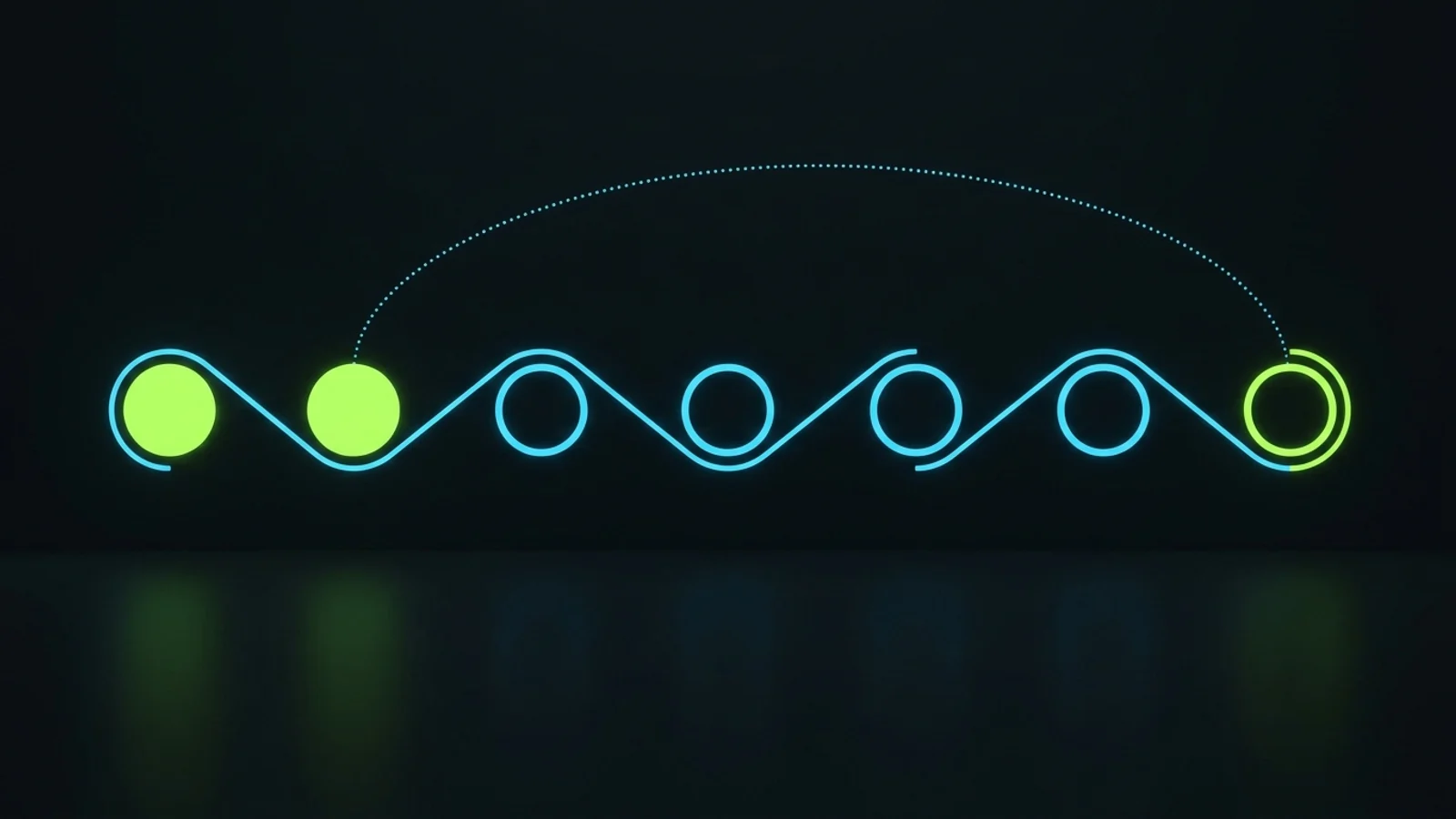
Set up an AI receptionist by auditing your calls, writing the rules, connecting it to your existing calendar and CRM, designing the human handoff, testing with real scenarios, launching in stages, and reviewing results every week. Most of the work is in the first two steps, not in the software.
Step 1: Audit Your Calls
Listen to or review a sample of recent calls and sort them into types: new enquiry, booking, reschedule, cancellation, pricing question, directions, complaint, urgent issue and other. Note which types repeat and which need judgement. The repeat types are your AI scope. The judgement types are your human scope.
Step 2: Write the Rules and the Knowledge Base
Write the booking rules, approved answers, things the AI must never say, and the exact wording for disclosure and handoff. Keep it plain. “If a caller mentions pain, swelling or a reaction after a treatment, say you are connecting them to the clinical team and transfer immediately” is a rule. “Be helpful about aftercare” is not.
Step 3: Connect It to Your Existing Calendar and CRM
The AI receptionist should book into the same calendar your team uses and create or update the contact in the same CRM. If the vendor cannot do that cleanly, keep looking. Double booking and lost leads come from parallel systems, not from bad voices.
Step 4: Design the Human Handoff
Define triggers, routes and records, as described above. Name the person on cover for each shift, a backup, and what happens when both are unavailable (usually a callback promise with a time and an alert to a manager).
Step 5: Test With Real Scenarios
Before launch, have your team call the number as different callers: a new patient, a confused older caller, a caller with a strong accent, someone angry, someone asking for a discount, someone describing an urgent problem, and someone trying to trick the system into promising something. Fix every failure in the rules, then test again.
Step 6: Launch in Stages
Start with after hours calls or overflow only, while your human team handles business hours as usual. Once the weekly numbers look healthy, extend to busy periods, then to first answer on all calls. A staged launch means an early mistake costs you a few calls, not your reputation.
Step 7: Review Every Week
Read a sample of transcripts and every escalated call each week. Update the knowledge base when callers ask something new. I come back to measurement below, because this step is the one owners skip, and it is the one that decides whether the tool improves or quietly decays.
What to Ask Before You Buy an AI Answering Service
The best AI receptionist for small business is the one that writes cleanly into your existing systems, hands off to a human reliably, and lets you see and correct every conversation. Ask vendors to prove those three things in a live demo with your own scenarios, not a prepared script.
These are the questions I would ask in the demo:
- Can it book directly into my current calendar and CRM, and update existing contacts instead of creating duplicates?
- How does it transfer a live call to a person, and what happens if that person does not answer?
- Can I read every transcript and hear recordings, and can I correct an answer myself the same day?
- How is pricing calculated: flat fee, per minute, per call or per booking, and what happens in a busy month?
- Where is call data stored, who can access it, and will you sign the agreements my industry requires?
- How does it disclose that the caller is speaking to an automated assistant?
- Can I cancel monthly, and can I export my data and transcripts if I leave?
If a vendor avoids questions 2, 3 or 7, walk away. A tool you cannot inspect, correct or leave is a liability, however natural it sounds.
Watch the Cost Model, Not Just the Price
Advertised prices often cover a set number of minutes or calls. Usage pricing means your bill rises in exactly the months you are busiest. Model your real call volume against each pricing plan before you sign. In my experience, many useful automations for clients run on ordinary AI subscriptions rather than huge usage bills, but voice minutes are a different cost line, so check them carefully.
Also be careful with stacking. One AI receptionist, one CRM and one person on escalation is a system. Three overlapping AI tools that each answer part of the phone is a mess you will pay for twice.
How to Measure Whether Your AI Receptionist Is Working
Measure an AI receptionist with five weekly numbers: answered rate, completed bookings, escalation rate, handoff response time and caller complaints. Read transcripts alongside the numbers, because a high booking count can hide wrong bookings or frustrated callers who never call back.

The Five Weekly Numbers
Answered rate. Of all inbound calls, how many reached the AI or a person instead of voicemail or silence? This is the number you bought the tool to move. Compare it with the baseline from your phone records.
Completed bookings. How many calls ended in a correct booking, reschedule or captured lead in your CRM? Spot check a few against the calendar for accuracy.
Escalation rate. What share of calls went to a person? Too low can mean callers are trapped. Too high means the knowledge base needs work.
Handoff response time. When the AI escalated, how fast did a human pick up or call back? This is where hybrid systems quietly fail, because the AI did its job and the human layer did not.
Caller complaints. Any complaint about the phone experience, from reviews, staff feedback or the calls themselves. One complaint is a signal to read that transcript today.
Who Owns the Review
Give the weekly review to one named person, not “the team”. In our setup, overdue items and failures notify the person who owns them, then escalate if nothing happens. The same principle applies here, and I wrote about the wider system in how to hold employees accountable without micromanaging. A tool with no owner decays. A tool with an owner and a weekly rhythm improves.
Compliance, Disclosure and Caller Trust
Tell callers they are speaking with an automated assistant, follow your state’s call recording consent rules, keep sensitive data inside agreements your industry requires, and get consent before using AI voices on outbound calls. Trust is the asset an AI receptionist puts at risk, so protect it on purpose.
On outbound calling, the US Federal Communications Commission ruled in February 2024 that AI generated voices count as “artificial” voices under the Telephone Consumer Protection Act, which means calls using them need prior express consent unless an exemption applies (FCC, 2024). If you plan to have the same tool make reminder or follow up calls, take this seriously and get advice.
Recording rules differ by state. Some require every party on a call to consent to recording. A short spoken notice at the start of the call usually covers both disclosure and recording, but confirm the requirement for every state you serve.
Healthcare and wellness businesses need extra care. If the system handles patient information, check whether your vendor will sign the agreements that health privacy rules require, and keep the AI to booking and general information. In our clinic and med spa work, the AI never discusses symptoms or treatment suitability. It books, informs and hands off.
None of this is legal advice. It is the checklist I would want covered before switching on any AI that speaks for my business.
Common Mistakes Owners Make With AI Receptionists
The common mistakes are buying before writing the rules, removing the human route, running a parallel calendar, hiding the fact that callers are speaking to software, and never reading transcripts. Every one of them is a management mistake, not a technology mistake.
Buying Before Writing the Rules
If the vendor demo is the first time you write down your booking rules, the vendor is designing your front desk. Write the rules first, then choose a tool that can follow them.
Removing the Human Route
Some owners switch the AI on and quietly let the front desk role disappear. Then the first truly upset caller has nowhere to go. Keep a human route, even if it is a callback within an agreed time.
Running a Parallel System
An AI receptionist with its own calendar, separate from the one your team uses, creates double bookings and lost leads. Integrate with what you already run, or do not launch.
Pretending It Is a Person
Callers who discover later that they were speaking to software, after being told otherwise, feel deceived. Disclose it plainly at the start. Most callers do not mind if the call goes well.
Set and Forget
The tool is accurate on launch day for the questions you predicted. Callers then ask new things. Without a weekly review, accuracy drifts while you assume all is well. This is the mistake I see most.
Where an Advisor Fits
You do not need an advisor to buy an AI receptionist. You might want one to decide whether you should, to write the rules, and to design the human backup layer so the tool fits your operation instead of the other way around.
That is the kind of work I do through my advisory approach: looking at how calls, bookings, follow ups and people actually connect in your business, then designing a system that frees you from daily phone firefighting. If you want the broader picture first, my guide to practical AI tools for service businesses covers where AI earns its place beyond the phone, and what a business process automation consultant does explains how to judge outside help. If you would rather talk it through, get in touch directly.
Results vary by business, call mix and how well the rules are written. No tool, and no advisor, can promise a number before looking at your own calls.
References
- U.S. Bureau of Labor Statistics. “Receptionists.” Occupational Outlook Handbook. Accessed 2026-10-24. https://www.bls.gov/ooh/office-and-administrative-support/receptionists.htm
- Federal Communications Commission. “FCC Makes AI-Generated Voices in Robocalls Illegal” (Declaratory Ruling, February 2024). Accessed 2026-10-24. https://www.fcc.gov/document/fcc-makes-ai-generated-voices-robocalls-illegal
- Dialzara. “The 12 Best AI Answering Services for Small Businesses.” December 2025. Accessed 2026-10-24. https://dialzara.com/blog/best-ai-answering-services-small-businesses
- Google Search Status Dashboard. Accessed 2026-10-24. https://status.search.google.com/
Disclaimer: This article reflects the author’s opinion and operating experience. Founder reported details describe the author’s own businesses and are not independently audited. Indicative staffing costs are illustrative and vary by market, contract and hours. Nothing here is legal advice: telephone, recording, consumer protection and health privacy rules differ by country and state, so confirm requirements with a qualified professional before launching AI call handling. The author has a commercial interest in advisory and AI call handling services, as disclosed above.
