

Fix the process first, pick the tools second, and keep a human reviewing the output
Use these four checkpoints to vet a business process automation consultant and scope a safe first project.
What Does a Business Process Automation Consultant Do?
A business process automation consultant maps how work really moves through your business, finds the repetitive steps that cost time or cause errors, and builds software workflows to handle them, with a person reviewing the output wherever judgement matters. A good one fixes the process first and picks the tools second.
That definition sounds simple. Most of the disappointment I hear from owners comes from hiring someone who worked in the reverse order: tools first, process never.
The title covers a wide range of people. At one end sits a freelancer who connects your website form to your CRM in an afternoon. At the other end sits a large firm running robotic process automation for a bank. Most small and mid sized service businesses need someone in the middle: a person who understands operations well enough to know what should be automated, and who is technical enough to build it or to direct the people who do.
What the Job Usually Includes
Done properly, the work covers five stages. Discovery comes first, where the consultant learns how leads, jobs, invoices and handoffs really move, not how the org chart says they move. Prioritisation follows, where candidate workflows get ranked by time saved, error risk and ease of build.
Then comes design and build, in tools such as Zapier, Make, n8n or the workflow builder already inside your CRM. Review and testing come next, where real cases run through the workflow and a person checks what comes out. The last stage is handover, where your team receives documentation, a named owner for each workflow and a clear way to report problems.
What It Should Not Include
It should not include a stack of new subscriptions on day one. It should not include a promise that your business will “run itself”. And it should never include a black box that only the consultant understands.
If your automations stop working the week your consultant goes on holiday, you bought a dependency, not a system.
Do You Need an Automation Consultant Yet?
You need one when you have a repeatable process that already works by hand, happens often, and eats hours of skilled time every week. If the process still changes every month, or nobody on your team describes it the same way twice, you need process work first. Automation will only make the confusion run faster.
Here is the test I use with owners. Pick the task that annoys you most. Ask three people on your team to write down its steps without talking to each other. If the three lists match, that task is a strong candidate. If they disagree, you have found a process problem, and no tool will settle that argument for you.
Signs You Are Ready
You are probably ready when the same customer data gets typed into two or three systems by hand. Another sign is a lead that waits hours for a first reply because somebody has to notice it first.
Other signals are just as clear. A team member spends half a day every week assembling the same report. Client onboarding depends on a checklist that people skip when they are busy. And you, the owner, are still the person who chases every overdue task. Each of these is a repeatable pattern with a clear trigger, which is exactly what automation handles well.
Signs You Are Not Ready Yet
You are probably not ready if you have no CRM, or the one you pay for is mostly empty. The same goes for a team that has never agreed on how a job moves from sale to delivery. Wanting automation mainly because a competitor posted about AI is another warning sign.
The most common one is quieter. Sometimes the real problem is that one role is overloaded and nobody owns the outcome. Automation moves tasks. It does not move accountability. Someone still has to own the result, and a consultant cannot automate that part away.
What I Learned Automating My Own Business First
Across a decade of running service businesses, the pattern I saw most often was owners buying hyped tools before they had built the process those tools were meant to run. I made a deliberate choice not to repeat that mistake when AI tools started moving fast.
Some of our own clients pushed us to start selling AI services right away. I refused to sell something we had not proven. Instead, my core team spent roughly six months reinvesting in AI skills and systems. That period brought in little or no new earnings, and we lost some business along the way. It was not a comfortable trade, and I would not pretend otherwise.
We tested everything on three of our own internal brands before offering it to a single client. I trained each core team member personally. Then I picked one capable, willing person in each department to become the champion who trained and supervised the others. That step stopped me from becoming the bottleneck for every question, which is the trap most owners fall into the moment they buy their first automation tool.
Production Workflows, With People Reviewing Them
Our target for that first year was one production ready workflow. We researched with specialists, identified the repetitive and high value tasks, designed agent frameworks around them, and ended the year with four or five workflows running in production.
Our SEO workflow is the clearest example. Software handles research, audits, content preparation and technical checks. Human SEO specialists still review the work and handle backlinks and the judgement calls. Some work that used to take us around six months now takes around three, by my own team’s account. That is a founder reported figure from our own operation, not a promise for yours.
The detail that matters most for anyone hiring a consultant is the handoff. When the automated part of a workflow finishes, it creates a review task for a named team member in our task system. The automation never gets the final word. A person does.
Accountability Lives in the Task System
Every task our frontline staff receive arrives with specific instructions, a defined scope, a deadline and a reporting requirement. Standard instructions remove guesswork. If a task goes overdue, the system notifies the person who assigned it, and if it is still unattended, it escalates to a higher level.
Human managers stay in place. That design is the reason I trust our automation: software moves the work forward, and a person stays answerable for every outcome. It is not perfect, and I will not claim it removes every error. It does mean that when something slips, someone knows within hours rather than weeks.
What It Cost and What It Changed
The software side was cheaper than most owners expect. Across my three businesses, I report our AI related spend at under about $100 a month: a few subscriptions at roughly $20 each, plus credits and plugins for specific tools. That figure covers the AI tools only. It does not include salaries, hosting, or the months of build time, and your costs will depend on your scope.
The bigger change was my own role. I moved from running daily operations myself to mostly occasional client strategy consultations and escalation support. That shift came from systems, training and clear delegation, not from any single tool.
We also chose not to build some things. I was offered tools that record employee screens and track breaks. I rejected them. Our AI budget goes to removing repetitive work, not to watching people. If a consultant pitches surveillance as “automation”, that tells you how they think about your team.
What a Good Consultant Does in the First Conversation
A good automation consultant asks more questions about your business than about your software. In the first call you should hear questions about where leads come from, what happens in the first hour after one arrives, how a job passes from sales to delivery, where invoices stall, and which tasks you personally still touch every week.
They should also ask about failure. What happens today when someone is off sick? Which mistakes have cost you money or a client? Where do customers complain most? A consultant who skips these questions will design for the demo, and demos do not pay your bills.
They Talk About Exceptions, Not Just the Happy Path
Every workflow has a happy path: the lead fills in the form correctly, the payment clears, the client replies on time. Real operations live in the exceptions. Think of the duplicate contact, the wrong phone number, the angry customer, the refund request, or the job that needs a site visit before anyone can quote it.
Ask any consultant how their design handles those cases. A strong answer names a specific fallback, usually a person who receives a task with enough context to act on it quickly. A weak answer is “the AI handles it”. I have yet to see a real service business where that was true for every case.
They Separate Scoping From Selling
The best early sign is a consultant who will tell you not to automate something. If every process you describe turns into a line on a proposal, you are talking to a builder looking for billable hours.
Good consultants will tell you that some tasks are too rare, or too sensitive, to justify a workflow. For those, a clear checklist and a trained person beat any automation. That honesty costs them revenue in the short term, which is exactly why it is a reliable signal.
How the Work Should Run, Step by Step
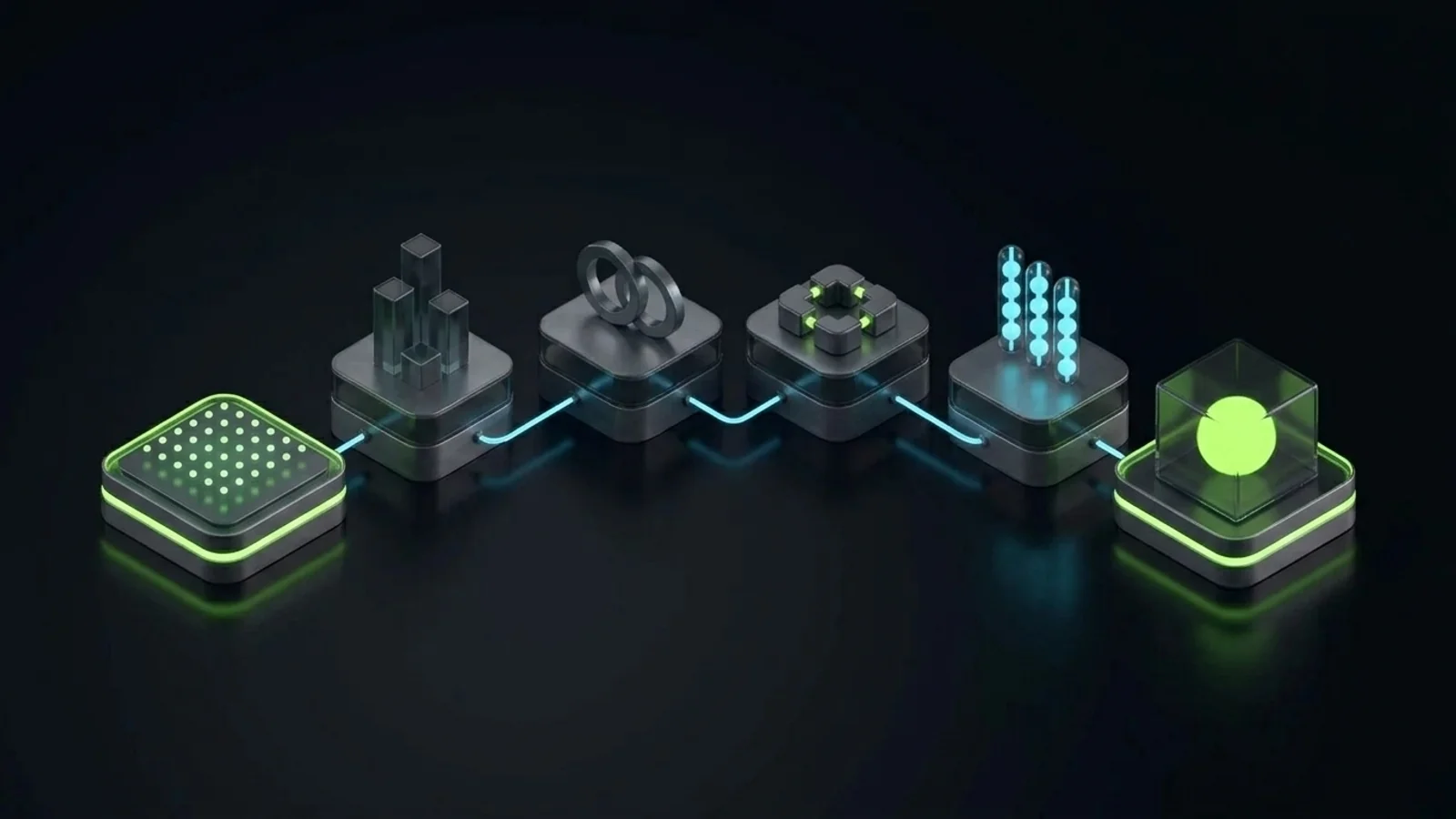
A sound automation engagement follows the same order every time: map the process, rank what to automate, choose the tool, build with review points, test with real cases, then hand over with documentation and a named owner. Skipping the first step is the most expensive mistake in the whole field.
Step 1: Map the Process as It Really Runs
The consultant should sit with the people who do the work, not only with the owner. Owners describe the process they designed. Staff describe the process that actually happens, including every workaround they invented to get through a busy week.
A useful map shows every trigger, every system touched, every decision point and every handoff between people. It should fit on one page. If it cannot, the process is too tangled to automate as it stands, and simplifying it is the first deliverable.
Step 2: Rank Candidates by Value and Risk
Not every repetitive task deserves automation. Rank each candidate on four questions: how often it happens, how many skilled minutes it consumes, how costly a mistake would be, and how stable the steps are from week to week.
High frequency, stable steps and low error cost make the best first projects. Lead intake, appointment reminders, internal notifications and report assembly usually score well. Anything that touches payments, contracts or regulated data needs stronger review points, or it should wait until the team trusts the simpler workflows.
Step 3: Choose Tools That Fit What You Already Run
Tool choice should follow the process and the systems you already pay for. Zapier is a quick way to connect common apps without code. Make offers a visual builder that suits workflows with more branching logic. n8n can be self hosted, which avoids per task pricing limits and keeps data on infrastructure you control, at the price of more technical upkeep.
Many CRMs, including HubSpot and HighLevel, ship their own workflow builders that may cover most of your needs without another subscription. I compared those two in my GoHighLevel vs HubSpot breakdown, and the same principle holds here: improving the system you already run often beats adding a new one. A consultant who uses one tool for every client, regardless of fit, is selling a habit.
Step 4: Build With Review Points Designed In
Any workflow that produces something a customer will see, or that changes money or records, needs a human review point. That can be an approval step before a message sends, a review task assigned to a named person, or a daily exception report someone actually reads.
Design the review in from the start. Bolting it on after an embarrassing mistake costs far more, in both money and trust. In my own operation, the review task is created automatically, so nobody has to remember to check.
Step 5: Test With Real Cases, Including the Ugly Ones
Testing with clean sample data proves very little. Run last month’s real leads, real jobs and real invoices through the workflow, including the messy ones with missing fields and odd requests.
Count how many cases needed a person to step in. That single number tells you more about the workflow than any demo, and it gives you a baseline to improve against.
Step 6: Hand Over Ownership
At handover your team should receive a plain language description of each workflow: what triggers it, what it does, who owns it and what to do when it fails. Logins should sit in accounts your business owns, never in the consultant’s personal account.
One person on your team should be named as the owner of each workflow. That person does not need to be technical. They need to notice when something looks wrong and know who to call.
Red Flags When Hiring an Automation Consultant
Most bad automation projects looked bad in the sales call, if you knew what to listen for. These are the warning signs I tell owners to watch.
- They recommend tools before they understand your process. If the proposal names five subscriptions before anyone has mapped a single workflow, the tools are the product.
- They promise the business will run itself. No honest consultant promises that. Automation reduces repetitive work. Judgement, relationships and accountability stay with people.
- They build inside their own accounts. If your workflows live in the consultant’s Zapier or Make account, you do not own your own operations.
- They have no answer for exceptions. Ask what happens when a workflow fails. Silence, or “it won’t”, is your answer.
- They show demos but never production systems. Ask to see something running in a real business, ideally their own. Demos are easy. Production is hard.
- They bill open hours with no defined outcome. Hourly billing on an undefined scope rewards slow work and endless rebuilds.
- They skip documentation. Undocumented automation becomes untouchable automation within a year, because nobody dares to change it.
- They lead with replacing your team. A consultant who opens with headcount cuts has usually not looked closely at what your people actually do.
- They pitch surveillance as productivity. Screen recording and break tracking are not process automation, and they damage the trust your systems depend on.
Questions to Ask Before You Sign
These questions separate operators from tool resellers. A good consultant will welcome every one of them.
- Which processes would you not automate in my business, and why?
- Can you show me a workflow running in production today, in your own business or a client’s, with their permission?
- Where will each automation live, and whose account owns it?
- How will a person review the output, and who gets alerted when something fails?
- What documentation will my team receive at handover?
- What does maintenance look like after the project ends, and what will it cost?
- How will we measure whether this worked, in hours saved, errors reduced and human rescues still needed?
- What happens if a tool you chose changes its pricing or removes a feature we rely on?
If a consultant gets defensive at question two or three, keep looking. Those two answers tell you whether you are buying a system or renting someone’s habits.
How Business Process Automation Consultants Charge
Automation consultants usually charge in one of four ways: a fixed fee for a defined scope, hourly or daily rates, a monthly retainer for ongoing build and maintenance, or a paid discovery phase followed by a build quote. For a small business, a paid discovery or a fixed scope first project is usually the safest start, because it caps your risk and tests the working relationship.
I am not going to quote you a market rate. Rates vary widely by country, tool, complexity and whether the consultant also builds, and any single number I gave you would mislead you more than help you.
Budget for three cost lines instead. The first is the consultant’s fee. The second is the software subscriptions and usage charges the workflows will need every month. The third is the one owners forget: the internal time your team spends in discovery, testing and review.
An Illustrative Way to Judge the Return
Here is a hypothetical example, not a client result. Imagine a coordinator who spends a few hours every week copying form submissions into a CRM, sending first replies and booking calls. If a workflow handles most of that and the coordinator spends a small share of the old time reviewing exceptions, the hours returned have a value you can estimate from that person’s cost.
| Line (hypothetical figures, for illustration only) | Example value |
|---|---|
| Hours returned per week | 4 |
| Loaded hourly cost of the coordinator | $30 |
| Working weeks per year | 48 |
| Estimated annual value of hours returned | 4 x $30 x 48 = $5,760 |
| One time build fee | $3,000 |
| Software subscriptions for a year | $50 a month, so $600 |
| Rough payback | Inside the first year |
Swap in your own numbers. If the payback stretches past two years, choose a different first project. The point of the exercise is not precision. It is to stop you paying for automation that looks impressive and returns very little.
A First 30 Day Scope That Protects You
A sensible first engagement automates one or two workflows end to end within about 30 days, with review points and documentation, rather than touching everything at once. Here is the shape I recommend owners ask for in writing.
Week 1: Discovery and Process Map
The consultant interviews the people who do the work, maps the chosen process and lists every system and handoff. Together you agree on what “working” means in numbers you can count, such as first response time, hours spent per week or errors per month.
Week 2: Design and Written Approval
The consultant proposes the workflow design, the tool, the review points and the named owner. You approve it in writing before any build starts. Any new subscription has to be justified against what you already pay for.
Week 3: Build and Test With Real Cases
The build happens in accounts your business owns. The workflow runs on real recent cases, including the messy ones, while the old manual process continues in parallel as a safety net. Nobody switches anything off yet.
Week 4: Handover and Measurement
Your team receives the documentation and a short walkthrough, and the named owner confirms they understand what to watch. The manual process is retired only after the workflow has handled real volume with a person reviewing it. From this point you start counting human rescues.
If a consultant cannot fit one meaningful workflow into a scope like this, the project is either too big for a first engagement or the process underneath it is not ready.
How to Measure Whether the Automation Worked
Measure automation after the exceptions, not before them. Track three things: the hours the workflow returns, the errors or complaints it prevents, and how often a person has to step in to rescue a case. A workflow that completes most tasks can still be a poor system if the cases it fails on are the hardest and most expensive ones.
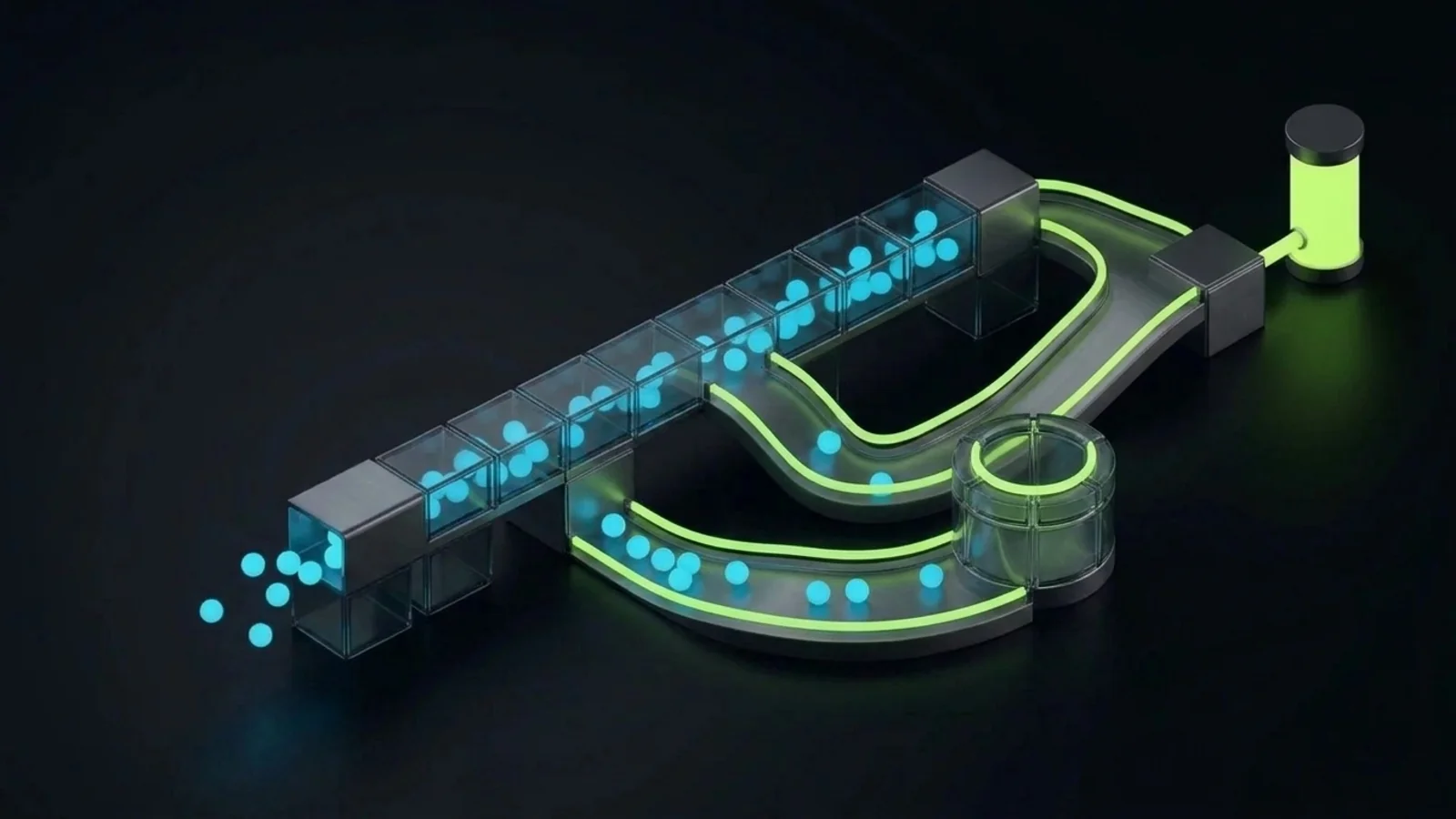
The rescue count is the number most vendors never mention. A recent example made the gap unusually visible. Reuters reported in September 2026 that Meta had tested routing some phone calls placed by its Muse AI assistant to trained human contractors, then rolled that feature back (Reuters, 2026). I am not using that as a criticism of one product. It shows that a headline completion rate can hide a lot of human effort behind the curtain.
The Three Numbers I Ask Owners to Track
The first is hours returned per week, measured against the baseline you agreed in week one. The second is the count of errors or customer complaints connected to that process, before and after. The third is the rescue count: over the next 100 tasks the workflow handles, how many needed a person, and how many minutes did those rescues take?
If the rescue minutes approach the minutes the workflow saves, you have built a hybrid operation that costs more attention than it returns. That is fixable, usually by tightening the input data or simplifying the process, but only if you are counting.
Consultant, Agency, Freelancer or In House: Which Fits?
For most small service businesses, a consultant who scopes the work and either builds it or supervises a builder is the best first hire. Freelancers suit a single, well defined connection. Agencies suit larger ongoing programmes. In house hires make sense once automation is a permanent part of how you operate.
| Option | Best for | Main risk | Ownership |
|---|---|---|---|
| Automation consultant | Scoping, process mapping, first workflows, review design | Paying for advice that never gets built | High, if accounts and docs are yours |
| Freelancer | One clear task, such as connecting a form to a CRM | Builds exactly what you asked for, even if the process is wrong | Varies, check whose account it lives in |
| Agency | Larger programmes with several workflows and ongoing changes | Tool led proposals and long retainers | Medium, depends on the contract |
| In house hire | Businesses where automation is now core to operations | Single person dependency and slow ramp up | Highest, but knowledge leaves if they do |
The table is a starting point, not a verdict. The right choice depends on how clear your processes already are and how much ongoing change you expect.
Common Mistakes Owners Make When Hiring
The same handful of mistakes shows up again and again. None of them are about technology.
Automating a Broken Process
If the manual process is confused, automating it produces confusion at machine speed. Fix the steps first, then automate the fixed version. This is the single most expensive mistake in the field, and it is the reason so many businesses fail to scale even after spending heavily on software. I wrote more about that pattern in why businesses fail to scale.
Buying the Tool Before Defining the Problem
A new platform feels like progress. It rarely is on its own. Start with the problem, measured in hours, errors or lost revenue, and let the tool choice follow. If you want a grounded view of what AI tools actually do well for a service company, my guide to practical AI tools for service businesses covers that.
Removing the Human Too Early
Owners sometimes switch off the manual process the day a workflow goes live. Run both in parallel until real volume proves the workflow, and keep a review point even after that. The review is cheap. The mistake it catches is not.
Letting One Person Hold All the Knowledge
If only the consultant, or only one employee, understands how the automations work, you have rebuilt the same bottleneck you were trying to escape. Documentation and named owners solve this. So does training a champion inside each team, which is what freed me from being the answer to every question.
Expecting AI to Replace Process
AI is a tool layer. Reliable output still needs a defined process, clear instructions, accountability and human judgement. The businesses I have seen get real value from automation all had that foundation in place first.
Where an Advisor Fits Before You Hire a Builder
The cleanest way to avoid most of these mistakes is to separate scoping from building. Get an independent view of which processes are worth automating, what the review points should be and what a fair first scope looks like, then hire the builder against that scope. You will get better proposals, because you will know what to ask for.
That scoping work is what I do as an advisor. My AI Readiness and Roadmap and Business Technology Audit work start with how your business actually runs, not with a tool list. You can see how I work with owners, read about my advisory approach, or get in touch directly for a short first conversation. If the honest answer is that you are not ready to automate yet, I will tell you that too.
Results vary by business, process and team. Nothing here is a guarantee of time saved or revenue gained.
Disclaimer: This article reflects the author’s opinion and operating experience. Founder reported figures describe the author’s own businesses and are not independently audited. The cost table is hypothetical and for illustration only. Tool features and pricing change often. The author has a commercial interest in advisory and automation services, as disclosed above.
References
- Reuters. “Meta testing human concierge for its new personal AI agent Muse.” 2026-09-22. https://www.reuters.com/business/meta-testing-human-concierge-its-new-personal-ai-agent-muse-2026-09-22/
- Zapier. Product overview. Accessed 2026-10-21. https://zapier.com/
- Make. Product overview. Accessed 2026-10-21. https://www.make.com/
- n8n. Product overview and self hosting. Accessed 2026-10-21. https://n8n.io/
