

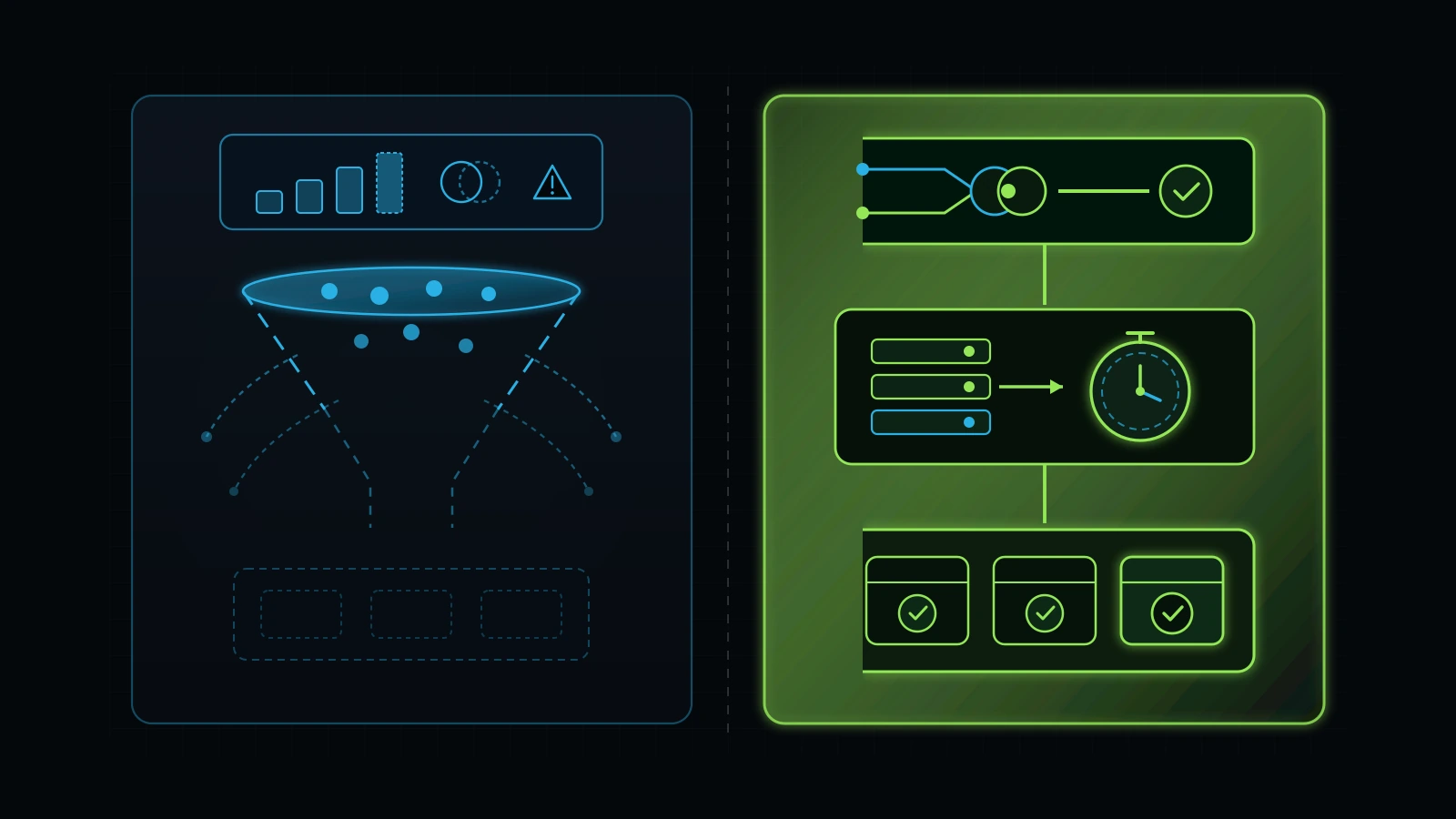
Most small business Facebook Ads waste comes from duplicate Pixel signals, low-intent Instant Forms, and slow post-click follow-up rather than weak creative alone.
Inspect these four operational checkpoints in order before you raise your monthly Meta ad budget or replace your agency.
A forensic facebook ads audit inspects seven operational layers inside your Meta Business Portfolio and CRM pipeline: Business Manager asset ownership, Meta Pixel and Conversions API deduplication, Instant Form versus landing-page intent filtering, Advantage+ placement and audience exclusions, creative hook and frequency fatigue, budget-proportional campaign consolidation, and sub-60-second CRM speed-to-lead execution (Meta, 2026). When service-business owners tell me their Facebook or Instagram ads are not working, the problem is almost never that their local customers stopped using social media. Across a decade of practical experience building and auditing growth systems for medical clinics, wellness centers, automotive operations, and home-service companies, I have found that 35% to 65% of small-business Meta ad budgets are wasted on three hidden failures: unverified conversion events firing on page loads, low-friction Instant Forms populated with stale profile phone numbers, and post-click lead queues that wait six hours before a human attempts a callback (Illustrative Model, 2026).
Most marketing agencies will never show you those three failures because those failures make the agency’s monthly PDF report look spectacular. If an agency leaves Meta’s default “More Volume” Instant Form switched on and counts every accidental thumb-tap on a mobile game placement as a conversion, your Meta Ads Manager dashboard will display a $9.50 cost per lead and a 3.4% click-through rate (Illustrative Model, 2026). Meanwhile, your front desk wastes four hours calling 40 people who either never pick up, have a disconnected Yahoo email from 2014, or tell your receptionist they have no recollection of requesting an appointment (Illustrative Model, 2026).
You do not need to be a full-time media buyer to catch this. Whether you manage campaigns in-house or pay an external agency $1,500 to $4,000 per month in retainer fees, this 7-step meta ads audit gives you the exact read-only inspection protocol my team and I use to separate vanity metrics from booked, revenue-verified customers (Illustrative Model, 2026).
Why Your Agency’s Monthly Report Looks Great While Your Bank Account Stays Flat
Your agency’s monthly report looks profitable while your bank balance stagnates because Meta Ads Manager measures top-of-funnel ad interactions by default rather than verified CRM appointments or collected revenue (Meta, 2026). There is a foundational rule I teach every founder and operator I advise: you must separate lead generation from lead conversion, and you must inspect the bridge between the two before you increase ad spend by a single dollar. Paid social ads do not close sales in isolation. Even the best Meta ad campaign depends on four connected systems working together: the ad creative and targeting, the landing page or form experience, the friction and clarity of your contact options, and the speed and persistence of your follow-up workflow.
When I trained and mentored my specialist operator Talha (who works with our clients as Jason) to lead Meta Ads, PPC, and GoHighLevel CRM workflows at Integral Technologists, we built one non-negotiable rule into every account deployment: we never launch a Meta campaign unless the client’s CRM pipeline, automated SMS/voice confirmation, and conversion tracking are wired end-to-end first. In our work with medical aesthetics and wellness clinics, including our publicly documented TOCC Aesthetics engagement (where we unified brand positioning, website conversion flow, GoHighLevel CRM automation, and Meta Ads) and campaigns for A Younger You MedSpa, we saw firsthand why traditional agency silos fail service businesses.
If a medspa, dental practice, or HVAC company hires a standalone “Facebook ads agency” that only logs into Meta Ads Manager and dumps leads into a Google Sheet or an unmonitored email inbox, two broken incentives collide immediately:
- The Agency Optimizes for the Cheapest Possible Signal: To prove they are “generating leads” before their next 30-day retainer billing cycle, the agency switches campaign objectives to Instant Forms or broad traffic clicks. Meta’s algorithm dutifully finds the segment of users in your city who tap every form they see in their feed but never buy anything (Meta, 2026).
- The Client’s Front Desk Drowns in Unqualified Noise: After calling 25 low-intent form submissions in a row who do not answer or say “I clicked by mistake,” your staff stops calling new leads urgently. When a genuinely qualified $3,000 patient or homeowner finally submits a form at 2:15 PM, your front desk waits until 11:00 AM the next morning to call them back, long after that prospect has booked with a competitor (Illustrative Model, 2026).
Across the commercial search market, business owners are actively paying a massive premium to solve this exact disconnect. Live keyword intelligence from DataForSEO in November 2026 shows advertisers bidding $125.63 per click on meta ads audit, $111.50 per click on meta ads consultant, and $44.28 per click on meta ads for small business (DataForSEO, 2026). Yet if you look at the organic search results for facebook ads audit, 8 of the top 9 ranking URLs have 0 referring domains, including outdated blog posts that still tell you to open “Facebook Audience Insights,” a tool Meta permanently shut down in July 2021 (DataForSEO, 2026).
Let’s replace 2021 theory with a modern, 45-minute forensic inspection you can run inside your own account today.
The 7-Step Facebook Ads Audit Scorecard (45-Minute Executive Overview)
You can score your entire Meta advertising operation in 45 minutes by grading seven specific checkpoints inside business.facebook.com and your CRM against binary pass-or-fail criteria (Meta, 2026). Before opening individual ad sets, use the scorecard below to locate where your budget is leaking. If your account fails two or more of the first four steps, pausing spend expansion until tracking and lead-filtering are repaired will immediately protect your cash flow (Illustrative Model, 2026).
| Audit Step | Exact Screen in Meta Business Suite / CRM | Healthy Operator Benchmark (PASS) | Red-Flag Agency Leak (FAIL) | Typical Monthly Budget Waste (Illustrative Model, 2026) |
|---|---|---|---|---|
| Step 1: Asset Ownership & Billing Custody | Business Settings > Accounts > Ad Accounts & Pixels |
Client business owns Ad Account, Page, Instagram, and Dataset; credit card billed directly to Meta; agency has Partner Access. | Agency owns Ad Account or Pixel inside their Business Manager; bundles ad spend + retainer into one opaque invoice. | 100% historical data loss upon switching vendors ($5,000 to $50,000+ in sunk pixel training). |
| Step 2: Pixel & Conversions API Deduplication | Events Manager > Data Sources > Overview |
Browser Pixel + Server CAPI both active with matching event_id; Event Match Quality (EMQ) >= 6.5/10; fires only on real submission. |
Lead fires on landing page load or button click without submission; missing CAPI; duplicate browser/server counting. |
25% to 45% of spend optimized toward non-converting clickers. |
| Step 3: Instant Forms vs. High-Intent Filtering | Ads Manager > Ad Level > Instant Form / Destination |
Either a fast (< 2.0s LCP) landing page or a “Higher Intent” Instant Form with 2+ custom qualifying questions and manual phone entry. | Default “More Volume” Instant Form with auto-filled profile fields and zero qualifying questions. | 40% to 70% of reported leads are unreachable or out-of-budget. |
| Step 4: Advantage+ Placements & Audience Exclusions | Ads Manager > Ad Set Breakdown > By Placement & Region |
Audience Network excluded for lead gen; strict local radius (“Living in this location”); existing CRM customers excluded. | 20%+ of budget spent on Audience Network mobile apps/games; ads served out-of-state or to existing paying clients. | 15% to 35% of monthly ad spend burned on zero-value impressions. |
| Step 5: Creative Diversity, Hook Rate & Frequency | Ads Manager > Custom Columns (3-Sec Video Plays / Impr.) |
3 to 5 distinct creative formats (vertical video, founder/operator proof, offer comparison); prospecting frequency < 2.8 over 14 days. | Single Canva static graphic running for 90+ days; prospecting frequency > 4.5; rising CPM and collapsing outbound CTR. | 20% to 30% CPM inflation from severe creative fatigue. |
| Step 6: Campaign Consolidation & Budget Ratio | Ads Manager > Campaigns Tab |
1 to 2 consolidated campaigns matching budget so key ad sets exit Learning Phase (30 to 50+ optimization events/week where feasible). | $2,000/month budget fragmented across 9 campaigns and 24 micro-ad sets stuck permanently in “Learning Limited.” | 15% to 25% higher cost per acquisition plus bloated agency retainer ratio. |
| Step 7: Speed-to-Lead & CRM Closed-Loop Attribution | GoHighLevel CRM > Workflows & Opportunities |
Instant webhook (< 60s) triggers automated SMS + AI/human voice bridge; CRM sends booked/paid offline events back to Meta. | CSV leads downloaded manually once a day or emailed to an unmonitored inbox; average first callback > 4 hours. | 50% to 80% drop in lead-to-appointment conversion rate. |
Step 1: Audit Business Manager Ownership, Dataset Custody, and Billing Transparency
Your business must hold Primary Admin ownership of its Meta Business Portfolio, Ad Account, Facebook Page, Instagram profile, and Meta Dataset (formerly Pixel) before a single dollar of ad spend is deployed (Meta, 2026). Evaluating asset custody is the exact same first step we enforce in a Google Ads audit and a broader digital marketing agency audit. If an agency created your ad account or Meta Dataset inside their own Business Manager and refuses to transfer ownership to your company’s Business Portfolio ID, you do not own your advertising history, your custom audiences, or the conversion data you paid to collect (Meta, 2026).
How to Verify Asset Custody in 3 Minutes
- Log into
business.facebook.com/settingsusing your company owner credentials (Meta, 2026). - Click Accounts > Ad Accounts in the left navigation menu. Select your active ad account and look at the Owned by label right below the account title (Meta, 2026).
- Verify that Owned by displays your company’s legal Business Portfolio name, not your marketing agency’s name (Meta, 2026).
- Click Data Sources > Datasets (and Pixels if your account still displays the legacy tab). Confirm that the active Dataset ID firing on your website is owned by your Business Portfolio and shared with your agency under the Partners tab (Meta, 2026).
- Open Billing & Payments (
business.facebook.com/billing_hub). Confirm that your company corporate card or bank account pays Meta directly and that you can download itemised monthly Meta receipts showing exact media spend down to the cent (Meta, 2026).
The Bundled Invoice Trap
Never allow an agency to charge you a single combined invoice for “management plus ad spend” where the agency runs your ads on their credit card. When a vendor bundles a $3,500 monthly fee and tells you “that includes your Facebook ads,” you have zero visibility into whether $2,800 went to Meta and $700 went to the agency, or $400 went to Meta and $3,100 went into the vendor’s pocket (Illustrative Model, 2026). Worse, when you eventually fire that vendor, they walk away with the ad account and Dataset, forcing your next operator to start from scratch with a cold pixel (Illustrative Model, 2026).
Step 2: Audit Meta Pixel, Conversions API (CAPI), and Event Deduplication
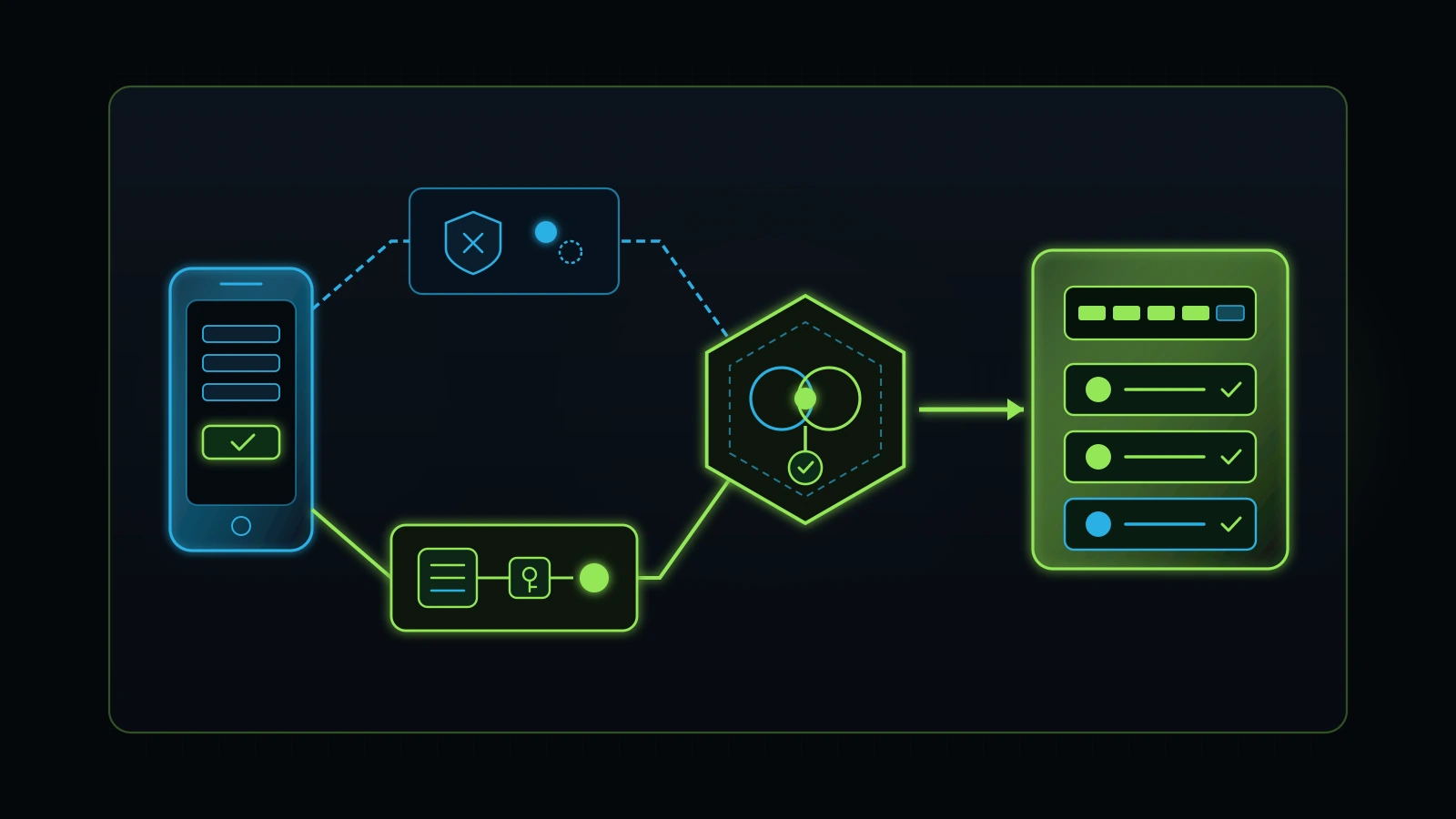
Every lead-generation and e-commerce ad account in 2026 requires both the browser-side Meta Pixel and the server-side Conversions API (CAPI) firing in parallel with a shared event_id deduplication parameter and an Event Match Quality score of at least 6.5 out of 10 (Meta, 2026). When Meta’s delivery algorithm optimizes your campaign, it relies entirely on the conversion signals you feed back into Events Manager. If those signals are broken, duplicated, or firing on the wrong page, Meta’s machine learning optimizes for the wrong human behavior at scale (Meta, 2026).
The 4 Conversion Tracking Failures We Catch in 70% of Audited Accounts
During a forensic facebook ad account audit, open Meta Events Manager (business.facebook.com/events_manager2) and inspect your primary Dataset over the last 28 days (Meta, 2026). Look specifically for these four tracking defects:
- Phantom
LeadorScheduleEvents Firing on Page Load: In dozens of service-business accounts we have audited over the past decade, a previous freelancer placed thefbq('track', 'Lead')script on the landing page itself rather than the post-submission confirmation page or form-submit webhook. Every single visitor who clicks the ad and lands on the page is counted as a “Lead” in Ads Manager, giving the agency a fake 65% conversion rate while zero forms were actually submitted (Illustrative Model, 2026). - Missing Server-Side CAPI or Broken Deduplication: If your Dataset shows Browser as the only connection method, Safari Intelligent Tracking Prevention (ITP), iOS privacy protections, and desktop ad blockers are stripping 20% to 35% of your real conversion attributions (Meta, 2026). Conversely, if an agency turned on a GoHighLevel, Shopify, or WordPress CAPI integration without passing a matching
event_idbetween the browser Pixel and server webhook, Meta fails to deduplicate them and counts every single lead twice (Meta, 2026). Look at the Event Overview > View Details > Event Deduplication tab inside Events Manager: your deduplication rate and key coverage should exceed 90% (Meta, 2026). - Low Event Match Quality (EMQ) Scores Below 6.0/10: Click on your
Lead,Schedule, orPurchaseevent inside Events Manager to inspect the Event Match Quality score out of 10 (Meta, 2026). An EMQ score of 3.2/10 means your server is only sending an IP address and user agent without hashed customer parameters (emfor email,phfor phone number,fn/lnfor first and last name,zpfor zip code, andfbc/fbpclick and browser IDs) (Meta, 2026). Feeding hashed CRM contact fields through your GoHighLevel or server webhook routinely lifts EMQ from 4.0/10 to 7.8+/10, allowing Meta to accurately match conversions back to the exact ad that drove them (Illustrative Model, 2026). - Custom Column Mismatch in Ads Manager (“Results” Inflation): When you look at the default Results column in Ads Manager, hover your mouse over the number. If an agency added three different custom conversions plus
ViewContentandContactto the campaign’s tracking configuration, the Results column can aggregate micro-actions that have nothing to do with booked appointments (Meta, 2026). Always create a custom column preset in Ads Manager that isolates Leads (Form), Website Leads, Scheduled Appointments, and Cost per Scheduled Appointment side by side (Meta, 2026).
Step 3: Audit Lead Capture Architecture (Instant Forms vs. High-Intent Landing Pages)
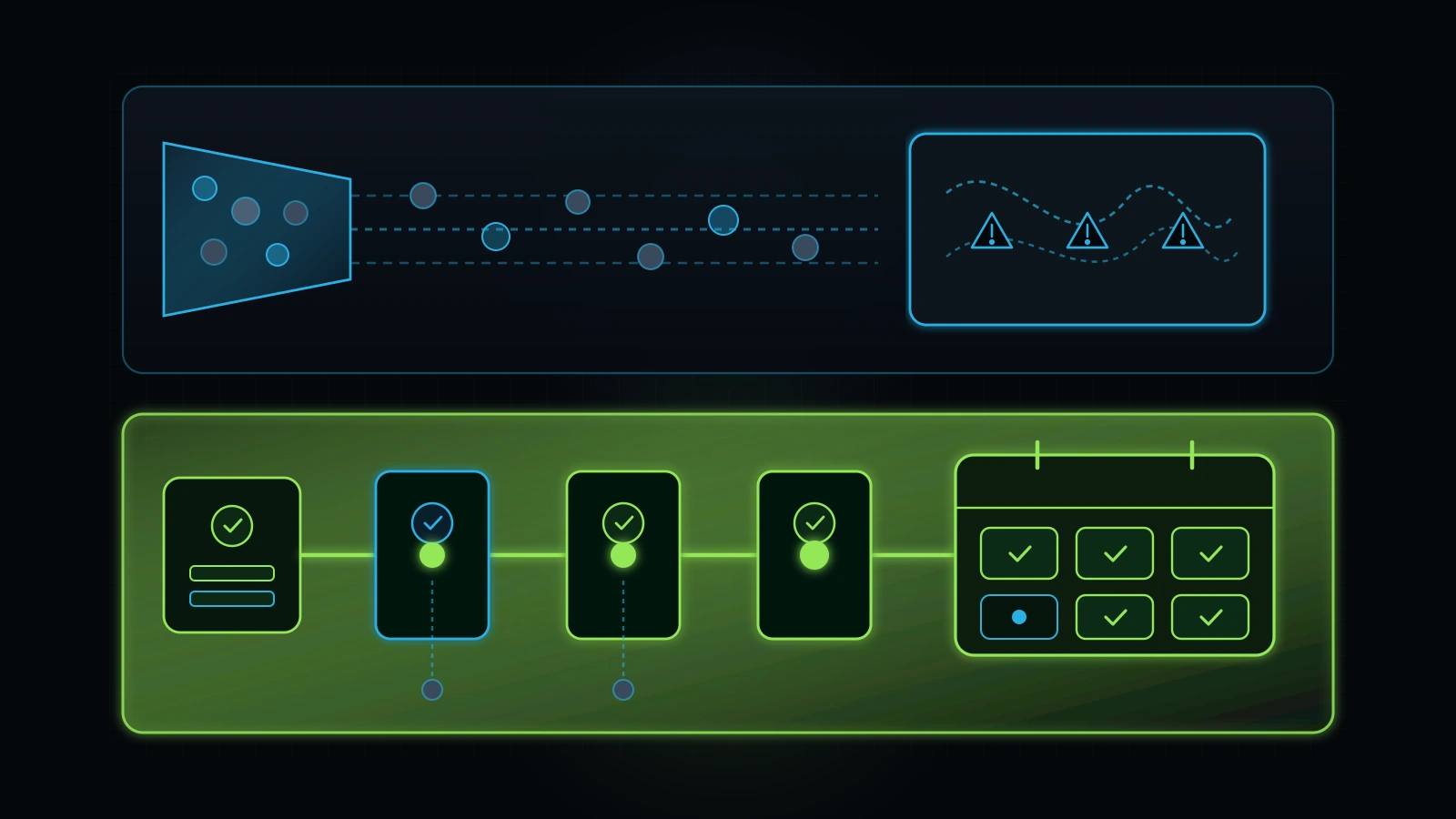
Default “More Volume” Meta Instant Forms are the number-one cause of fake, unreachable, or low-intent leads in small-business Facebook advertising (Meta, 2026). When a prospect taps a standard Instant Form ad on Facebook or Instagram, Meta automatically pre-fills their name, email address, and phone number using whatever profile information they typed into Facebook eight years ago (Meta, 2026). The user taps “Submit” twice in three seconds while waiting in line for coffee, never visits your website, never reads your pricing or service area, and forgets your company name thirty seconds later (Illustrative Model, 2026).
How to Fix Instant Forms Without Destroying Conversion Volume
Does this mean you should never use Meta Instant Forms? No. In local home services, automotive detailing, and medical aesthetics (including campaigns we architected and refined alongside clinic workflows like TOCC Aesthetics and A Younger You MedSpa), well-engineered Instant Forms can perform exceptionally well if and only if you intentionally add friction to filter out accidental clickers.
When auditing an account that uses Instant Forms, open the form configuration at the Ad level and check these four settings:
- Form Type Must Be “Higher Intent” or “Rich Creative”, Never Plain “More Volume”: Selecting Higher Intent adds a mandatory slide-to-submit review step so users cannot submit the form with an accidental thumb tap (Meta, 2026).
- Add 2 to 3 Custom Qualifying Questions (Multiple Choice + Conditional Logic): Ask concrete disqualifying or routing questions before the contact screen. For a medspa: “Which treatment goal are you exploring over the next 30 days?” and “Have you had this treatment before?” For a home-service contractor: “Do you own the property where the project will take place?” and “What is your target timeline to begin work?” Using Meta’s Conditional Logic, automatically route non-homeowners or out-of-budget responses to a polite disqualification screen so they never fire a
Leadevent or clog your CRM (Meta, 2026). - Require at Least One Short-Answer Manual Input (or SMS OTP Verification): Because Meta auto-fills default contact fields, include a custom short-answer question asking for their Best cell number for text confirmation or Property ZIP code so the user must physically type on their keyboard (Illustrative Model, 2026).
- Configure the Completion Screen to Drive Immediate Self-Booking: Never leave the Instant Form thank-you screen saying “Thanks, we’ll be in touch.” Set the call-to-action button on the thank-you screen to “Book Your Appointment Online Now” or “Call Our Clinic Directly,” linking straight to your GoHighLevel calendar booking page with UTM parameters intact (Illustrative Model, 2026).
Comparing Lead Capture Methods Across Service-Business Campaigns
| Lead Capture Architecture | Typical Cost Per Reported Lead (Illustrative Model, 2026) | Typical Contact / Answer Rate (Illustrative Model, 2026) | Lead-to-Booked-Appointment Rate (Illustrative Model, 2026) | Effective Cost Per Booked Appointment (Illustrative Model, 2026) |
|---|---|---|---|---|
| Default “More Volume” Instant Form (Auto-Filled Only) | $11.00 | 18% | 6% | $183.33 (Plus massive front-desk burnout) |
| “Higher Intent” Instant Form + 3 Conditional Questions + Booking Redirect | $26.00 | 58% | 28% | $92.86 |
| Fast Dedicated Mobile Landing Page (< 2.0s LCP) + Direct Calendar Embed | $42.00 | 76% | 45% | $93.33 (Highest show rate & average ticket) |
| Click-to-Messenger / WhatsApp AI Triage + Automated Qualification | $29.00 | 64% | 31% | $93.55 |
Look closely at the rightmost column in the table above. An agency bragging about “$11 leads” from a default Instant Form is actually charging you $183.33 per booked appointment while forcing your receptionist to dial 16 dead phone numbers for every single booked consultation (Illustrative Model, 2026). Raising your front-end lead qualification bar cuts your real cost per booked appointment in half (Illustrative Model, 2026).
Step 4: Audit Advantage+ Audience Controls, Placement Leaks, and Customer Exclusions
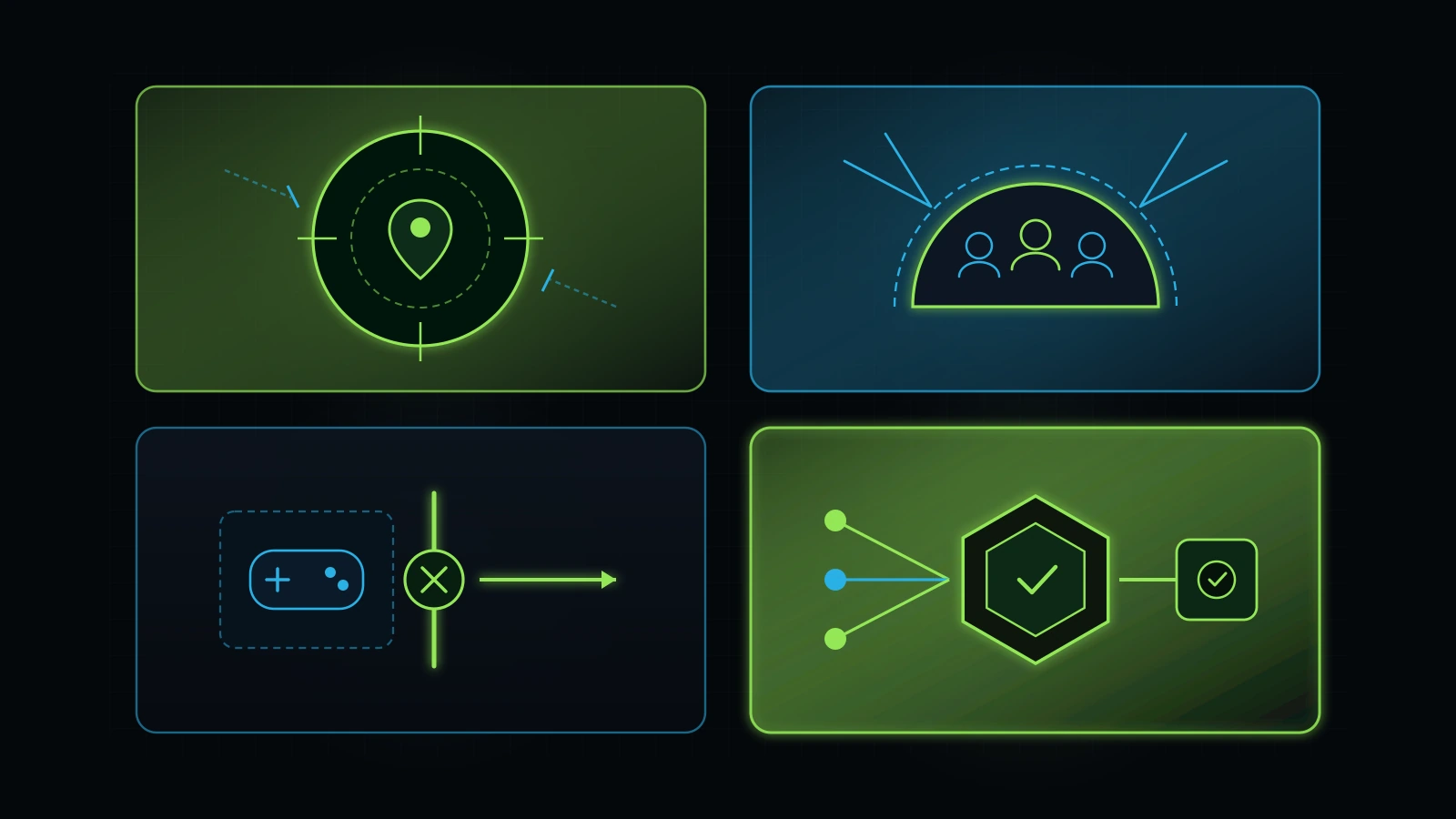
Unrestricted Meta Advantage+ settings routinely divert 15% to 35% of a local service business’s ad budget into low-converting mobile game placements, out-of-area impressions, and ads shown repeatedly to existing paying customers (Illustrative Model, 2026). Over the last three years, Meta has systematically replaced manual targeting controls with automated defaults: Advantage+ Audience, Advantage+ Placements, Advantage+ Creative, and Advantage+ Campaign Budget (Meta, 2026). Automation is powerful when fed clean conversion data, but when left on default settings for a local or regional service business, it creates three immediate budget leaks.
How to Uncover Placement and Geographic Leaks Using Ads Manager Breakdowns
Do not guess where your ads appeared; inspect the raw delivery data. Inside Meta Ads Manager, select your last 90 days of date history, click the Breakdown dropdown menu on the right side of the toolbar, and run these three checks (Meta, 2026):
- Breakdown > By Delivery > Placement: Look at how much money was spent on Audience Network (in-app banner and rewarded video ads inside third-party mobile games and utility apps) and Facebook Right Column (Meta, 2026). For lead-generation campaigns using Instant Forms or website clicks, Audience Network frequently generates accidental taps from toddlers playing iPad games or users trying to close a pop-up video reward ad (Illustrative Model, 2026). If Audience Network accounts for 18% of your spend and 0% of your CRM-verified appointments, switch from unrestricted Advantage+ Placements to manual placement exclusions and uncheck Audience Network immediately (Meta, 2026).
- Breakdown > By Delivery > Country / Region / DMA: Check whether your local clinic, plumbing company, or law firm is paying for impressions three states away (Meta, 2026). In March 2023, Meta removed the old “Living in vs. Traveling in” toggle and standardized location targeting around “People living in or recently in this location” (Meta, 2026). Beyond that default change, if an agency accidentally left location expansion or broad custom audience expansion unchecked, or typed a city name without setting a tight radius and postal-code exclusion ring, your ads will leak to airport travelers and out-of-market commuters who can never hire your local team (Illustrative Model, 2026).
- Check Custom Audience Exclusions at the Ad Set Level: Open your active prospecting ad sets and look at the Exclusions box under Audience Controls (Meta, 2026). Almost every small-business ad account we audit has zero exclusions. Without an automated custom audience sync from your GoHighLevel CRM excluding existing customers, active pipeline opportunities, and recent 30-day leads, Meta’s algorithm will happily spend 20% of your “new customer prospecting” budget showing ads to your current clients and employees, because those are the people most likely to click and engage with your brand (Illustrative Model, 2026).
Step 5: Audit Creative Architecture, Hook Rate, Hold Rate, and Ad Fatigue
In 2026, your ad creative is your primary targeting mechanism on Meta, and running one or two static Canva flyers for four months straight guarantees rising CPMs and collapsing lead conversion rates (Meta, 2026). After Meta consolidated detailed interest targeting into broad and Advantage+ delivery models, the algorithm reads the visual elements, spoken transcript, on-screen captions, and early viewer engagement of each ad to determine which sub-segment of the market should see it (Meta, 2026).
Building Your Custom Creative Diagnostic Columns in Ads Manager
Most business owners only look at total clicks and overall CTR (All), which counts clicks on the “See More” text expansion, profile picture clicks, and comment section taps (Meta, 2026). To run a real facebook ads audit on your creative performance, click Columns: Performance > Customize Columns in Ads Manager and create three custom metrics alongside your standard columns (Meta, 2026):
- Outbound CTR (Click-Through Rate): Measures the percentage of impressions that resulted in a click that actually took the user toward your destination or form, ignoring likes, shares, and “See More” clicks (Meta, 2026). Healthy local and B2B service campaigns typically maintain an Outbound CTR between 0.90% and 2.20% (Illustrative Model, 2026).
- 3-Second Video Hook Rate (
3-Second Video Plays / Impressions): Measures the percentage of people scrolling their feed who stopped for at least three seconds to watch your video (Meta, 2026). Create a Custom Metric in Ads Manager with the formula3-Second Video Plays / Impressionsformatted as a percentage. A healthy video hook rate sits above 25% to 32%; anything below 18% means your opening three seconds fail to call out the specific buyer pain or local context (Illustrative Model, 2026). - Video Hold Rate (
ThruPlays / 3-Second Video Plays): Measures how many people who stopped for the hook stayed for at least 15 seconds (or the full video if shorter) (Meta, 2026). A hold rate above 20% to 28% indicates your middle body copy and visual demonstration hold attention; a high hook rate paired with a 7% hold rate means your opening hook was clickbait or the body lacked substance (Illustrative Model, 2026). - 14-Day Frequency (
Impressions / Reach): Measures how many times the average person in your target audience saw your ad over the last 14 days (Meta, 2026). In cold prospecting campaigns, when 14-day frequency climbs above 2.8 to 3.5 (or above 5.0 to 6.0 in tight local remarketing), your audience is suffering from creative fatigue, causing your cost per result to spike by 35% to 80% within two weeks (Illustrative Model, 2026).
Check for Advantage+ Creative “Enhancement” Distortions
Here is a subtle 2026 audit checkpoint that catches even experienced marketers off guard: at the Ad level under Advantage+ Creative Enhancements, Meta routinely auto-enables AI image expansion, AI background generation, music overlays, text overlays, and high-contrast color filters (Meta, 2026). In medical aesthetics, healthcare, legal services, and high-trust consulting, having Meta’s automated enhancement tool slap a synthetic pop-music track onto a doctor’s clinical educational video or warp a before-and-after graphic destroys brand authority overnight (Illustrative Model, 2026). Inspect every active ad preview across Feed, Stories, and Reels, and manually toggle off any Advantage+ Creative enhancement that distorts your visual proof or clinical compliance (Meta, 2026).
Step 6: Audit Account Consolidation, Learning Phase Health, and Retainer-to-Spend Economics
Fragmenting a $2,500 to $5,000 monthly Meta ad budget across eight separate campaigns and twenty micro-targeted ad sets starves Meta’s delivery algorithm of conversion volume and locks your entire account in Learning Limited status (Meta, 2026). Back in 2018, media buyers routinely built “granularity” into accounts by creating one ad set for 25-to-34-year-old women interested in yoga, another ad set for 35-to-44-year-old women interested in organic food, and ten more micro-segments. If your agency still structures your account that way in 2026, you are paying them to bid against yourself in the auction while preventing any single ad set from accumulating enough data to optimize (Meta, 2026).
The Math of the Meta Learning Phase for Small and Mid-Sized Service Businesses
Meta’s ad delivery system requires roughly 50 optimization events per ad set within a 7-day window to fully exit the Learning Phase and stabilize cost per result (Meta, 2026). Let’s run the honest operator math on what that means for a local or regional service business:
- Suppose your true, qualified cost per lead is $35.00 (Illustrative Model, 2026).
- Generating 50 qualified leads in 7 days inside a single ad set would require $1,750 per week ($7,500 per month) allocated to that single ad set alone (Illustrative Model, 2026).
- If your total monthly Meta ad budget is $3,000 per month ($700 per week) and your agency splits that $700 across 6 campaigns and 14 ad sets, each ad set receives $50 per week and generates roughly 1.4 leads per week (Illustrative Model, 2026).
- At 1.4 leads per week, Meta’s algorithm is flying completely blind. Instead of fragmenting budget, a $3,000/month service business should consolidate 80% to 100% of its budget into one primary conversion campaign with one or two consolidated ad sets housing 3 to 5 distinct creative angles, allowing all conversion data to pool in one place (Illustrative Model, 2026).
Auditing Your Agency Fee-to-Ad-Spend Ratio
In my advisory work with small and mid-sized business owners, I always audit the total cost of customer acquisition, which means combining your Meta media spend with your agency or freelancer management fee. One of the core principles I share with founders is that marketing management spend must stay proportional to your media budget.
Look at the math below to see why many small service businesses cannot reach positive ROI even when their ads perform decently:
| Monthly Media Spend Paid to Meta | Monthly Agency Management Fee | Agency Overhead Ratio (Fee / Media Spend) | Effective Cost Multiplier on Every Lead | Audit Verdict (Illustrative Model, 2026) |
|---|---|---|---|---|
| $1,500 / mo | $2,500 / mo | 167% fee overhead | A $30 Meta lead actually costs $80.00 before a single sale closes. | FAIL (Inverted Economics): You are paying more for management overhead than actual market reach. |
| $3,000 / mo | $2,000 / mo | 67% fee overhead | A $30 Meta lead actually costs $50.00 all-in. | WARNING: Requires high average ticket ($2,500+) and sub-60-second CRM close rate to break even. |
| $5,000 / mo | $1,000 to $1,250 / mo | 20% to 25% fee overhead | A $30 Meta lead costs $36.00 to $37.50 all-in. | PASS (Healthy Scale Ratio): Management fee stays proportional to working media dollars. |
| $2,500 / mo | $499 / mo Advisory + Trained Internal/Specialist Execution | 20% oversight ratio | Owner retains 83% of budget in working media while receiving senior architectural governance. | PASS (Lean Operator Model): Ideal for businesses scaling from $2k to $10k/mo in ad spend. |
If you are spending $1,500 per month on Meta ads and paying an agency $2,000 per month to “manage” one campaign, no amount of creative tweaking will fix that unit-economic inversion (Illustrative Model, 2026). We cover how to restructure bloated vendor contracts in our comparison of in-house marketing vs. agency models and our guide to executing a full tech stack audit.
Step 7: Audit the Post-Click Speed-to-Lead and CRM Closed-Loop Pipeline
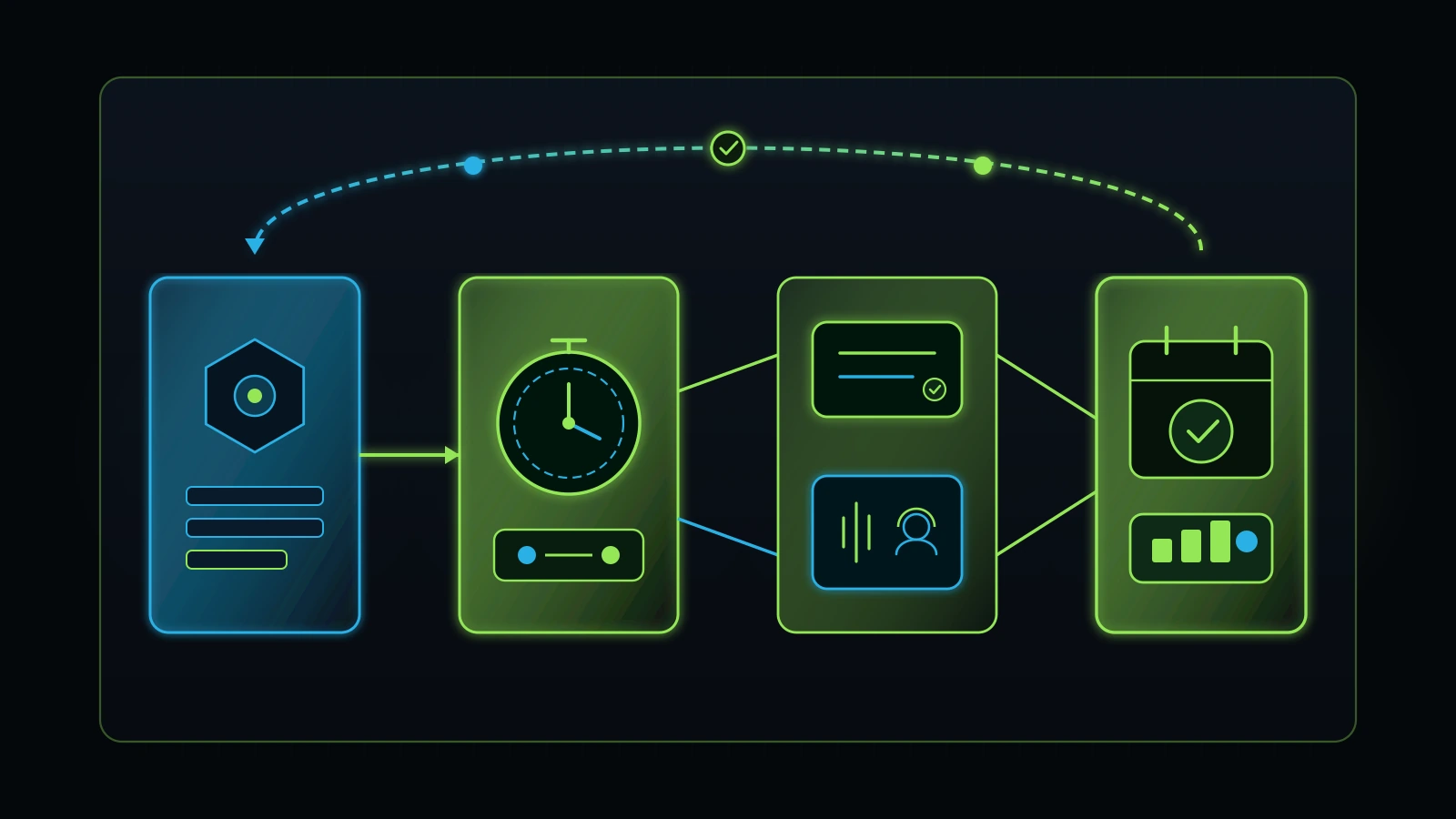
The single highest-ROI fix in any facebook ads audit happens outside Meta Ads Manager: reducing your time-to-first-contact from hours to under 60 seconds inside your CRM while sending verified stage changes back to Meta (Illustrative Model, 2026). Search intent and social interruption operate on completely different psychological clocks. When someone searches “emergency AC repair near me” on Google, they have their phone in hand looking for a technician right now. When someone is scrolling Instagram Reels at 8:45 PM and submits a Meta form for a $2,400 skin rejuvenation package or a kitchen remodel quote, their attention window lasts less than five minutes before they put their phone down or click three competing ads (Illustrative Model, 2026).
Why Manual CSV Downloads and Email Alerts Murder Meta Ad ROI
During our account audits, I always ask the business owner one simple question: “Show me what happens in the first 90 seconds after a prospect submits your Facebook ad.” In more than half of struggling accounts, the answer is horrifying:
- Either nobody gets notified at all, and an assistant downloads a CSV file from the Facebook Page Publishing Tools every Tuesday and Thursday morning (Illustrative Model, 2026).
- Or a brittle Zapier task sends a plain-text email to
info@company.com, where it sits unread over the weekend until Monday at 10:30 AM (Illustrative Model, 2026).
When you wait 4 to 24 hours to contact a Meta ad lead, contact rates plummet below 15%, and your staff concludes that “Facebook leads are trash” (Illustrative Model, 2026). As we documented in our lead follow-up system blueprint and our analysis of service business revenue leaks, the lead did not go bad because of Facebook; the lead went cold because your operational handoff was broken.
The Closed-Loop GoHighLevel + Meta CAPI Workflow We Deploy
Here is how a properly engineered post-click system operates when we connect Meta Ads to a consolidated GoHighLevel CRM (the exact architecture I trained Jason/Talha to deploy across our service-business and clinic accounts, including TOCC Aesthetics):
- Second 0 to 5 (Native Webhook Ingestion): The moment a prospect submits a Higher-Intent Instant Form or landing-page form, GoHighLevel ingests the payload natively with full UTM parameters (
utm_source,utm_medium,utm_campaign,utm_content,ad_id,fbclid), creates an Opportunity card in theNew Meta Leadpipeline stage, and fires a deduplicated server-sideLeadevent via Conversions API (Illustrative Model, 2026). - Second 15 to 45 (Two-Way Conversational SMS + Booking Link): GoHighLevel automatically sends a personalized, human-toned SMS from a local A2P 10DLC-registered phone number referencing the exact offer or question the prospect just answered: “Hi [First Name], this is Sarah at [Clinic/Company Name]. We just received your request regarding [Selected Service]. Do you prefer morning or afternoon appointments this week, or would you like to grab a time directly on our calendar here?” (Illustrative Model, 2026).
- Second 60 (Automated Whisper Call Bridge or AI Receptionist Triage): During business hours, GoHighLevel dials your front desk or sales rep with a whisper prompt (“New Meta ad lead: [First Name], interested in [Service]. Press 1 to connect immediately”). If your front desk is on another line or the lead arrives at 9:30 PM on a Sunday, an AI receptionist with immediate human escalation backup engages the prospect, answers common pricing/location questions, and books the consultation directly onto your live calendar (Illustrative Model, 2026).
- Stage-Change Offline Conversion Feedback to Meta: When the prospect books an appointment on the calendar (or when a receptionist marks the Opportunity as
Qualified Appointment Bookedand laterClosed Wonwith a dollar value), GoHighLevel fires a server-side Conversions API workflow event (ScheduleandPurchasewith revenue value) back to your Meta Dataset (Meta, 2026). Now you can switch your Meta campaign optimization away from raw form submissions and optimize directly for Booked Appointments and Qualified Leads (Meta, 2026).
Case Walk-Through: Replacing a “$12 Lead” Vanity Trap With Verified Booked Consultations
Consider how these seven steps come together in a composite operational scenario based on the medical aesthetics, wellness, and local service accounts we audit every quarter (Illustrative Model, 2026).
The Before State (The $5,200/Month Agency Mirage)
A regional medical aesthetics and wellness clinic is spending $3,200 per month on Meta ad media and paying an external digital agency $2,000 per month in management fees ($5,200/month total outlay) (Illustrative Model, 2026). Every month, the agency emails a glossy Looker Studio PDF celebrating 266 Facebook leads at an average cost per lead of $12.03 (Illustrative Model, 2026).
Yet the clinic owner is furious: out of those 266 reported leads, the front desk only managed to get 31 people on the phone (11.6% contact rate), booked 9 consultations, had 5 patients actually show up, and closed 3 treatment packages worth $1,800 each ($5,400 gross revenue against $5,200 total marketing spend, resulting in a steep net loss after clinical consumables and staff labor) (Illustrative Model, 2026).
What the 45-Minute Forensic Facebook Ads Audit Uncovered
When we opened the clinic’s Meta Business Portfolio and CRM pipeline, we found five compounding leaks within thirty minutes (Illustrative Model, 2026):
- Double-Counted Pixel Events (Step 2 Failure): The agency had installed both a browser Pixel
Leadscript on the website thank-you page and a secondary plugin event without anevent_iddeduplication key, while also running default Instant Forms. Out of the 266 “leads” reported in Ads Manager, 84 were duplicate browser fires from only 42 actual website submissions (Illustrative Model, 2026). - Default “More Volume” Instant Forms (Step 3 Failure): The remaining 182 reported leads came from a single “More Volume” Instant Form with zero qualifying questions and auto-filled contact fields. Roughly 60% of those phone numbers were inactive or belonged to users who tapped the ad accidentally (Illustrative Model, 2026).
- 24% Spend Leak on Audience Network & Existing Patients (Step 4 Failure): Running a Placement Breakdown revealed $768 per month (24% of media spend) going to Audience Network mobile app placements, plus zero custom audience exclusions for the clinic’s 2,400 existing patients (Illustrative Model, 2026).
- 7 Fragmented Campaigns in “Learning Limited” (Step 6 Failure): The $3,200 monthly budget was chopped across 7 campaigns and 15 ad sets, none of which exceeded 4 optimization events per week (Illustrative Model, 2026).
- 14-Hour Average Speed-to-Lead (Step 7 Failure): Instant Form leads were being synced via a broken third-party connector that failed silently twice a week, leaving leads sitting inside Facebook Page tools for an average of 14.5 hours before a front-desk coordinator called them (Illustrative Model, 2026).
The 30-Day Remediation and Verified Revenue Outcome
We executed five surgical fixes without adding a single dollar of media spend (Illustrative Model, 2026):
- Repaired the Meta Pixel and GoHighLevel server-side Conversions API with
event_iddeduplication, lifting Event Match Quality from 3.8/10 to 8.1/10 (Illustrative Model, 2026). - Replaced the “More Volume” Instant Form with a Higher-Intent conditional form requiring two treatment-qualification answers and manual cell number confirmation, redirecting directly to the clinic’s GoHighLevel self-booking calendar (Illustrative Model, 2026).
- Excluded Audience Network, uploaded the 2,400-patient exclusion list, and consolidated all $3,200/month into one primary conversion campaign with two ad sets testing four video and founder-proof creatives (Illustrative Model, 2026).
- Activated a sub-60-second GoHighLevel SMS, whisper call bridge, and after-hours AI voice triage workflow, feeding
Schedule(Booked Consultation) events back to Meta CAPI (Illustrative Model, 2026).
The Result at Day 30 (Illustrative Model, 2026):
- Reported raw lead volume dropped from 266 phantom leads to 74 verified, high-intent patient inquiries ($43.24 cost per qualified inquiry) (Illustrative Model, 2026).
- Front-desk contact rate jumped from 11.6% to 71.6% (53 conversations out of 74 inquiries) because every lead was contacted in under 60 seconds (Illustrative Model, 2026).
- Booked consultations increased from 9 to 34 per month ($94.12 media cost per booked consultation), with 27 patients showing up (79.4% show rate due to automated SMS/calendar reminders) and 14 closed treatment packages generating $25,200 in verified monthly revenue on the exact same $3,200 media spend (Illustrative Model, 2026).
DIY Owner Audit vs. Agency “Free Audit” Pitch vs. Independent Advisory Oversight
Not all audits are created equal. When you click a paid ad offering a “Free Facebook Ads Audit” from a traditional media agency, understand that the person reviewing your account is usually a commission-based salesperson trained to find five scary-looking charts so you sign a 12-month management retainer (Illustrative Model, 2026). Compare the three approaches below before deciding how to review your account:
| Evaluation Dimension | DIY Owner Audit (Using This 7-Step Checklist) | Traditional Agency “Free Audit” Sales Pitch | The Retired Consultant ($499/mo Executive Advisory) |
|---|---|---|---|
| Primary Objective | Catch obvious billing, tracking, and lead-quality leaks yourself in 45 minutes. | Convince you to fire your current vendor and sign a $2,000 to $4,000/mo agency contract. | Provide independent, vendor-neutral forensic governance across your ads, website, and CRM. |
| Scope of Inspection | Meta Business Settings, Events Manager, Ads Manager breakdowns, and basic CRM response check. | Surface-level Ads Manager screenshots (CTR, CPM, and creative critiques); ignores post-click CRM leaks. | End-to-end inspection: Meta CAPI deduplication, Instant Form/landing page architecture, GoHighLevel speed-to-lead, and staff accountability. |
| Conflict of Interest | Zero (you are the owner). | High (the auditor profits only if you increase retainer fees or switch to their media team). | Zero (flat $499/month advisory model; begins with a free 30-minute discovery call; no media markups). |
| Fixes the Lead Conversion Bridge? | Identifies where leads drop off so you can brief your team or specialist. | Rarely; most ad agencies stop at the form submission and blame your sales team for low close rates. | Yes; unifies paid media signals with GoHighLevel CRM automation, AI triage, and employee accountability. |
Next Steps and Related Operational Guides
- Executive Tech & Operations Advisory: Explore the $499/month independent advisory model with Faiz Ahmed, starting with a free 30-minute discovery call.
- Operations, AI & CRM Implementation Services: Review our hands-on CRM, paid acquisition, and workflow implementation scope.
- Book a Free 30-Minute Discovery Call: Share your current Meta ad spend, tracking questions, or CRM bottlenecks directly.
- Google Ads Audit: The 8-Layer Checklist to Stop Wasting Ad Spend: Pair your Meta Ads audit with our forensic paid-search inspection checklist.
- How to Audit Your Digital Marketing Agency: Inspect vendor contracts, retainer-to-spend ratios, and reporting honesty.
- In-House Marketing vs. Agency: The True Cost Breakdown: Compare the unit economics of hiring in-house, paying agency retainers, or building a lean hybrid pod.
- GoHighLevel Consultant: How to Audit, Build, and Fix Your CRM: Connect your paid social ads to an owner-controlled GoHighLevel pipeline.
- Lead Follow-Up System: The 60-Second Architecture That Stops Paid Ad Leaks: Install the sub-60-second SMS and voice follow-up cadence that converts social leads.
- Service Business Revenue Leaks: Identify and plug post-click operational leaks across your front desk and sales pipeline.
- AI Receptionist for Small Business: Capture after-hours and overflow Meta ad inquiries with AI voice triage backed by human staff.
- Tech Stack Audit: Eliminate overlapping SaaS subscriptions and brittle webhook connectors.
- How to Hold Employees Accountable Without Micromanaging: Establish clear front-desk SLA ownership for every paid lead entering your CRM.
References
- Meta Business Help Center (2026). About Conversions API and Server-Side Event Deduplication (
event_idand Event Match Quality). https://www.facebook.com/business/help/2041148702652965 - Meta Business Help Center (2026). About Instant Forms: Higher Intent vs. More Volume and Conditional Logic in Lead Ads. https://www.facebook.com/business/help/397336587121938
- Meta Business Help Center (2026). About the Learning Phase and Significant Edits in Meta Ads Manager. https://www.facebook.com/business/help/112167992830700
- Google Search Status Dashboard (2026). Google Search Ranking Releases History (September 2026 Spam Update Completion Verified November 5, 2026). https://status.search.google.com/products/rGHU1u87FJnkP6W2GwMi/history
- DataForSEO (2026). Live US Keyword Overview, Google Organic SERP, and Bulk Referring Domains Intelligence for
facebook ads auditandmeta ads audit(Retrieved November 5, 2026). https://dataforseo.com/ - Integral Technologists (2026). TOCC Aesthetics Case Study: Unifying Brand, Website Conversion Architecture, GoHighLevel CRM, and Meta Ads Execution. https://integraltechnologists.com/blog/
Disclaimer: This article reflects the author’s personal opinion and a decade of practical experience building and auditing digital agency teams, paid acquisition workflows, and service-business CRM systems. Firsthand operational examples (including mentoring internal specialist operator Talha/Jason across Meta Ads and GoHighLevel CRM workflows and publicly documented clinic engagements such as TOCC Aesthetics and A Younger You MedSpa) describe the author’s own operating history, while financial tables and clinic turnaround scenarios are simplified illustrative models (Illustrative Model, 2026) rather than guaranteed client outcomes. Paid social advertising performance varies by market, offer, budget, and execution. The author has a commercial interest in advisory and CRM/paid media implementation through The Retired Consultant, Integral Technologists, and OmniFlow, as disclosed under the byline.
